

The Documentation Audit Form walks a reviewer through seven structured questions covering a document's identity, compliance, accuracy, completeness, and readability. It opens by asking for the document's unique identifier or title, then its version number and revision date, so the audit is tied to a specific, traceable record from the start. Two single-choice compliance and completeness checks sit alongside two rating questions — one for accuracy and one for clarity — giving the owner both pass/fail signals and nuanced quality scores. An optional final question invites additional comments, findings, or recommendations before the reviewer submits. After submitting, the form thanks the reviewer and confirms that their responses contribute to ongoing document management and compliance standards.
Try the conversation below to see how this template works
Trusted by over 10,000 customers and growing
Conversations Started
Questions Answered
Forms Created
Relies on the "Does the document comply with all relevant internal policies and external regulations?" question and its 'N/A' option to log compliance status against a specific versioned document.
Uses the paired rating questions — one for accuracy, one for clarity — to produce comparable quality scores across multiple documents in a standardised review cycle.
Depends on the "Is all necessary information included in the document as per requirements?" question and the open comments field to pinpoint content gaps and capture targeted revision notes.

AI builds and refines your form through natural conversation no templates, no complex logic, no coding. From a simple text prompt or URL, Dashform generates intelligent flows that adapt automatically.
Dashform turns traditional form-filling into a two-way dialogue. The AI understands intent, remembers context, and asks relevant follow-up questions just like a real human conversation.
Every response is transformed into structured, meaningful, and ready-to-use data. Integrate with your favorite tools.
Everything you need to create amazing forms
Everything you need to know about this template
Don't see exactly what you need? Use our AI Form Generator to create a custom form in seconds. Just describe what you want, and AI will build it for you.
Explore more templates to find the perfect fit
 Product Order
Order a Caramel Chicken Meal Kit your way — choose serving size, spice level, delivery frequency, and note any dietary needs.
 Client Intake
Collect a patient's health concerns, symptoms, goals, and communication preferences before a care plan meeting.
 Registration
Register your company for the career fair with booth preferences, contact details, and candidate targeting in one short form.
 Logistics
Collect a carrier's legal name, DOT/MC numbers, insurance limits, equipment types, fleet size, and FMCSA rating in one form.
 Other
OtherStep through eight guided prompts to build a structured legal case brief, from citation to court reasoning and your own critique.
 Client Intake
Log client details, case status, attorney assignment, and next steps in one structured form.
Learn how to get the most out of your forms and templates

Learn how automated form workflows reduce manual work and improve data accuracy. Discover how Dashform uses AI to generate forms, map fields, and automate workflows across your business tools.
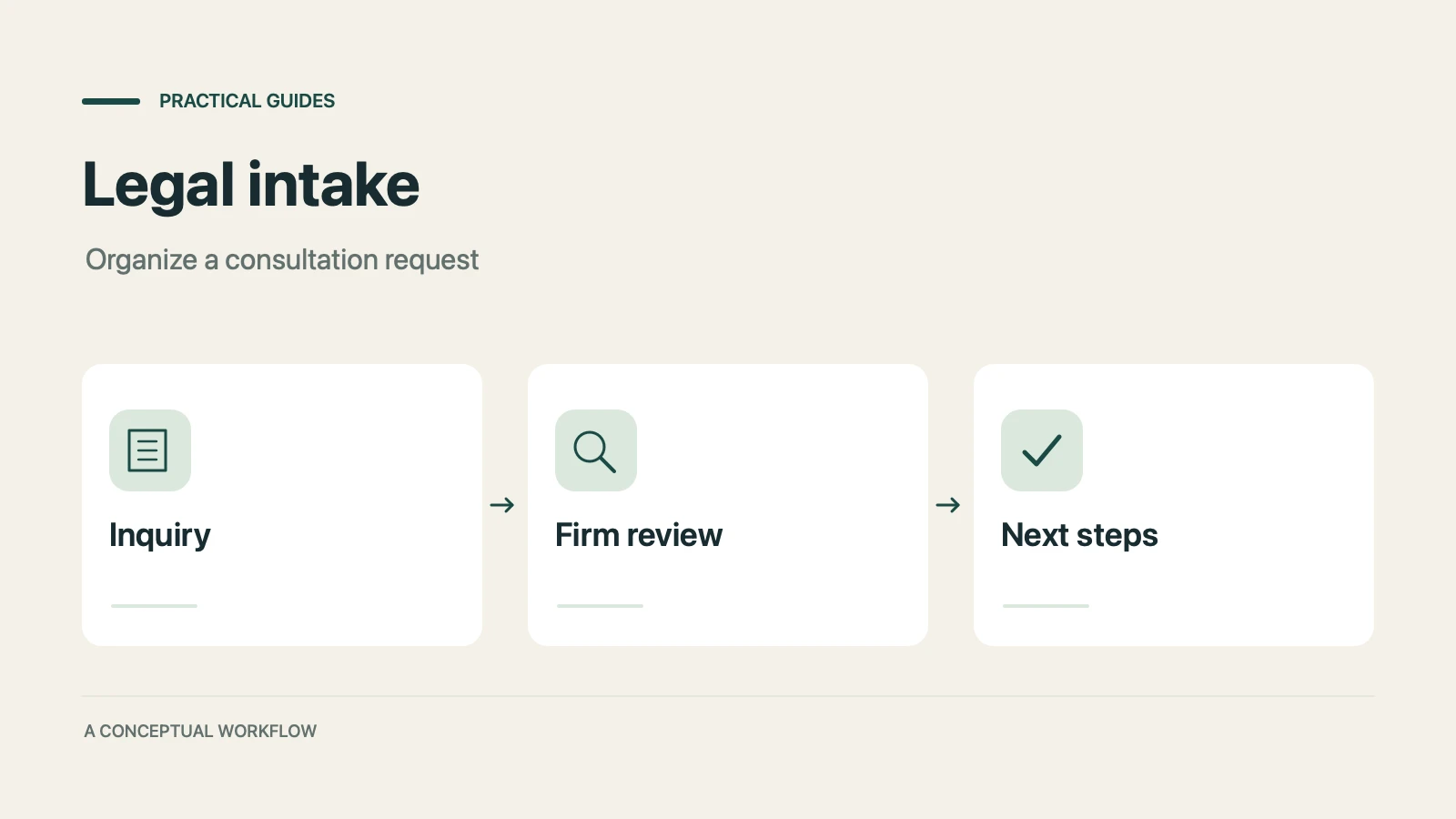
A proposed personal injury intake workflow for collecting inquiries, preparing attorney reviews, and gathering feedback, with clear boundaries for legal decisions, sensitive records, signatures, and external tools.
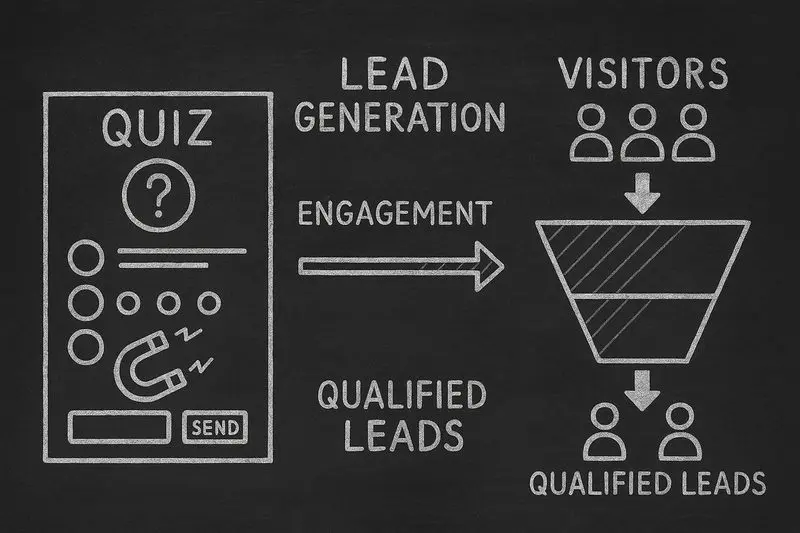
How lead generation quizzes work, the 5 quiz types that fit different goals, a design framework, and an email-capture playbook, with conversion data from Interact's quiz report.
Try the world's first AI-native form and turn every response into action instantly.