This form opens with a brief welcome that sets a reassuring tone before asking five questions. It starts by collecting the respondent's full name and email address so submissions can be matched to the right person and followed up if needed. The "What type of document are you submitting?" question comes next, offering five categories — Resume, Registration Form, Medical Record, Academic Assignment, or Other — so the receiving team knows how to route and handle the file straight away. The respondent then pastes a shareable document link, and an optional final question invites any extra context or notes. After submitting, respondents see a confirmation message letting them know their submission has been received and will be processed shortly.
Try the conversation below to see how this template works
Trusted by over 10,000 customers and growing
Conversations Started
Questions Answered
Forms Created
Rely on the "What type of document are you submitting?" and "Please paste a shareable link to your document." questions to receive and sort resumes and registration forms without manual back-and-forth.
Uses the document-link field and Medical Record category to identify patient-related submissions, with name and email captured for follow-up.
Pairs a document link with an academic-assignment or registration category, while optional notes let students explain the submission.

AI builds and refines your form through natural conversation no templates, no complex logic, no coding. From a simple text prompt or URL, Dashform generates intelligent flows that adapt automatically.
Dashform turns traditional form-filling into a two-way dialogue. The AI understands intent, remembers context, and asks relevant follow-up questions just like a real human conversation.
Every response is transformed into structured, meaningful, and ready-to-use data. Integrate with your favorite tools.
Everything you need to create amazing forms
Everything you need to know about this template
Don't see exactly what you need? Use our AI Form Generator to create a custom form in seconds. Just describe what you want, and AI will build it for you.
Explore more templates to find the perfect fit
 General Request
Document, justify, and route proposed changes to projects, contracts, processes, or systems for structured review.
 Progress Tracking
A weekly check-in covering weight, activity, nutrition, energy, sleep, and upcoming goals for consistent fitness tracking.
 Request
A structured internal form for submitting check requests with payee, amount, purpose, and budget details.
 Tracking Log
Log chemical substances with name, CAS number, quantity, storage location, hazard rating, and receipt date.
 Payment
Request a cheque payment by submitting payee details, amount, account code, approver, and required date.
 Survey
An eight-question survey capturing chocolate type preferences, flavors, buying habits, and market satisfaction.
Learn how to get the most out of your forms and templates
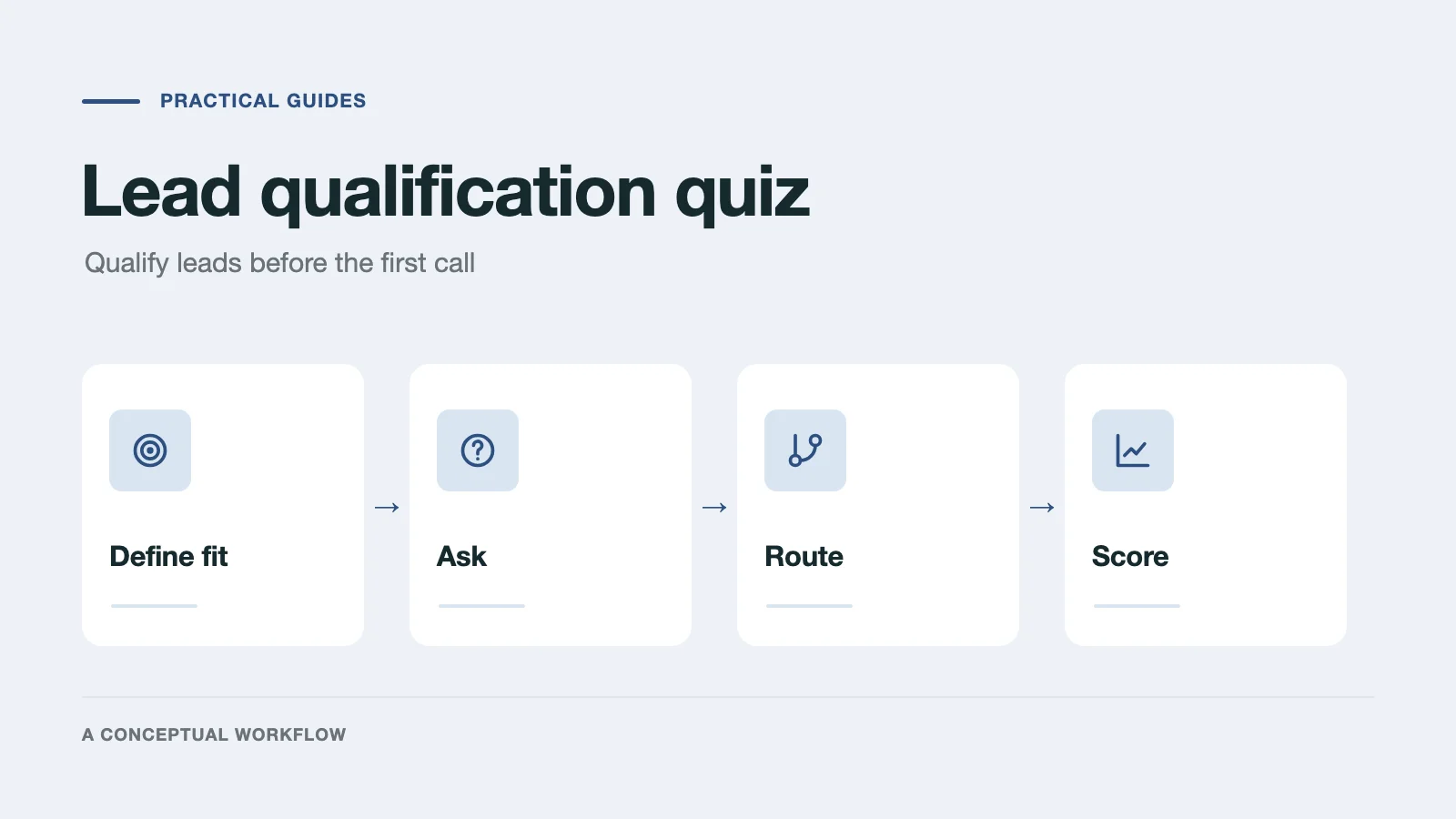
Build a lead qualification quiz: define who qualifies, ask questions that reveal fit, route each answer to a next step, and score every reply.
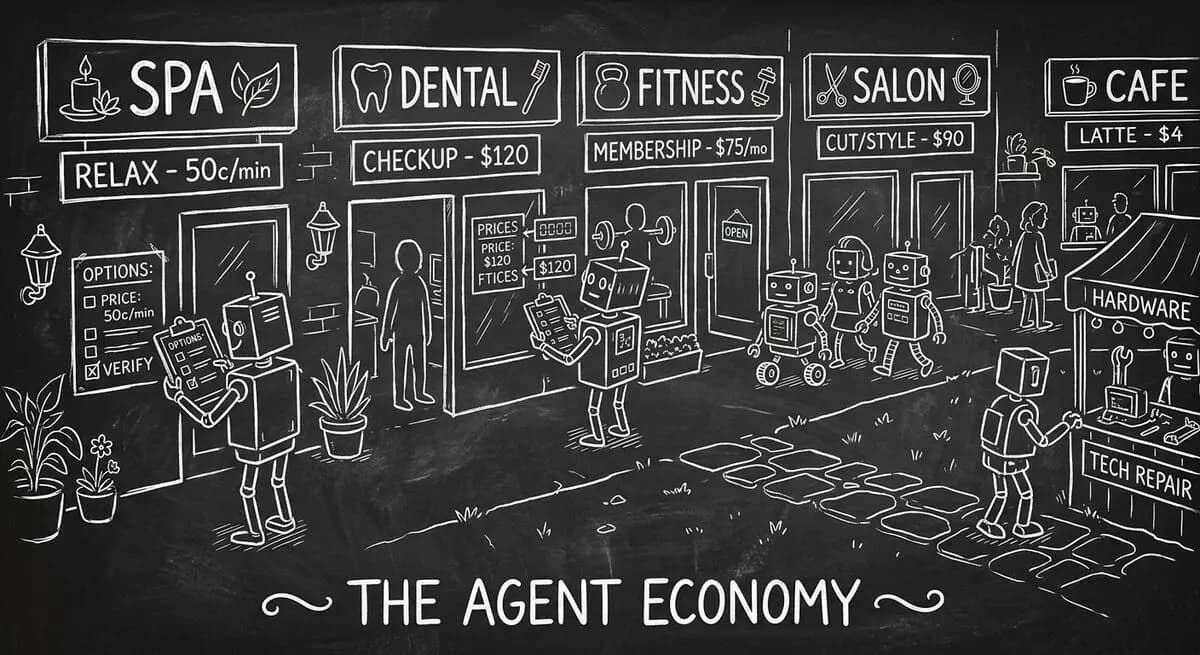
A practical guide to testing whether an authorized AI agent can find your service details and send an inquiry, with separate setup for confirmed bookings.

OpenAI's GPT-5.4 joined Claude Opus 4.6 and Gemini 3.1 Pro in early 2026. How their strengths differ for forms, quizzes, and lead qualification.
Try the world's first AI-native form and turn every response into action instantly.

