The Doubt Solving Form opens by asking for the respondent's full name and best contact email address, establishing who to reply to before anything else. The third question asks what type of query they have — choosing from technical, general, account, billing, or other — so the right team member can pick it up straight away. Two back-to-back description questions then ask for a brief subject line followed by a detailed account of the doubt, including context and steps already taken, giving support staff everything they need without a follow-up chase. A rating question captures urgency so queries can be triaged, and a final optional question lets the respondent choose between email or phone as their preferred contact method. After submitting, respondents see a confirmation screen letting them know their query has been received and a reply is on its way.
Try the conversation below to see how this template works
Trusted by over 10,000 customers and growing
Conversations Started
Questions Answered
Forms Created
They rely on the type-of-query and detailed description questions to route and resolve issues without needing to ask for more information upfront.
They use the subject and detailed description questions to understand exactly where a student is stuck before crafting a targeted response.
They lean on the urgency rating and contact preference questions to prioritise bug reports and account issues and reach users through their preferred channel.

AI builds and refines your form through natural conversation no templates, no complex logic, no coding. From a simple text prompt or URL, Dashform generates intelligent flows that adapt automatically.
Dashform turns traditional form-filling into a two-way dialogue. The AI understands intent, remembers context, and asks relevant follow-up questions just like a real human conversation.
Every response is transformed into structured, meaningful, and ready-to-use data. Integrate with your favorite tools.
Everything you need to create amazing forms
Everything you need to know about this template
Don't see exactly what you need? Use our AI Form Generator to create a custom form in seconds. Just describe what you want, and AI will build it for you.
Explore more templates to find the perfect fit
 Registration
Register your company for the career fair with booth preferences, contact details, and candidate targeting in one short form.
 Logistics
Collect a carrier's legal name, DOT/MC numbers, insurance limits, equipment types, fleet size, and FMCSA rating in one form.
 Other
Step through eight guided prompts to build a structured legal case brief, from citation to court reasoning and your own critique.
 Client Intake
Log client details, case status, attorney assignment, and next steps in one structured form.
 Incident Report
Collect structured patient case details — from onset date and diagnosis to treatments and co-existing conditions.
 Request
A structured employee form for requesting reimbursements, advances, final pay, or other payments from an employer.
Learn how to get the most out of your forms and templates
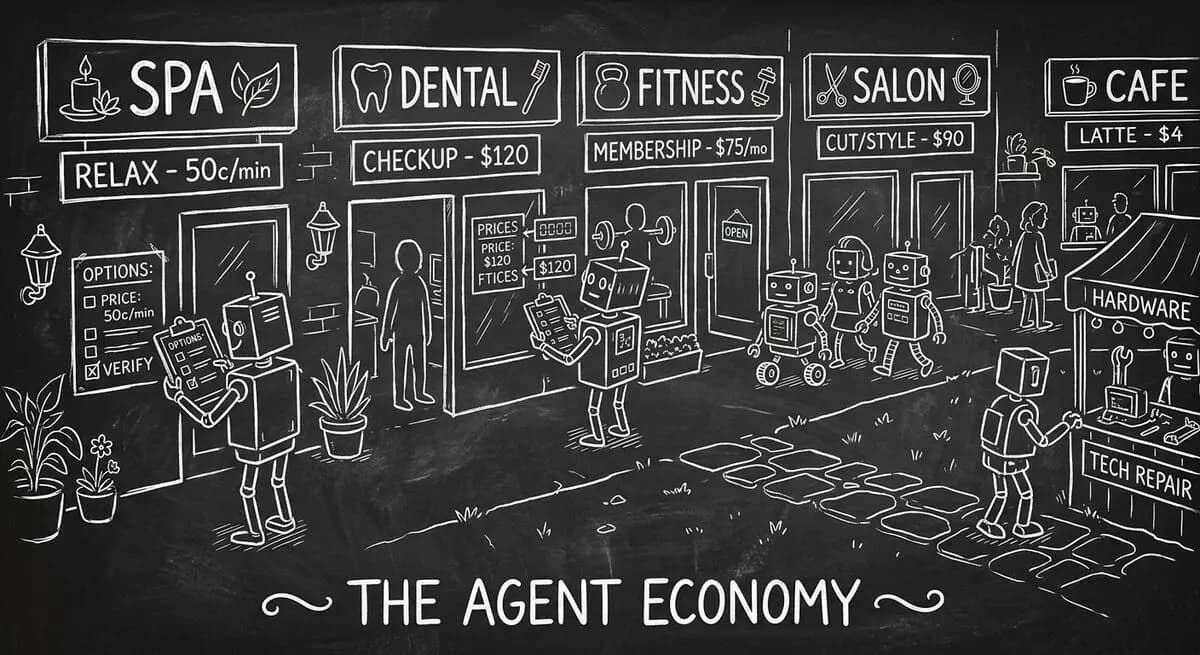
A practical guide to testing whether an authorized AI agent can find your service details and send an inquiry, with separate setup for confirmed bookings.

OpenAI's GPT-5.4 joined Claude Opus 4.6 and Gemini 3.1 Pro in early 2026. How their strengths differ for forms, quizzes, and lead qualification.
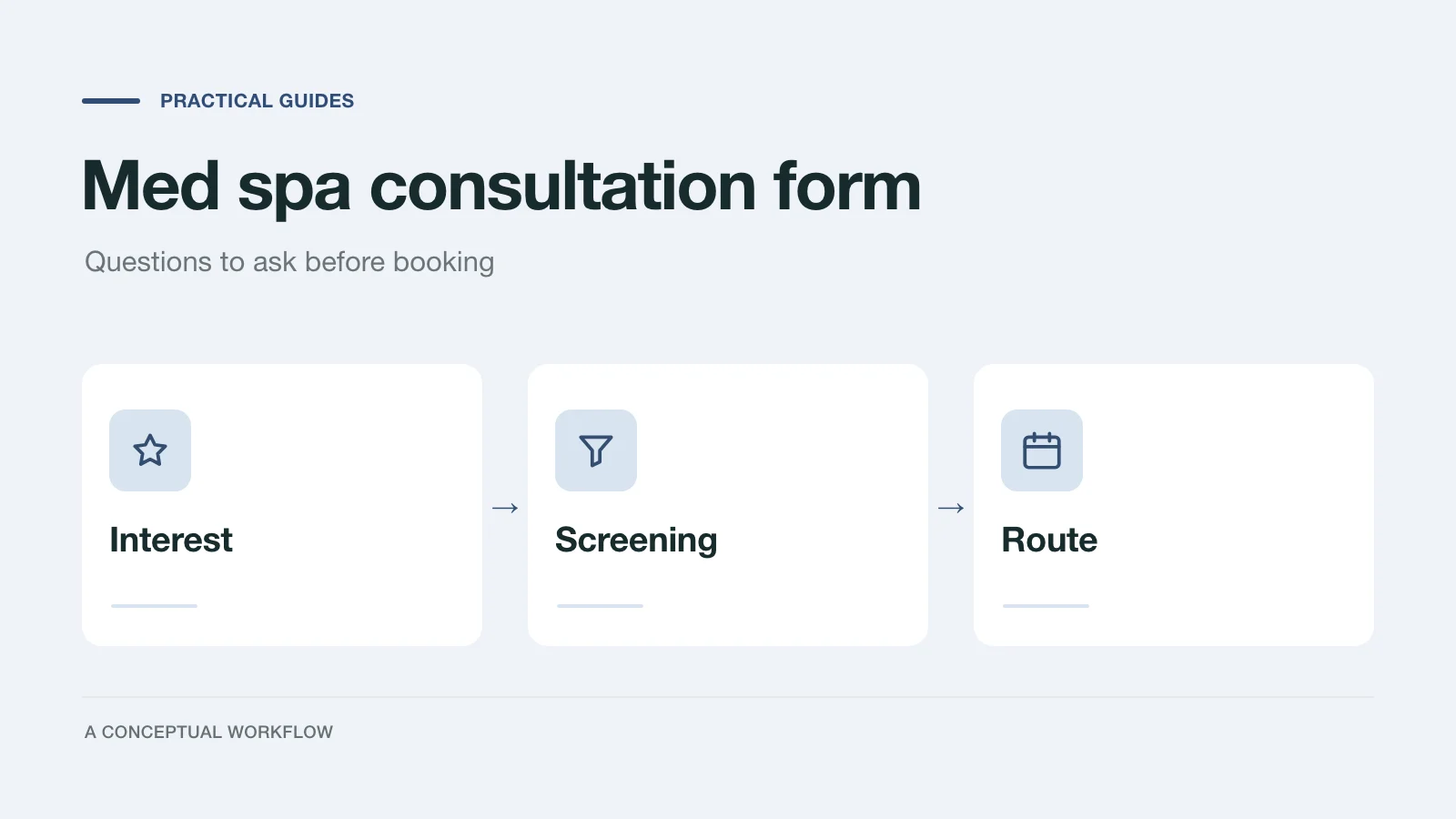
A copy-ready med spa consultation form question bank: treatment interest, screening flags, timing, budget and consent, plus rules for when to call first.
Try the world's first AI-native form and turn every response into action instantly.

