This seven-question form opens by collecting a respondent's full name and email address, then an optional phone number, so the team has the contact details needed before reading anything else. Next, the "What is your inquiry about?" question sorts submissions into six categories — from general information to partnership opportunities — giving the team a quick signal before diving into the details. The "What is the subject of your inquiry?" and "Please provide detailed information about your inquiry" questions work as a pair: a short headline followed by full context, making it easier to triage and respond accurately. Finally, the "How would you prefer to be contacted?" question ensures the team reaches out through the channel the respondent actually wants. After submitting, respondents see a confirmation screen letting them know a team member will be in touch within 24–48 hours.
Try the conversation below to see how this template works
Trusted by over 10,000 customers and growing
Conversations Started
Questions Answered
Forms Created
They rely on the "What is your inquiry about?" question to route their pricing or product queries to the right person without a back-and-forth email chain.
They depend on the "Please provide detailed information about your inquiry" question to arrive at a support conversation already briefed, reducing resolution time.
They use the 'Partnership Opportunities' option in the "What is your inquiry about?" question to separate partnership leads from general enquiries at a glance.

AI builds and refines your form through natural conversation no templates, no complex logic, no coding. From a simple text prompt or URL, Dashform generates intelligent flows that adapt automatically.
Dashform turns traditional form-filling into a two-way dialogue. The AI understands intent, remembers context, and asks relevant follow-up questions just like a real human conversation.
Every response is transformed into structured, meaningful, and ready-to-use data. Integrate with your favorite tools.
Everything you need to create amazing forms
Everything you need to know about this template
Don't see exactly what you need? Use our AI Form Generator to create a custom form in seconds. Just describe what you want, and AI will build it for you.
Explore more templates to find the perfect fit
 Waiver
Document the transfer of a motor vehicle with a clean, six-question form covering both parties, the VIN, and a final authorization.
 Vendor
A structured vendor application covering business details, offerings, credentials, and terms agreement — ready to review and approve new suppliers.
 Agreement
Capture vendor and company details, services, pricing, timelines, SLAs, duration, and notice terms in one structured form.
 Application
Collect essential vendor details, contact information, and service offerings to build a structured profile for potential collaboration.
 Professions
Collect owner contact details, pet profile, vaccination status, and health history before a first vet visit.
 Professions
Book a videography shoot by sharing your event details, coverage needs, visual style, and budget in one quick form.
Learn how to get the most out of your forms and templates

Draft an AI quiz lead magnet in Dashform, review its branches and Endings, configure email delivery, and measure results against your current lead magnet.
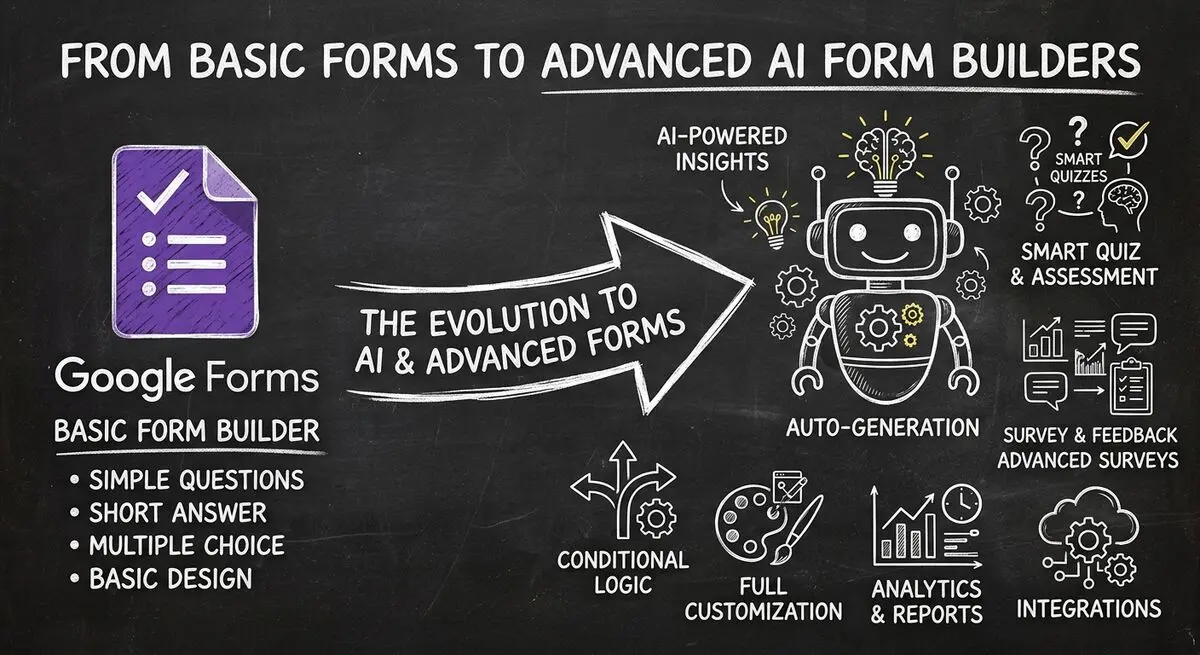
Set up a Google Forms quiz, configure answer keys and grade release, test the respondent experience, and evaluate alternatives for other quiz workflows.
View Google Form responses, link a Google Sheet, enable email notifications, and export a CSV. Compare these workflows with Dashform Reply review.
Try the world's first AI-native form and turn every response into action instantly.

