

This eight-question form walks booth applicants through everything an event organizer needs to confirm a reservation. It opens by collecting the organization name, primary contact name, and email address, so the organizer always knows who to reach. Next, applicants enter their preferred event dates in a free-text field, then choose a booth size from three standard footprints or flag a custom need, and select between an indoor or outdoor placement. An optional question asks whether electrical power is required, keeping logistics simple to plan. A final open-ended notes field lets applicants flag any other special requests before they submit. After submitting, applicants see a confirmation message letting them know their request is under review and that the organizer will follow up shortly.
Try the conversation below to see how this template works
Trusted by over 10,000 customers and growing
Conversations Started
Questions Answered
Forms Created
They rely on the booth size and indoor/outdoor questions to assign floor-plan spots and plan layout well before the event opens.
They use the organization name, contact name, and email questions to build a reliable vendor list and know exactly who to follow up with.
They depend on the electrical power and additional notes questions to coordinate power drops, permits, and any special setup requirements in advance.

AI builds and refines your form through natural conversation no templates, no complex logic, no coding. From a simple text prompt or URL, Dashform generates intelligent flows that adapt automatically.
Dashform turns traditional form-filling into a two-way dialogue. The AI understands intent, remembers context, and asks relevant follow-up questions just like a real human conversation.
Every response is transformed into structured, meaningful, and ready-to-use data. Integrate with your favorite tools.
Everything you need to create amazing forms
Everything you need to know about this template
Don't see exactly what you need? Use our AI Form Generator to create a custom form in seconds. Just describe what you want, and AI will build it for you.
Explore more templates to find the perfect fit
 Feedback
Collect structured parent feedback on satisfaction, cleanliness, safety, and activities to improve your daycare services.
 Report
Log a parcel delivery with recipient details, address, delivery status, and optional driver comments.
 Product Order
Place a delivery order by sharing your contact details, address, items, and any special instructions.
 Inquiry
Let visitors request a personalized product demo by sharing their contact details, area of interest, and any questions in advance.
 Client Intake
Collect patients' dental and medical history before their appointment, covering medications, allergies, conditions, and past treatments.
 Professions
Collect contact details, insurance info, visit reason, and medical history from new dental patients before their first appointment.
Learn how to get the most out of your forms and templates

Explore eight contractor form templates for project inquiries, estimates, inspections, work orders, and follow-up, with practical setup and review advice.
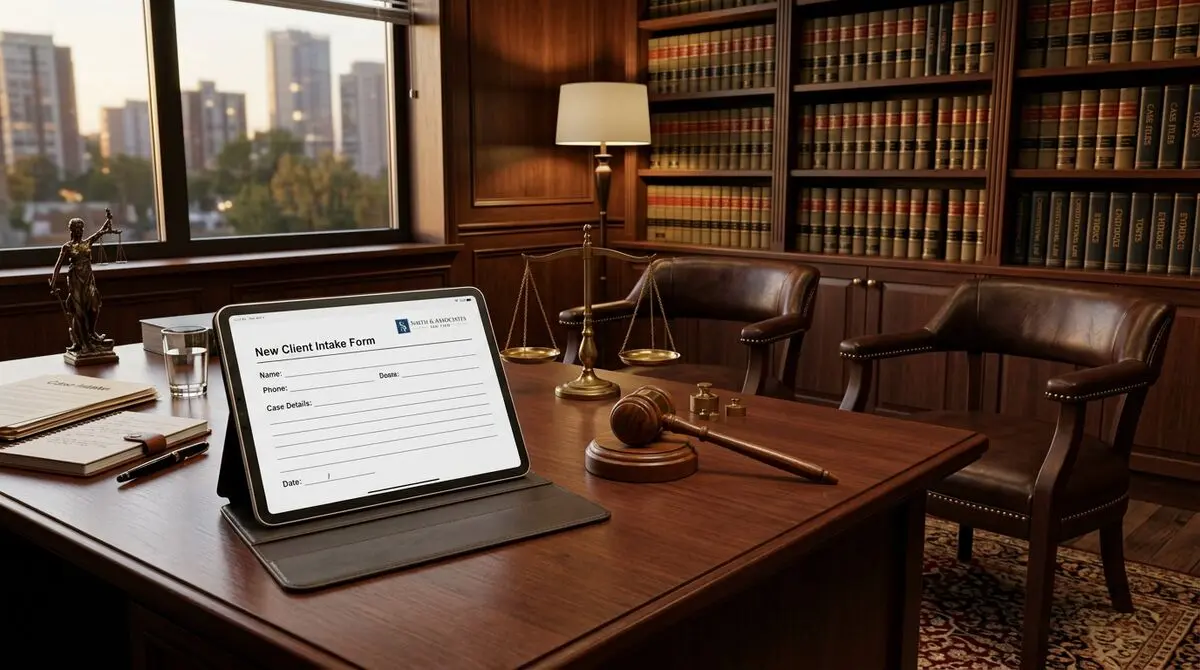
8 law firm intake form templates: case evaluation, conflict check, retainer agreement, and more, as free AI-powered forms.
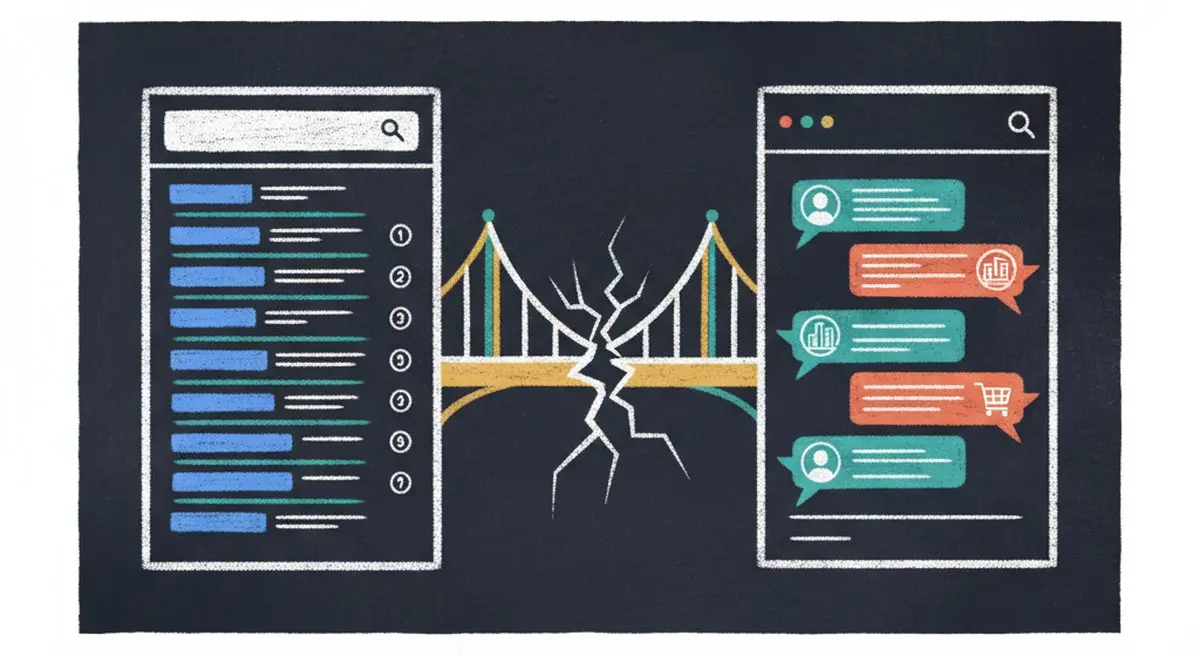
SEO alone isn't enough anymore. The difference between SEO, AEO (Answer Engine Optimization), and AXO, and how to appear in ChatGPT, Claude, and AI agent recommendations.
Try the world's first AI-native form and turn every response into action instantly.