The Holiday Gift Sign-up Form collects everything an organizer needs to run a smooth gift exchange: it opens by asking for a participant's name and email address, then moves into the personal side with an optional wishlist question and a question about unwanted items, so gift-givers have both positive and negative preferences to work with. The required "Please provide the full shipping address where your gift should be sent." question and the optional "Do you have a preferred delivery method or time?" question close the logistics section, giving organizers the information to get gifts where they need to go. After submitting, participants see a warm confirmation letting them know they're in and that more details are on the way.
Try the conversation below to see how this template works
Trusted by over 10,000 customers and growing
Conversations Started
Questions Answered
Forms Created
The shipping address and delivery preference questions make it easy to coordinate gift drop-offs or pickups across a large team without chasing people for details.
The wishlist and restrictions questions give gift-givers enough personal detail to choose something thoughtful, even when they don't know the recipient well.
The required name and email questions create a clean participant list from the start, so organizers can communicate pairings and updates to everyone in one go.

AI builds and refines your form through natural conversation no templates, no complex logic, no coding. From a simple text prompt or URL, Dashform generates intelligent flows that adapt automatically.
Dashform turns traditional form-filling into a two-way dialogue. The AI understands intent, remembers context, and asks relevant follow-up questions just like a real human conversation.
Every response is transformed into structured, meaningful, and ready-to-use data. Integrate with your favorite tools.
Everything you need to create amazing forms
Everything you need to know about this template
Don't see exactly what you need? Use our AI Form Generator to create a custom form in seconds. Just describe what you want, and AI will build it for you.
Explore more templates to find the perfect fit
 General Request
Collect student details, optional email-address preferences, and agreement or clarification needs about institutional IT policies.
 Survey
Collect student feedback on classroom satisfaction, engagement, material clarity, and instructor support.
 Agreement
Collect student housing details, emergency contacts, and formal agreement acceptance in one streamlined form.
 Agreement
Collect signed handbook acknowledgments from students and parents at the start of the school year.
 Survey
A five-question survey that uncovers why students stay or leave, covering satisfaction, support, social life, and key retention factors.
 Registration
Collect key details about a student's training program, from dates and type to skills gained and self-rated performance.
Learn how to get the most out of your forms and templates
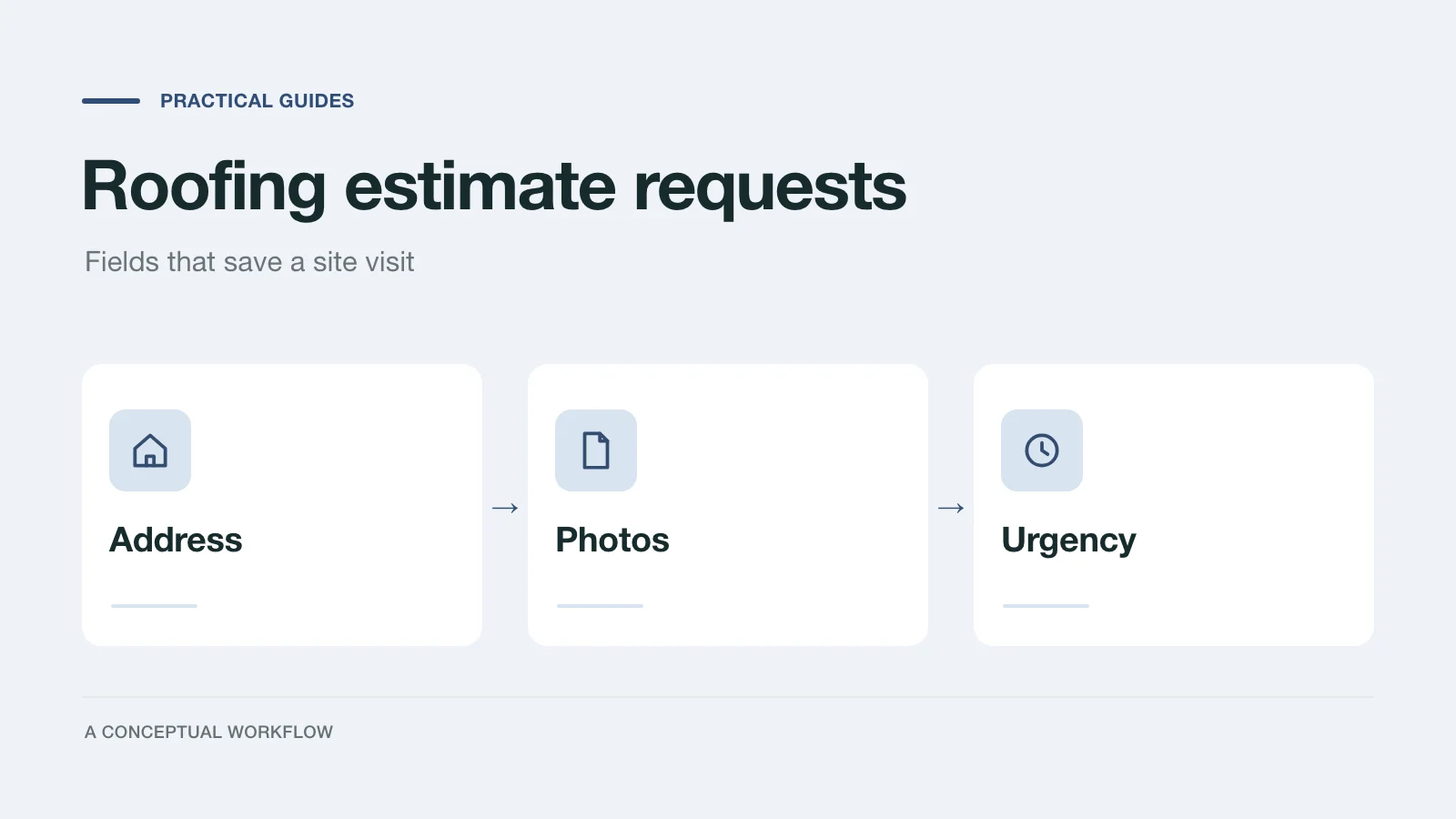
Copy a roofing estimate request form field list, a triage rule for emergency leaks versus planned replacements, and a prompt to build the form in Dashform.
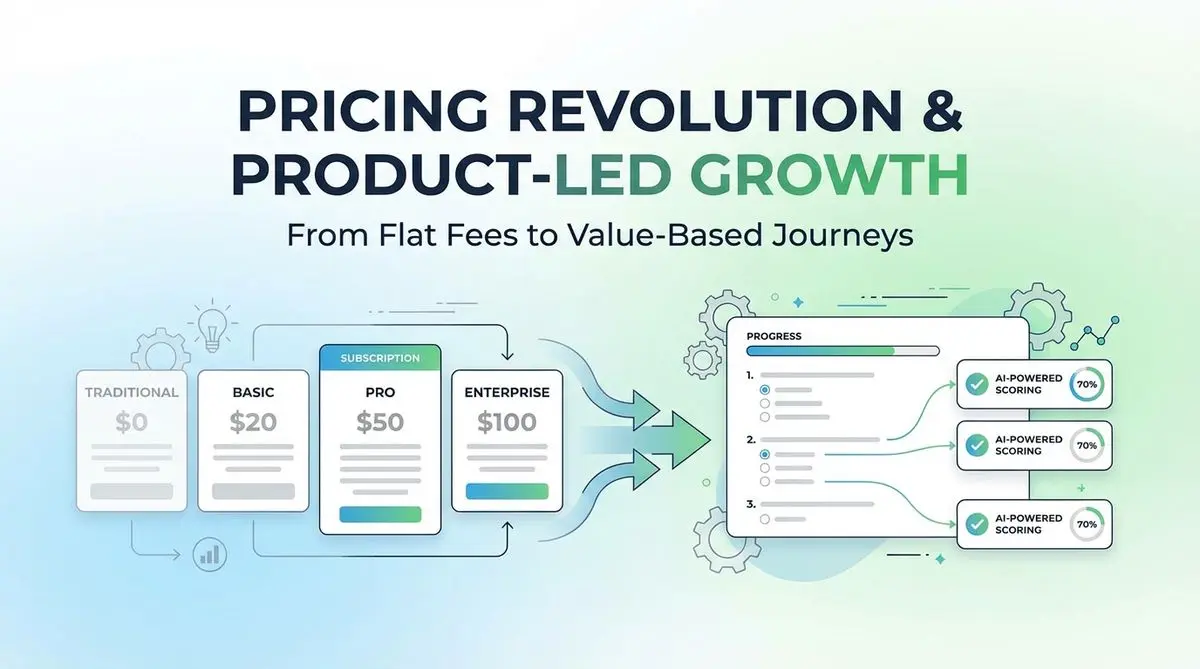
A proposed SaaS intake quiz can collect use case, budget, and timeline before a trial. Test its effect on signups, activation, and paying customers.
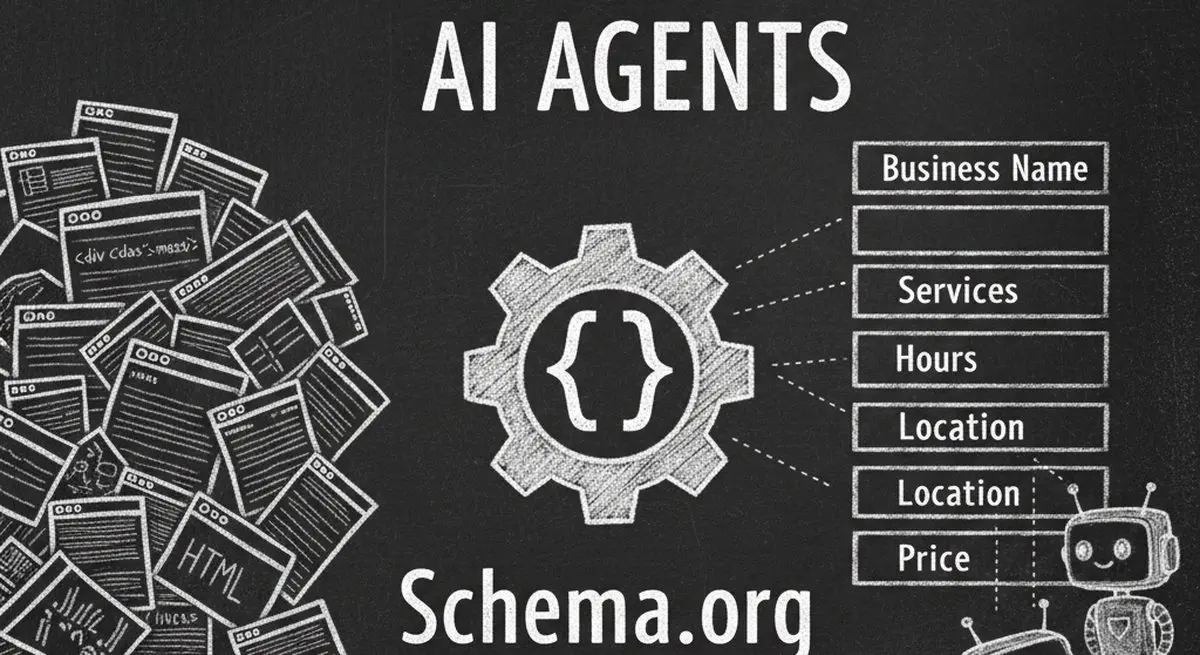
Seven Schema.org types for describing business details accurately. Structured data can aid parsing, but won't guarantee discovery, citations, or bookings.
Try the world's first AI-native form and turn every response into action instantly.

