This form collects everything an organizer needs to register an entry in a Holiday Lights Decorating Contest. It opens by asking for the participant's name and contact details — email (required) and phone (optional) — then moves to the display address so judges know where to visit. The "What type of display are you entering?" question separates residential, commercial, and community entries, which often compete in different categories. A short description question invites entrants to highlight themes or standout features, giving judges useful context before they arrive. Two closing questions — years of participation and interest in next year's contest — help organizers understand their returning audience and plan future outreach. After submitting, entrants see a confirmation wishing them good luck and happy holidays.
Try the conversation below to see how this template works
Trusted by over 10,000 customers and growing
Conversations Started
Questions Answered
Forms Created
They rely on the "What is the full address of your holiday lights display?" question to map every entry and coordinate judge routes across the neighborhood.
They use the "What type of display are you entering?" question to separate community and public installations from residential entries for fair judging.
They depend on the "Would you like to be notified about next year's contest?" question to grow their confirmed audience list well before the next season begins.

AI builds and refines your form through natural conversation no templates, no complex logic, no coding. From a simple text prompt or URL, Dashform generates intelligent flows that adapt automatically.
Dashform turns traditional form-filling into a two-way dialogue. The AI understands intent, remembers context, and asks relevant follow-up questions just like a real human conversation.
Every response is transformed into structured, meaningful, and ready-to-use data. Integrate with your favorite tools.
Everything you need to create amazing forms
Everything you need to know about this template
Don't see exactly what you need? Use our AI Form Generator to create a custom form in seconds. Just describe what you want, and AI will build it for you.
Explore more templates to find the perfect fit
 Satisfaction Survey
Gather customer ratings on candle quality, packaging, brand messaging, and in-store ambiance in one short survey.
 Appointment Booking
Book a car detailing appointment by sharing your contact info, vehicle details, preferred package, and scheduling preferences.
 Appointment Booking
Request a car rental by sharing your dates, location, car type, add-ons, and contact details in one quick form.
 Appointment Booking
Request car service by sharing vehicle details, choosing services, and stating a preferred appointment date and time.
 Evaluation
A structured judging form for car shows, covering exterior, interior, engine bay, and design ratings for each entered vehicle.
 Satisfaction Survey
Collect customer satisfaction ratings, quality feedback, and referral likelihood after every car wash visit.
Learn how to get the most out of your forms and templates
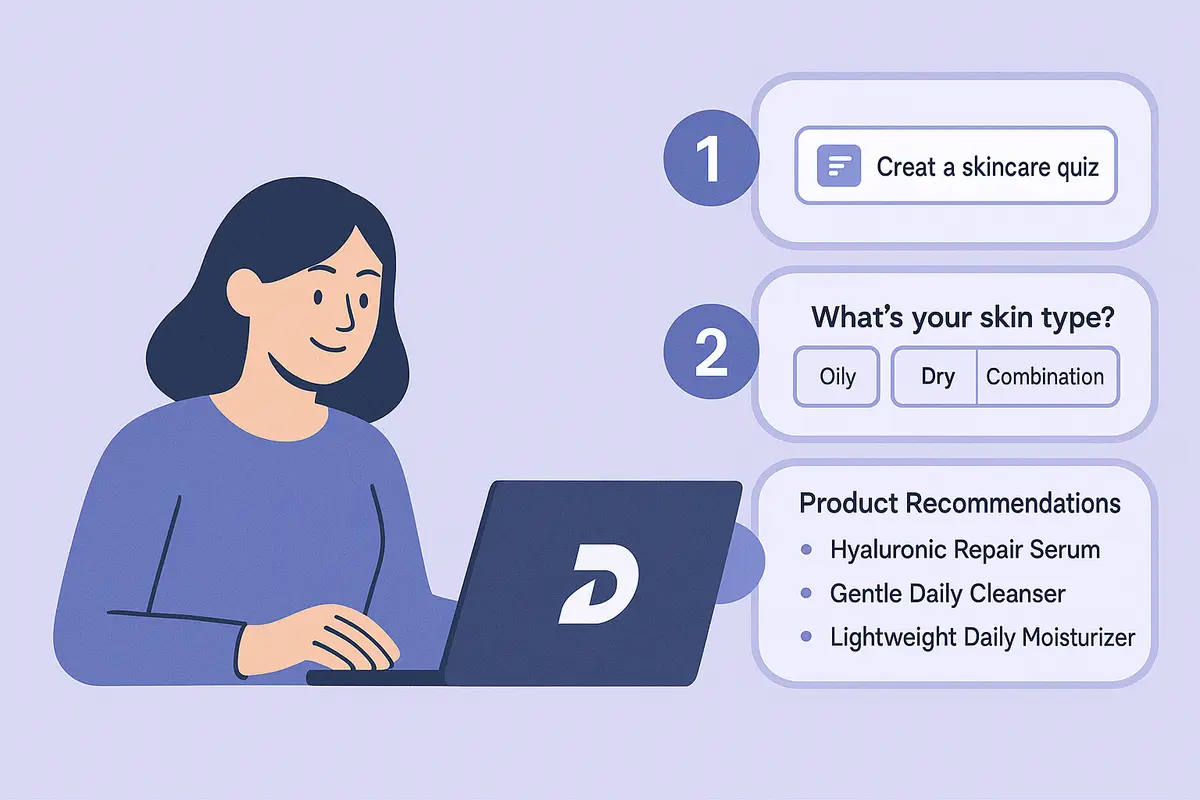
Build a high-converting AI product recommendation quiz in Dashform, with conditional logic, branding, and CRM integrations. A step-by-step guide, no code.
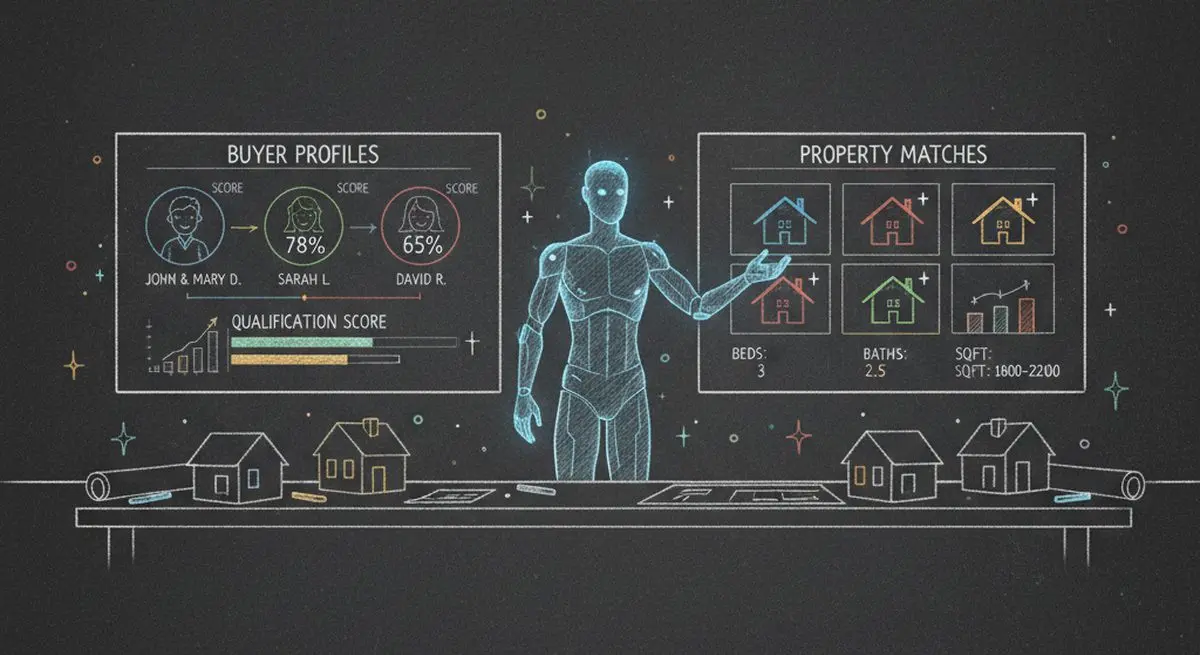
How realtors can use AI agent funnels to get pre-qualified buyer leads, with budget, timeline, and preferences already collected, and the setup it takes.
A proposed checklist for comparing form authoring, respondent experience, qualification, integrations, pricing, exports, and agent access.
Try the world's first AI-native form and turn every response into action instantly.

