

This eight-question form walks employees through submitting a leave request in a logical order. It opens by collecting full name, employee ID, and department to identify the requester, then asks for the leave start and end dates in YYYY-MM-DD format to remove ambiguity. The "What type of leave are you requesting?" question lets the owner route or categorise requests without manual follow-up, while the two optional questions — a brief reason and an emergency contact — give employees the chance to add context or cover arrangements without making either compulsory. After submitting, respondents see a confirmation telling them their request has been received and that they will be notified of its status.
Try the conversation below to see how this template works
Trusted by over 10,000 customers and growing
Conversations Started
Questions Answered
Forms Created
HR relies on the "Which department do you belong to?" and "What type of leave are you requesting?" questions to sort and route incoming requests without chasing employees for details.
Managers use the start and end date questions alongside the optional reason to quickly assess cover needs and plan around an employee's absence.
Staff across all seven listed departments use the "Please enter your employee ID number." question to ensure their request is matched to the right record from the start.

AI builds and refines your form through natural conversation no templates, no complex logic, no coding. From a simple text prompt or URL, Dashform generates intelligent flows that adapt automatically.
Dashform turns traditional form-filling into a two-way dialogue. The AI understands intent, remembers context, and asks relevant follow-up questions just like a real human conversation.
Every response is transformed into structured, meaningful, and ready-to-use data. Integrate with your favorite tools.
Everything you need to create amazing forms
Everything you need to know about this template
Don't see exactly what you need? Use our AI Form Generator to create a custom form in seconds. Just describe what you want, and AI will build it for you.
Explore more templates to find the perfect fit
 Professions
Collect health history, fitness goals, and availability from new PT clients before their first session.
 Product Order
Collect customer contact info, phone model, accessories, quantities, and shipping address in one straightforward order form.
 Consent
Collect clear, documented photo and media consent from individuals or parents and guardians of minors.
 Professions
Request a photography session by sharing your session type, date, location, group size, and any special requirements.
 Consent
A six-question health screening form that checks key physical activity risk factors before someone joins a class.
 Course Registration
Register for an upcoming physics course by sharing your contact details, academic background, and preferred course level.
Learn how to get the most out of your forms and templates

Dashform now supports the Model Context Protocol (MCP). Connect OpenClaw, Claude Code, LangChain, or any MCP-compatible AI agent to create AI-powered forms, surveys, and quiz funnels programmatically through getaiform.com/api/mcp.
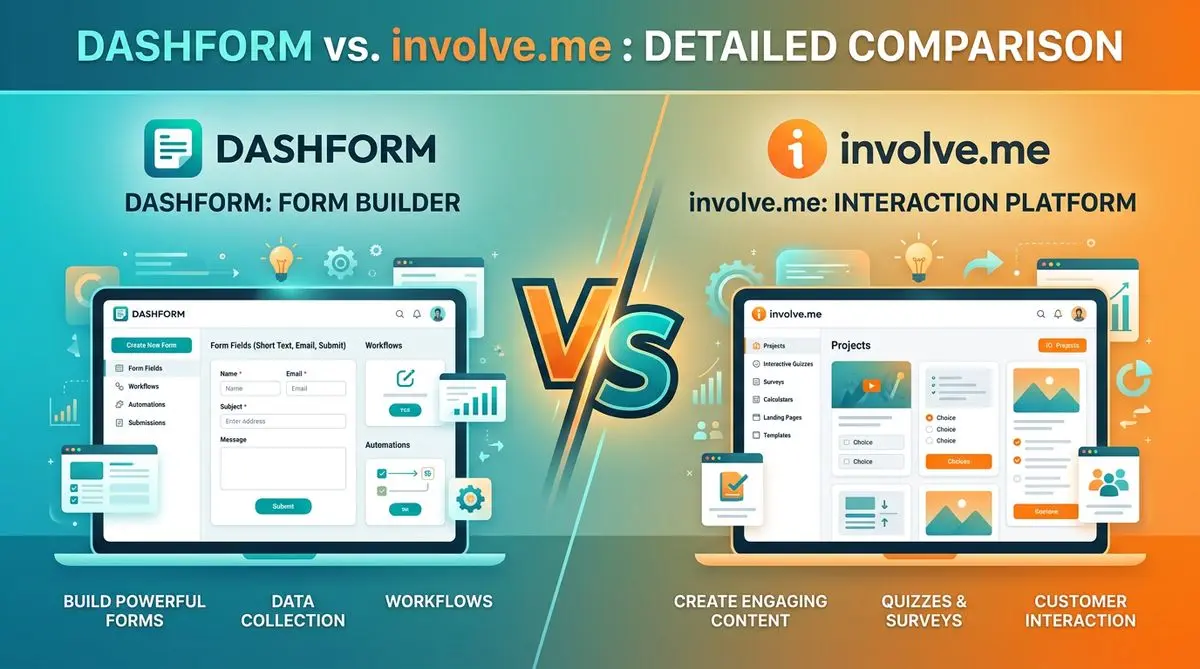
Dashform and involve.me side by side: pricing, AI generation, lead scoring, templates, and integrations, and which fits marketers, coaches, and agencies.
Dashform and LeadQuizzes side by side: templates, AI generation, white-label, lead scoring, and pricing, and which fits marketers and small businesses.
Try the world's first AI-native form and turn every response into action instantly.