

This twelve-question car rental request form opens by collecting the logistics of a booking: pick-up and return date and time, pick-up location, and an optional address for delivery of the car. It then asks for the preferred car type and three optional add-ons — child seat, booster seat, and GPS — so the rental company can prepare the vehicle before arrival. A free-text "Do you have any further comments or specific requests?" question catches anything the earlier fields missed. The form closes with contact details — full name, email address, and phone number — so staff can follow up to confirm the booking. After submitting, respondents see a confirmation message letting them know the team will be in touch shortly.
Try the conversation below to see how this template works
Trusted by over 10,000 customers and growing
Conversations Started
Questions Answered
Forms Created
Relies on the pick-up date and time, return date and time, and car type questions to gather everything needed to check availability and prepare the right vehicle before calling the customer.
Uses the pick-up location and optional delivery address questions to arrange third-party rentals on behalf of guests, along with the add-on questions to pass specific requirements to the rental provider.
Depends on the contact detail questions — full name, email, and phone number — to keep a clear record of who requested which vehicle, making it easy to confirm bookings and handle billing.

AI builds and refines your form through natural conversation no templates, no complex logic, no coding. From a simple text prompt or URL, Dashform generates intelligent flows that adapt automatically.
Dashform turns traditional form-filling into a two-way dialogue. The AI understands intent, remembers context, and asks relevant follow-up questions just like a real human conversation.
Every response is transformed into structured, meaningful, and ready-to-use data. Integrate with your favorite tools.
Everything you need to create amazing forms
Everything you need to know about this template
Don't see exactly what you need? Use our AI Form Generator to create a custom form in seconds. Just describe what you want, and AI will build it for you.
Explore more templates to find the perfect fit
 Report
A structured daily log for field teams to record work completed, hours, safety notes, and next steps.
 Tracking Log
A seven-question daily log for recording food and equipment temperatures, corrective actions, and staff accountability.
 Progress Tracking
A six-question daily reflection form that captures gratitude highlights, a meaningful person, and a mood rating for each day.
 Feedback
Collect daily student feedback on lesson clarity, engagement, technical issues, and overall satisfaction after each online class.
 Payment
A structured form for financial staff to log daily remittance transactions, covering sender, recipient, amount, currency, and transfer type.
 Checklist
Plan and track your full day — morning habits, key work tasks, midday breaks, and evening wind-down — all in one checklist.
Learn how to get the most out of your forms and templates
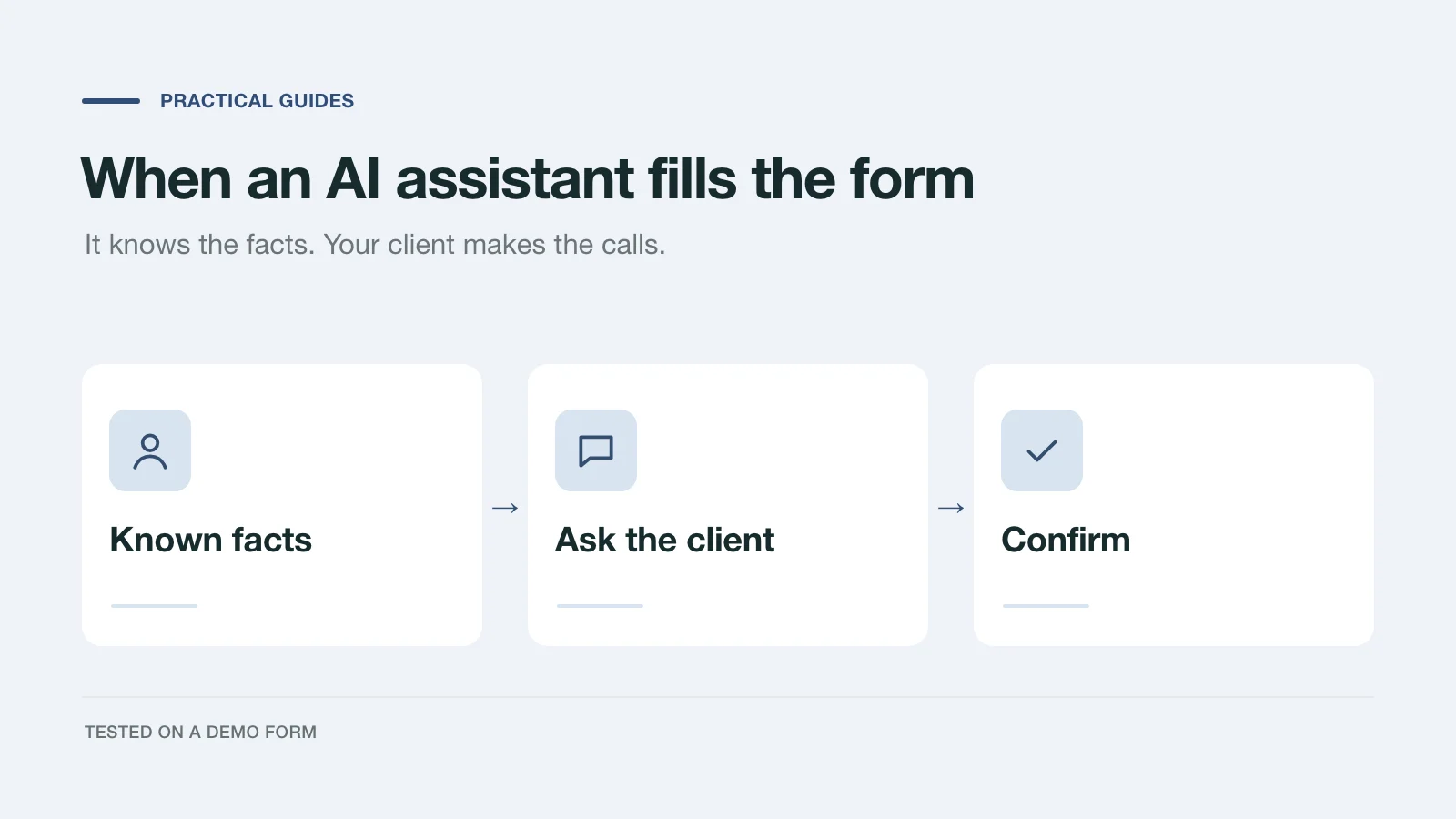
We had an AI assistant complete a demo project inquiry two ways: by clicking through the page and through a handoff prompt. What it knew, what it asked, and what to change.
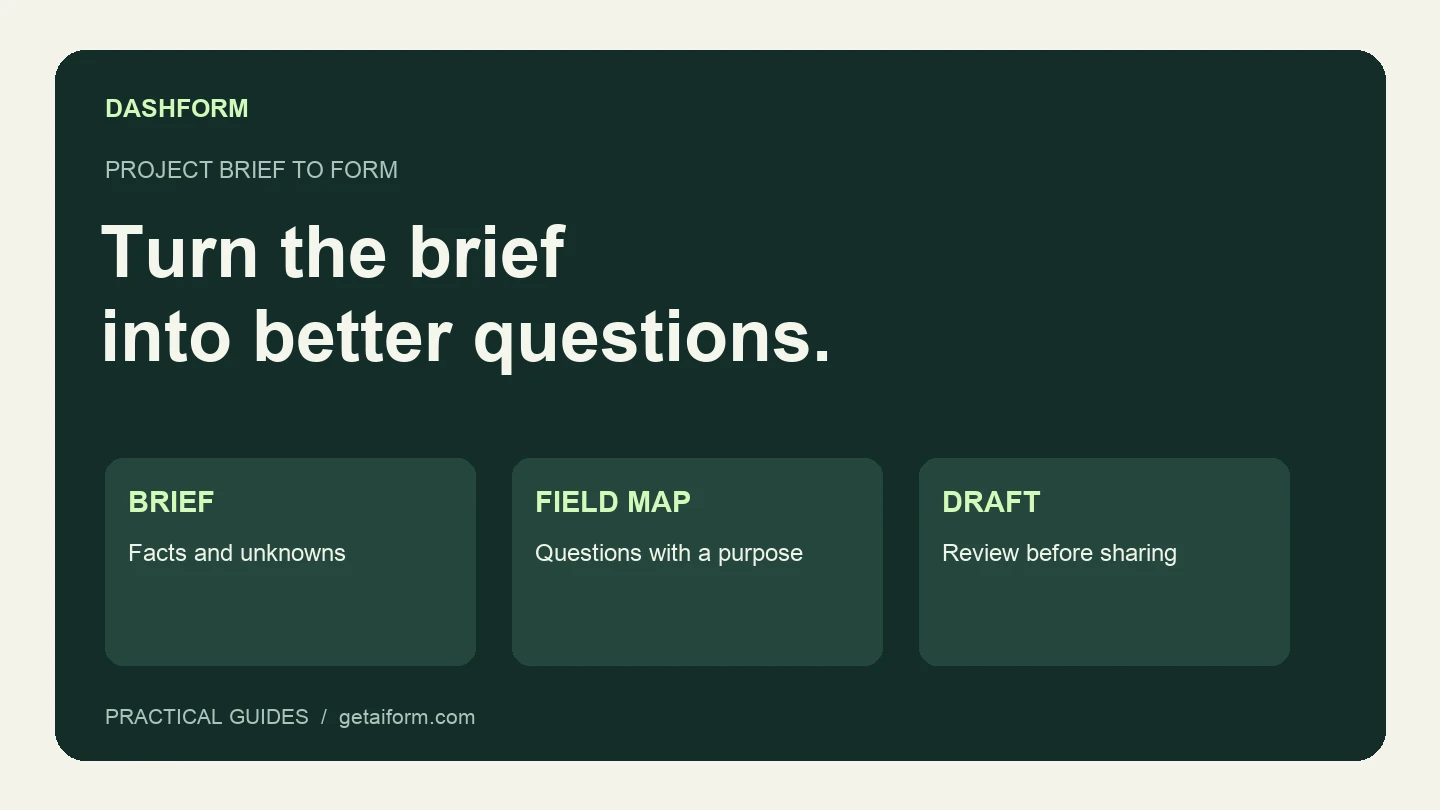
Turn a fictional agency brief into a reviewed Dashform draft using Claude Code, with copyable prompts, a field map, and a publication checklist.
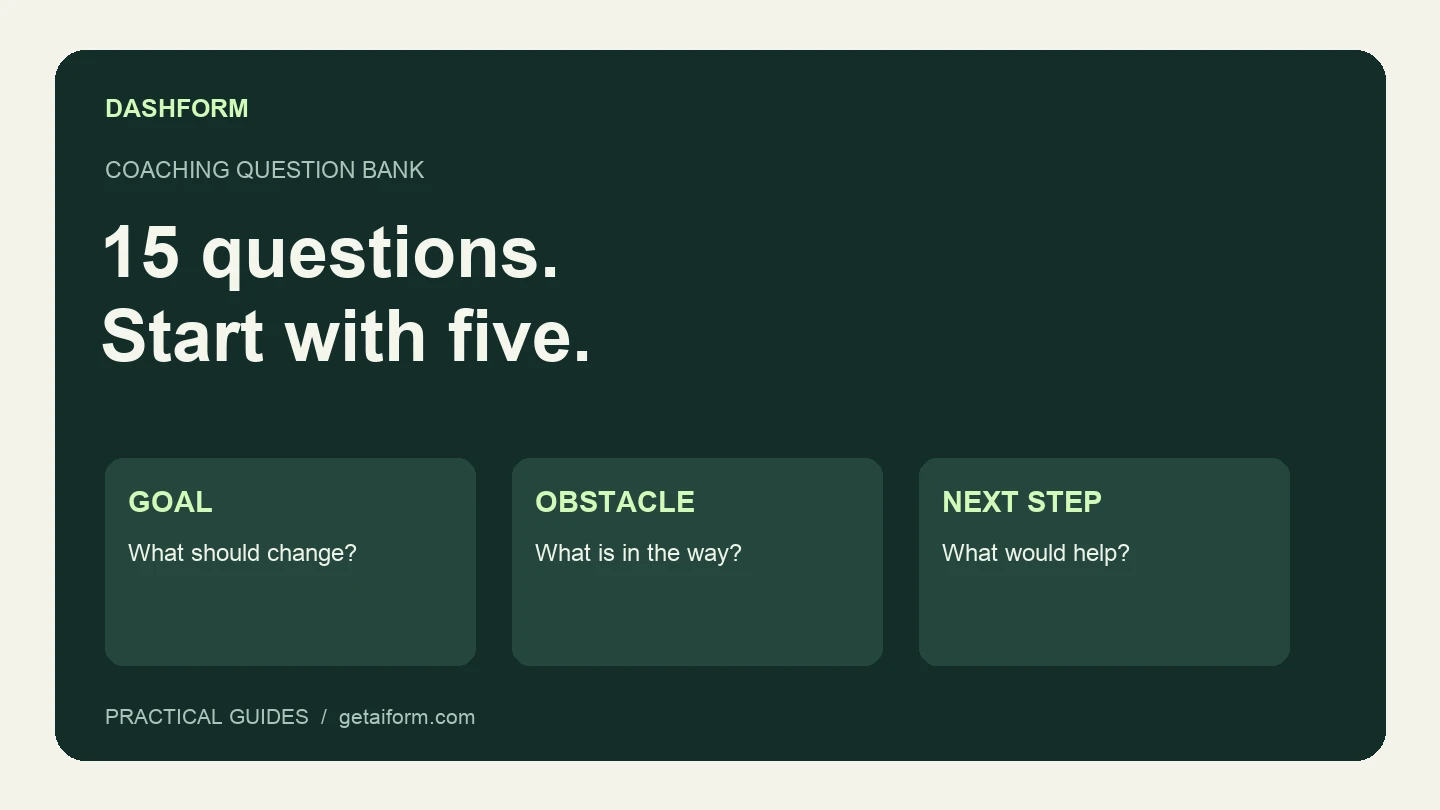
A practical coaching question bank with a five-question discovery form, example answers, follow-up guidance, and a copyable Dashform prompt.
Try the world's first AI-native form and turn every response into action instantly.