

The Candle Survey opens with seven questions that walk respondents through every layer of the shop experience, from product to brand. It starts with two rating questions covering overall shop experience and candle quality, then moves to packaging satisfaction and brand messaging clarity through single-choice scales — pinpointing exactly where perception may differ from intent. An optional rating question about in-store ambiance accommodates online-only customers without blocking them. A likelihood-to-recommend rating follows, giving the shop a clear word-of-mouth signal, and an optional open-ended suggestions question closes the loop for anyone with specific ideas. After submitting, respondents see a thank-you screen letting them know their input directly shapes the customer experience.
Try the conversation below to see how this template works
Trusted by over 10,000 customers and growing
Conversations Started
Questions Answered
Forms Created
Relies on the packaging and brand messaging questions to learn whether their handcrafted identity is landing with buyers.
Uses the optional "If you visited our physical store, how would you rate its ambiance and presentation?" question to evaluate the in-store atmosphere alongside product quality.
Leans on the quality, packaging, and likelihood-to-recommend ratings to benchmark the unboxing and repeat-purchase experience without an in-store component.

AI builds and refines your form through natural conversation no templates, no complex logic, no coding. From a simple text prompt or URL, Dashform generates intelligent flows that adapt automatically.
Dashform turns traditional form-filling into a two-way dialogue. The AI understands intent, remembers context, and asks relevant follow-up questions just like a real human conversation.
Every response is transformed into structured, meaningful, and ready-to-use data. Integrate with your favorite tools.
Everything you need to create amazing forms
Everything you need to know about this template
Don't see exactly what you need? Use our AI Form Generator to create a custom form in seconds. Just describe what you want, and AI will build it for you.
Explore more templates to find the perfect fit
 Professions
Gather style, placement, size, and budget details from tattoo clients before their first studio appointment.
 Payment
Collect client details, tattoo descriptions, scheduling preferences, and deposit payment method in one tidy pre-appointment form.
 Application
Collect your organization's tax-exempt status details, EIN, contact info, and mailing address in one short form.
 Job Application
A structured application form that collects a teacher's qualifications, experience, and subject preferences for school hiring teams.
 Attendance
Verify teacher assignments, attendance records, and class details in one structured, audit-ready form.
 Tracking Log
A weekly log for teachers to record virtual lessons, platform use, student engagement, and follow-up actions in one place.
Learn how to get the most out of your forms and templates

The questions to ask a new coaching client before the first session, grouped by purpose, with which to make optional, what to leave out, and a template to start from.
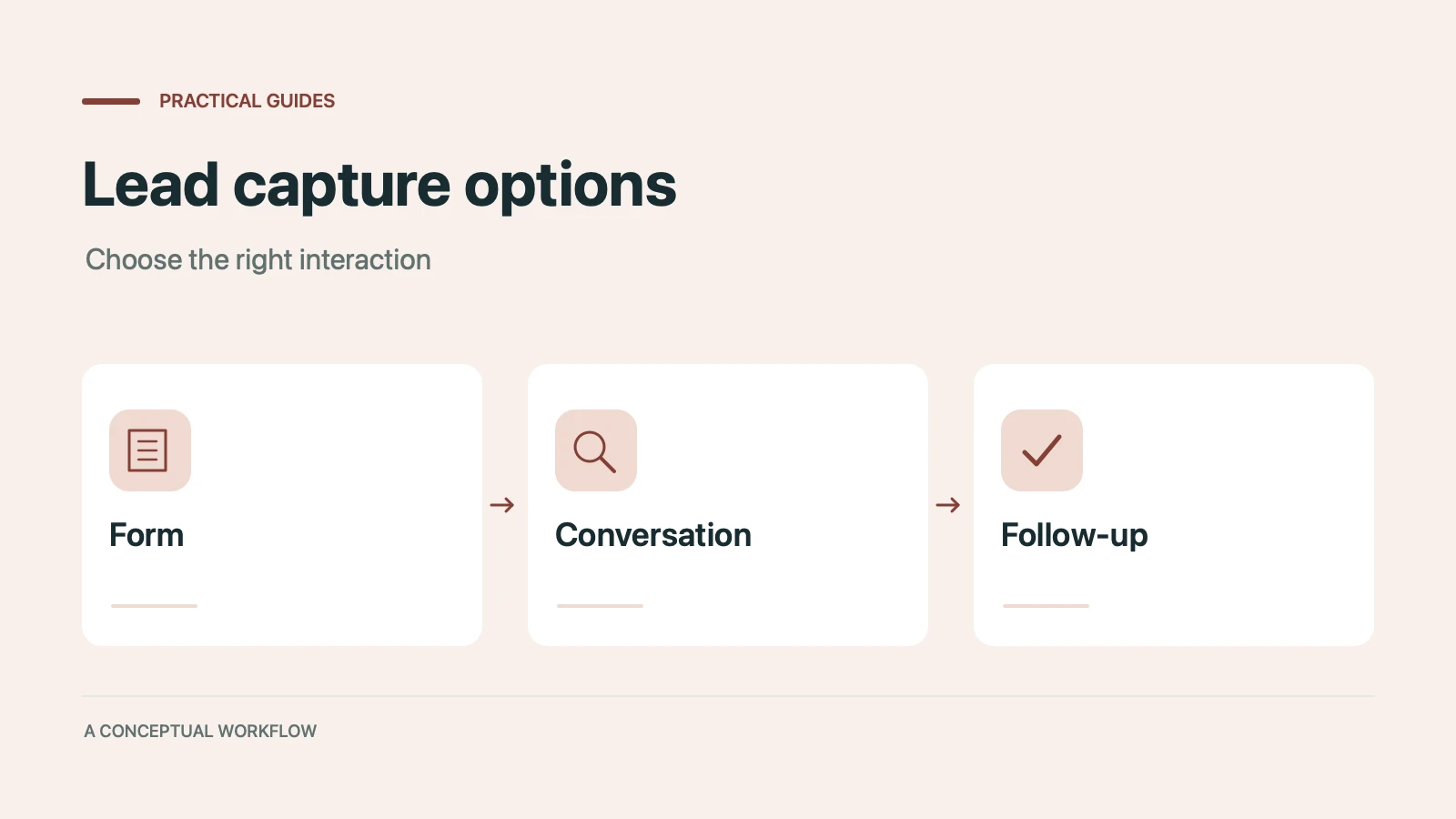
Static forms, AI chatbots, and conversational AI forms compared for lead capture: where each works, where each breaks, and the hybrid stack that combines them.
Call-to-action button examples grouped by goal, with best practices for placement, color, copy, and A/B testing.
Try the world's first AI-native form and turn every response into action instantly.