

The Meal Kits Appointment Form opens by collecting a respondent's full name, email address, and optional phone number so the provider has everything needed to confirm and follow up. It then asks for a preferred appointment date and a specific time slot — morning, midday, afternoon, or evening — to pin down exactly when the order should be ready. The "Would you prefer pickup or delivery?" question records the fulfilment preference; the next address field is visible to everyone and optional, so delivery customers should provide an address for the provider. A final optional question captures dietary restrictions or special order notes, giving the kitchen a heads-up before the appointment. After submitting, respondents see a confirmation screen letting them know their details have been received and a confirmation is on its way.
Try the conversation below to see how this template works
Trusted by over 10,000 customers and growing
Conversations Started
Questions Answered
Forms Created
Relies on the "Would you prefer pickup or delivery?" question and the follow-up address field to route each order correctly without manual back-and-forth.
Uses the time slot and date questions to stagger collection windows and avoid bottlenecks at a single pickup point.
Depends on the "Do you have any dietary restrictions or special notes for your order?" question to gather allergy and customisation details before the appointment.

AI builds and refines your form through natural conversation no templates, no complex logic, no coding. From a simple text prompt or URL, Dashform generates intelligent flows that adapt automatically.
Dashform turns traditional form-filling into a two-way dialogue. The AI understands intent, remembers context, and asks relevant follow-up questions just like a real human conversation.
Every response is transformed into structured, meaningful, and ready-to-use data. Integrate with your favorite tools.
Everything you need to create amazing forms
Everything you need to know about this template
Don't see exactly what you need? Use our AI Form Generator to create a custom form in seconds. Just describe what you want, and AI will build it for you.
Explore more templates to find the perfect fit
 Consent
Gather child and guardian details, emergency contact information, and separate participation and media-permission choices.
 Waiver
Collect participant details, emergency contacts, and signed risk and liability acknowledgements before any event or activity.
 Waiver
Collect passenger and trip details, emergency contacts, and choices about operator-supplied risk information, rules, and waiver terms.
 Rsvp
RsvpA six-question RSVP form that collects attendance, guest count, and dietary needs for any party or event.
 Rsvp
RsvpCollect guest attendance, plus-ones, dietary needs, and special requests in one tidy RSVP form.
 General Application
Collect patient and emergency contact details, allergy and medication notes, relevant conditions, and a treatment-consent response for admission review.
Learn how to get the most out of your forms and templates
Leadership coach Pia Jansson shares how she turned her method into a personalized assessment, with four result sections and optional email signup.
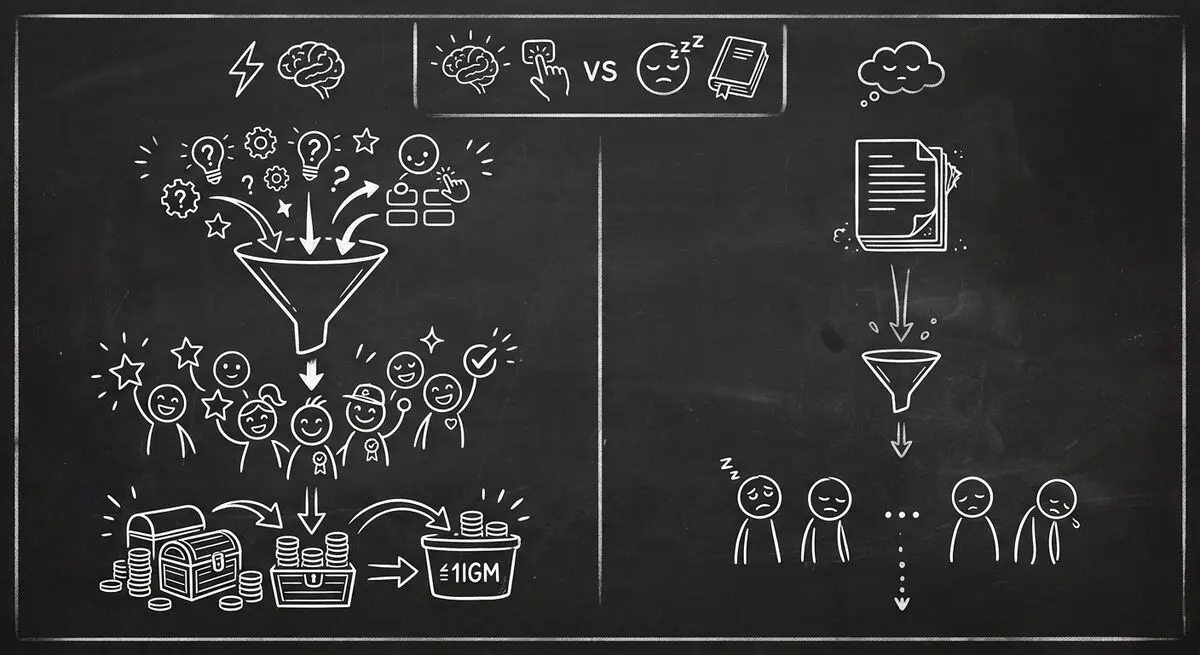
Compare quiz funnels and downloadable resources, interpret platform-specific conversion data, and design a test using your own audience.
Map an existing ScoreApp assessment into a Dashform intake workflow, with a copyable brief, scoring worksheet, test cases, and clear migration limits.
Try the world's first AI-native form and turn every response into action instantly.