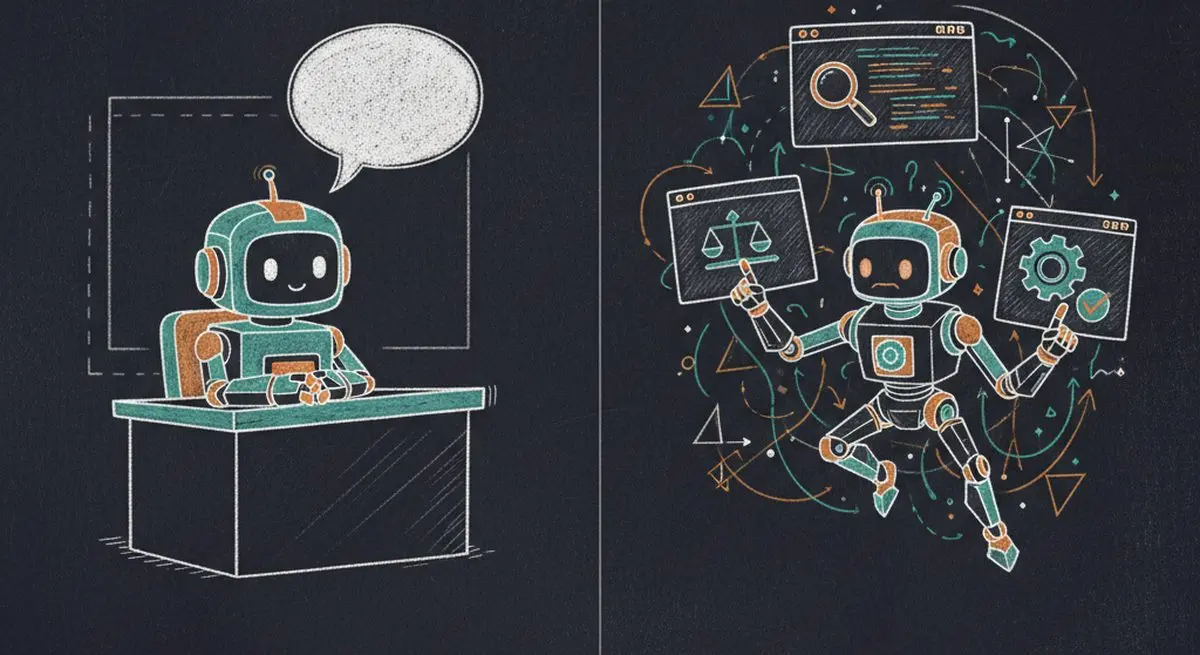
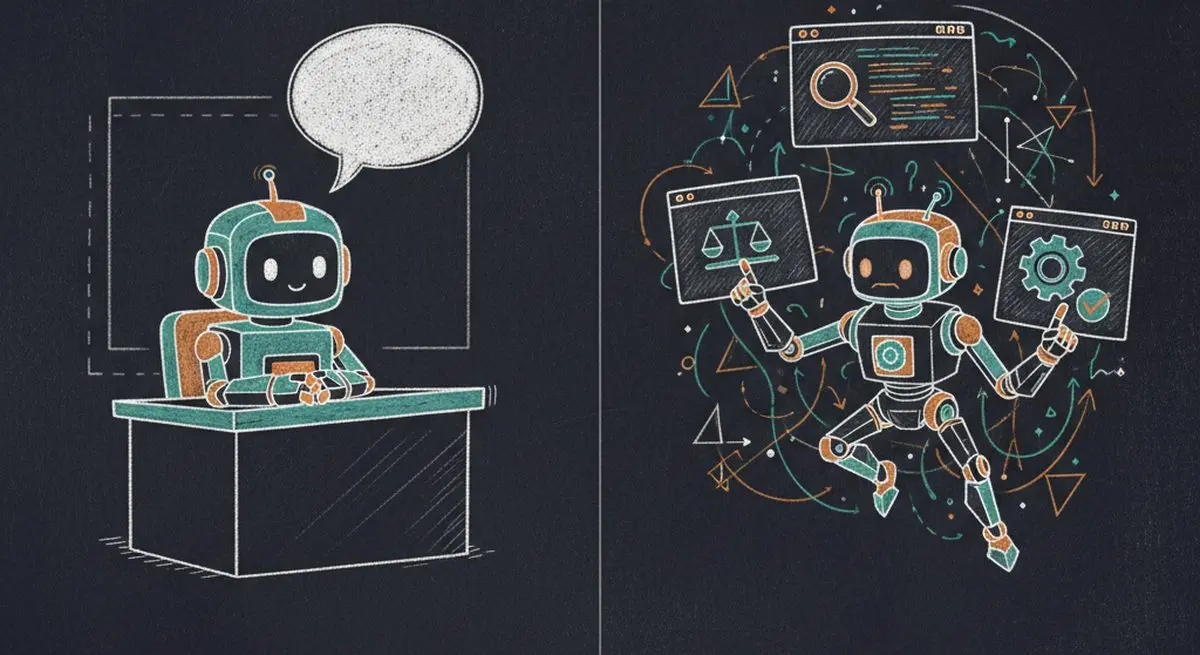
A chatbot is a conversational interface. An AI agent can use tools to carry out tasks, and it may also have a chat interface. These categories overlap; the useful question is which actions a system can perform with the user's permission.
In this guide, we'll break down exactly what separates AI agents from chatbots, why the distinction matters for your bottom line, and how to position your business for the agent economy.
The Core Difference in One Sentence
An agent-assisted inquiry requires usable tools and data, while a chat interface alone says little about the actions available. Evaluate the configured workflow rather than the product label.
| Question | What to inspect |
|---|---|
| Can it answer questions? | The information it can read and the limits of that information |
| Can it take action? | Available tools, permissions, and confirmation steps |
| Can it work across services? | Explicit connections to each service |
| Does it use MCP? | Client support and a configured MCP connection |
| Can it book or charge? | A configured booking or payment tool and confirmation of success |
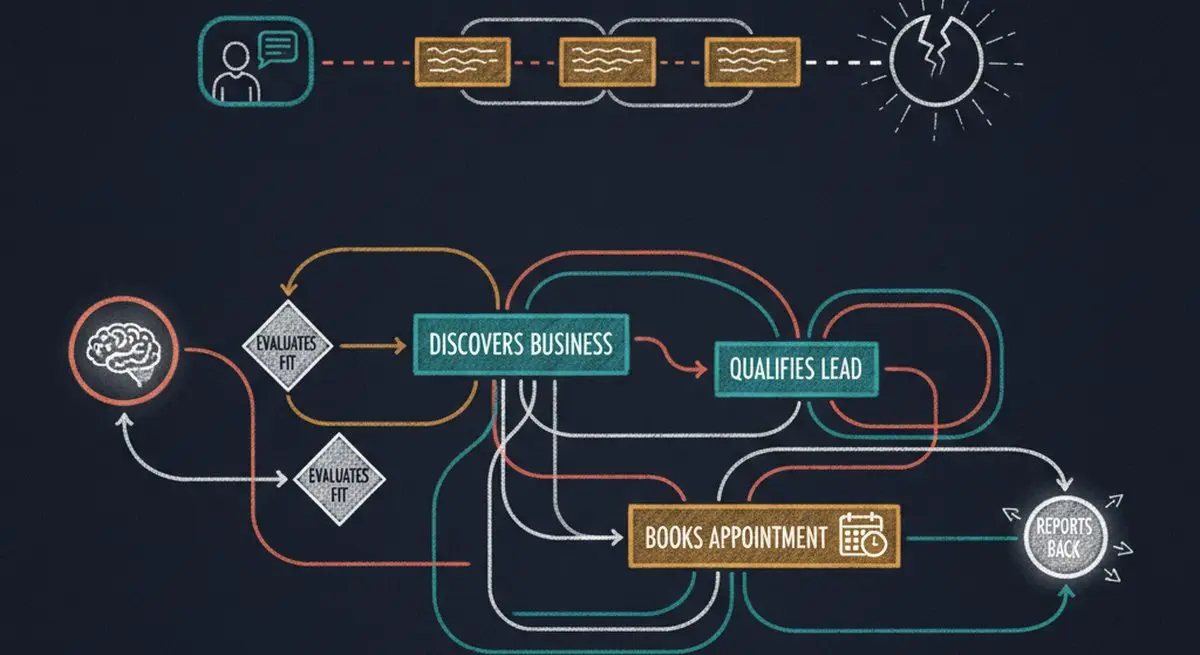
Why This Distinction Matters for Revenue
Here's the business impact most people miss:
Chatbots Only Capture Traffic You Already Have
A website chat widget can help visitors ask questions and find the next step. Its reach depends on where it is offered and what it is connected to.
Agents Can Submit Inquiries Through Connected Tools
For a request such as 'find a couples massage in Manhattan within my budget,' an assistant may search public information or use connected tools. A published MCP endpoint provides a way for a compatible client to interact with a form; it does not guarantee that an assistant will discover or recommend the business.
| Workflow | What to configure |
|---|---|
| Website inquiry | A public form or chat entry point |
| Agent-assisted inquiry | A compatible client connected to the form endpoint |
| Lead review | Written hot, warm, and cold criteria |
| Booking handoff | An external scheduler with availability and confirmation rules |
| Measurement | Track inquiries and outcomes in your own reporting process |
Choose channels based on how your customers contact you, then measure their usefulness with your own inquiry data.
The Evolution: How We Got From Chatbots to AI Agents
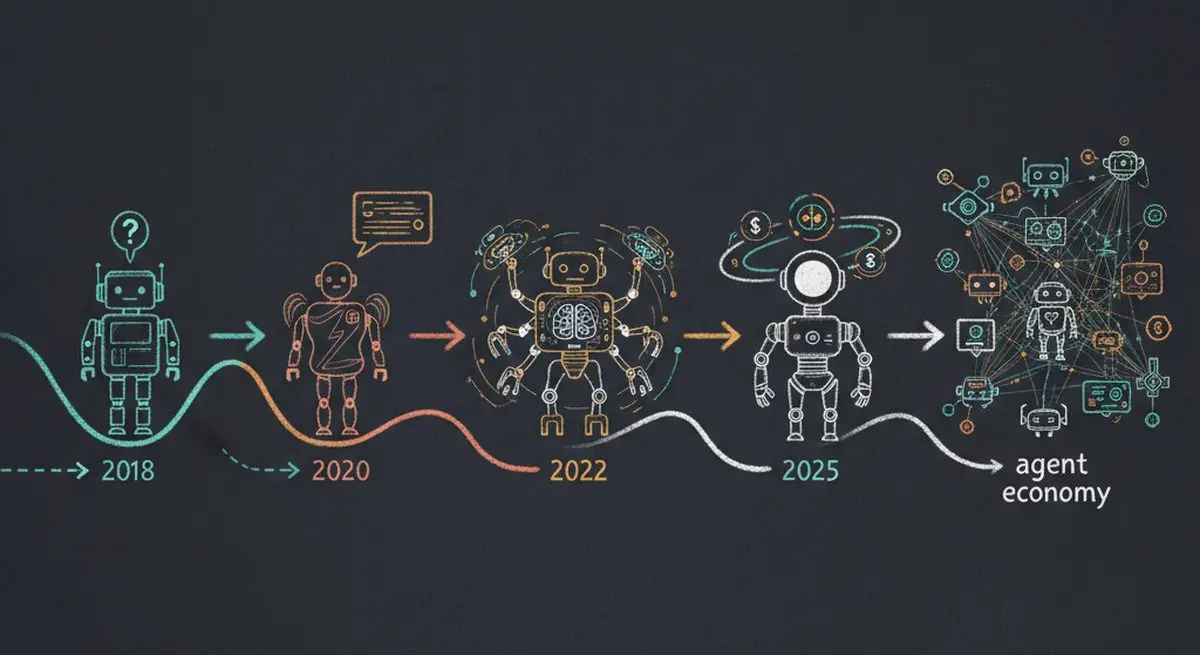
| Approach | Possible use | Limitation to test |
|---|---|---|
| Scripted conversation | Answer a defined FAQ or route a request | Handling questions outside the script |
| Language-model conversation | Interpret a free-text inquiry | Accuracy and missing context |
| Tool-using agent | Read service information and submit a form | Tool access, permissions, and failure handling |
Tool access can turn an answer into an action. Searching, checking availability, and booking are separate capabilities that need appropriate data, integrations, and user authorization.
Proposed Workflows: Chatbot and Agent
These examples are proposed workflows, not observed customer results. Booking requires an external scheduling tool configured with the agent, and form completion alone does not confirm an appointment.
Scenario 1: Spa Booking
| Step | Chatbot Approach | AI Agent Approach |
|---|---|---|
| 1 | User visits spa website | User asks Claude: "Find me a spa..." |
| 2 | Chatbot: "How can I help?" | Agent searches available sources or connected services |
| 3 | User types: "I want a massage" | Agent compares spas by service, price, availability |
| 4 | Chatbot: "Here are our services" (link) | Agent checks the published service details against the request |
| 5 | User browses services manually | Agent submits an inquiry; a configured scheduler may handle booking |
| 6 | User calls to book (maybe) | User receives the actual form or scheduler confirmation |
Scenario 2: SaaS Product Evaluation
| Step | Chatbot Approach | AI Agent Approach |
|---|---|---|
| 1 | Prospect visits your website | Procurement agent searches category |
| 2 | Chatbot offers demo link | Agent reads MCP-exposed feature list and pricing |
| 3 | Prospect fills out form | Agent evaluates fit against team requirements |
| 4 | Sales team reviews the inquiry | Agent submits a demo request through an available tool |
| 5 | Maybe converts after sales cycle | Team reviews the saved reply and any configured CRM delivery |
Why Your Business Needs an Agent Funnel (Not Just a Chatbot)
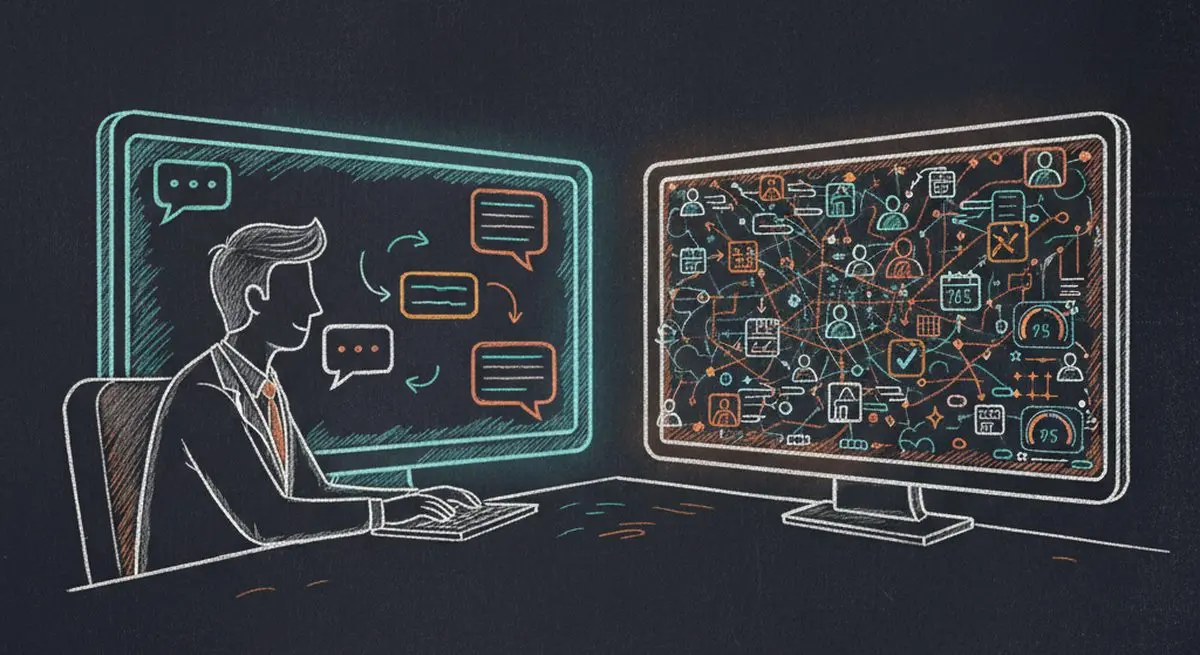
An agent funnel is the infrastructure that makes your business discoverable and interactive for AI agents. Here's what it includes:
| Component | Purpose | Chatbot Equivalent |
|---|---|---|
| MCP Endpoint | Lets compatible clients interact with a published form | A chat product may also expose tools or APIs |
| Service Catalog | Structured data agents can parse and compare | FAQ database (unstructured) |
| Lead Scoring | Evaluates completed replies using configured hot, warm, and cold criteria | Review or routing configured in the chat product |
| Marketplace Listing | Agents find you by browsing categories | None -- chatbot only works on your site |
| Public form and marketplace | Publish a form and opt into marketplace listing with services | Distribution depends on the chat product |
With Dashform, publish a form, review its Business Profile and Services, and opt into marketplace participation if appropriate. Configure lead scoring and destinations separately.
Check the Handoff Before Launch
Test a human-filled reply and an agent-filled reply. Check that required information is present, the intended Destination receives it, and any booking confirmation comes from the scheduling system. Agent assistance does not guarantee lead quality.
How to Get Started: Adding an Agent Funnel to Your Business
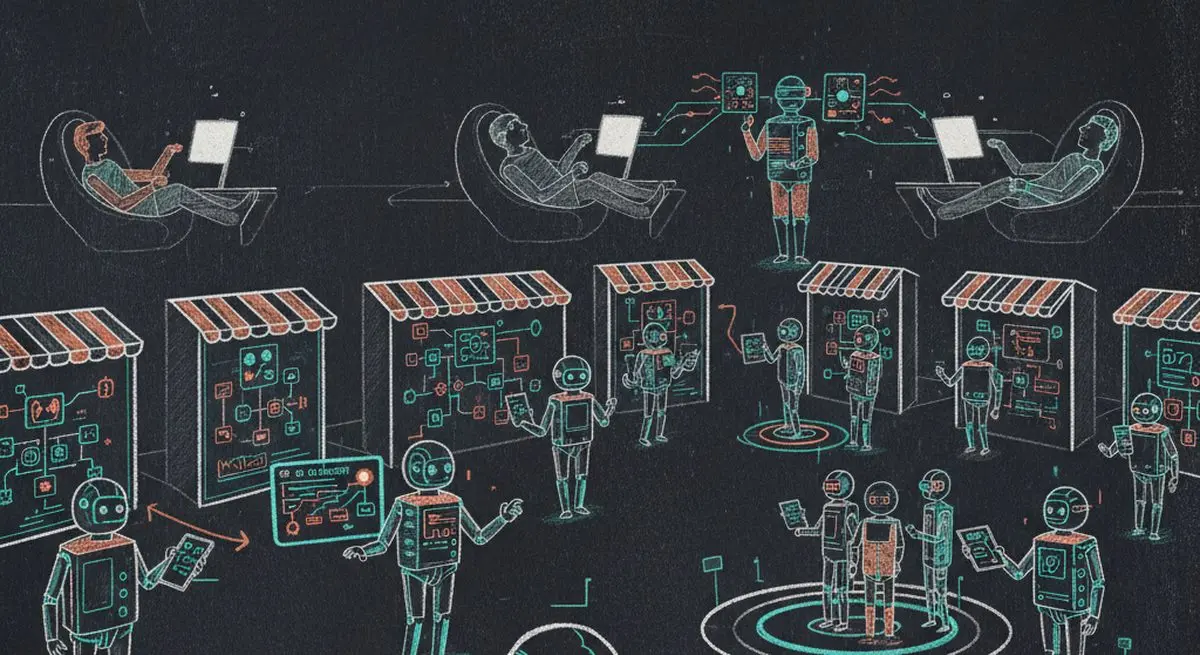
Step 1: Check Your AI Visibility
Run a free AX Audit to see if AI agents can currently find and interact with your business.
Step 2: Set Up Your Agent Funnel
Create a Dashform funnel, add your services, and enable Agent Funnel. Use Import from Website if helpful, then verify the imported profile before saving it.
Step 3: Configure Lead Qualification
Write hot, warm, and cold criteria and enable Lead Scoring. Review the resulting verdicts; scoring does not guarantee spam prevention or block every unsuitable inquiry.
Step 4: Keep Your Chatbot Running
Agent Funnel complements your chatbot. Keep the chatbot for visitors already on your site. A published form endpoint also supports respondents using a compatible AI client.
Frequently Asked Questions
Should I replace my chatbot with an agent funnel?
No. Keep both. Chatbots serve visitors on your site. Agent funnels serve consumers using AI assistants who may never visit your site. They're complementary channels.
Which AI agents support MCP?
Use an MCP-compatible client and check its current documentation for transport, authentication, and tool support. Connect the Dashform endpoint explicitly and test listing and filling your published form.
How much does an agent funnel cost?
Check Dashform pricing for current plan access and reply allowances before launching a campaign.
How do I know if leads came from an AI agent?
Test an agent-filled reply and inspect the information available in Replies. Configure and validate any source attribution needed in your external reporting; do not assume a particular source filter exists.
Stop Waiting for Visitors. Let AI Agents Find You.
Evaluate both human and agent-assisted paths with your own customers and review process. Start with a free AX Audit to see where you stand, then activate Dashform Agent Funnel to test an agent-assisted inquiry path.