

The Candidate Petition form opens with a welcome screen inviting signatories to officially nominate a candidate for an upcoming election, then collects the signer's full legal name, residential address, and email address to verify their identity and enable follow-up. It then asks for the candidate's full name and the position they are being nominated for, establishing exactly who is being put forward and for what role. Two confirmation questions close the form: one checks that the signer is a registered voter eligible to sign in the relevant jurisdiction, and one captures an explicit electronic signature acknowledgement that the submission is legally binding. After submitting, respondents see a thank-you screen confirming their nomination has been received.
Try the conversation below to see how this template works
Trusted by over 10,000 customers and growing
Conversations Started
Questions Answered
Forms Created
Rely on the "What position is the candidate being nominated for?" question to sort incoming nominations by office and keep the petition process organised across multiple races.
Use the residential address and voter-eligibility confirmation questions together to screen signatures and demonstrate that each signer meets jurisdictional requirements.
Depend on the electronic-signature acknowledgement question to collect signatures remotely while maintaining a clear, legally-referenced record of each supporter's consent.

AI builds and refines your form through natural conversation no templates, no complex logic, no coding. From a simple text prompt or URL, Dashform generates intelligent flows that adapt automatically.
Dashform turns traditional form-filling into a two-way dialogue. The AI understands intent, remembers context, and asks relevant follow-up questions just like a real human conversation.
Every response is transformed into structured, meaningful, and ready-to-use data. Integrate with your favorite tools.
Everything you need to create amazing forms
Everything you need to know about this template
Don't see exactly what you need? Use our AI Form Generator to create a custom form in seconds. Just describe what you want, and AI will build it for you.
Explore more templates to find the perfect fit
 Quiz
QuizA five-question Halloween quiz mixing personal reflection, activity knowledge, and origin history — with an optional rating and costume favourite.
 Agreement
Formally record a property handover with condition, inventory, meter readings, and an electronic signature in one streamlined form.
 Professions
Request a handyman visit by describing your job, urgency, and preferred appointment time in about 2 minutes.
 Survey
A seven-question lifestyle survey covering diet, activity, sleep, and stress to support personalized health assessments.
 Assessment
Name a health condition, then explore perceived risk, severity, benefits, barriers, personal context, and confidence in taking action.
 Professions
Gather health goals, habits, medical context, and motivation before a first coaching session.
Learn how to get the most out of your forms and templates

15 real estate forms and templates agents use to capture leads, run showings, collect feedback, and keep transactions organized.
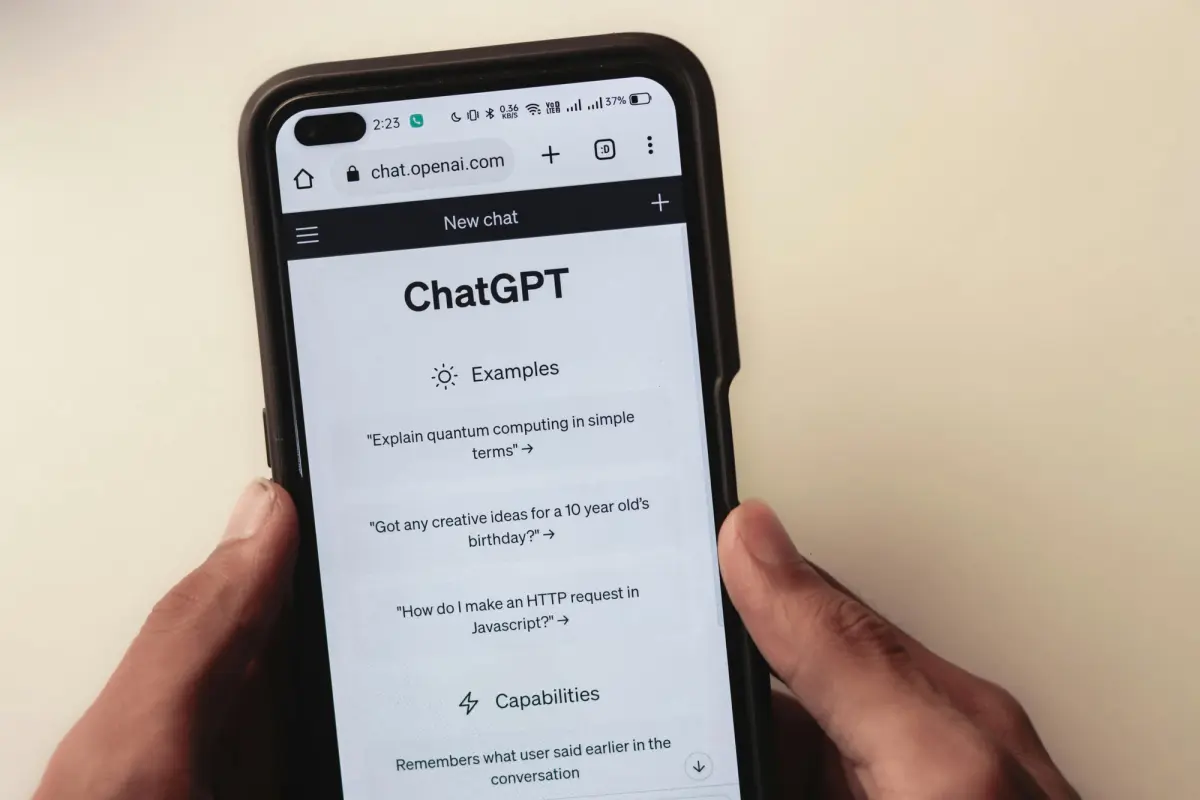
Discover 50 powerful Dashform AI prompts for creating forms and surveys. Learn how to generate better survey questions, improve engagement, and streamline data collection with AI-driven form design.

Explore eight contractor form templates for project inquiries, estimates, inspections, work orders, and follow-up, with practical setup and review advice.
Try the world's first AI-native form and turn every response into action instantly.