

The Physics Registration Form opens with a welcome screen inviting prospective students to enroll in an upcoming physics course, then works through eight questions in a logical order: personal contact details first (name, email, and mailing address), followed by optional academic background questions about the respondent's school, institution, and intended degree or program. Two required single-choice questions then establish the registrant's prior physics experience and their preferred course level — from introductory through to advanced — so organizers can place students appropriately. A final open-ended comments field gives registrants a chance to ask questions or flag anything else before submitting. After submitting, respondents see a confirmation screen letting them know their enrollment details were received and that further information is on its way.
Try the conversation below to see how this template works
Trusted by over 10,000 customers and growing
Conversations Started
Questions Answered
Forms Created
The "Please select the level of physics course you are interested in." question lets departments sort incoming registrants into introductory, intermediate, or advanced sections before the course begins.
The "Have you previously taken any physics courses or had related experience?" question gives tutors an immediate read on each student's starting point, so they can tailor their teaching approach.
The optional school, institution, and degree questions help community coordinators understand who their learners are and plan future course offerings around the mix of academic and non-academic attendees.

AI builds and refines your form through natural conversation no templates, no complex logic, no coding. From a simple text prompt or URL, Dashform generates intelligent flows that adapt automatically.
Dashform turns traditional form-filling into a two-way dialogue. The AI understands intent, remembers context, and asks relevant follow-up questions just like a real human conversation.
Every response is transformed into structured, meaningful, and ready-to-use data. Integrate with your favorite tools.
Everything you need to create amazing forms
Everything you need to know about this template
Don't see exactly what you need? Use our AI Form Generator to create a custom form in seconds. Just describe what you want, and AI will build it for you.
Explore more templates to find the perfect fit
 Contact
Collect festival inquiries, feedback, volunteer interest, and satisfaction ratings from town residents in one tidy form.
 Registration
Register as a festival volunteer by sharing your availability, preferred roles, and any relevant skills or experience.
 File Upload
Collect shareable image links, contributor details, purpose, and descriptions in a six-question form.
 Professions
Collect a new client's goals, income, assets, and risk tolerance so their advisor can prepare a tailored first consultation.
 Assessment
Eight questions that map your saving, debt, investments, and insurance into a clear picture of your financial health.
 Assessment
Gather a client's income, goals, retirement outlook, risk tolerance, and planned purchases in one focused form.
Learn how to get the most out of your forms and templates
Use Dashform's MCP connection in a compatible AI client to draft and edit forms, review the saved result, and publish when ready.
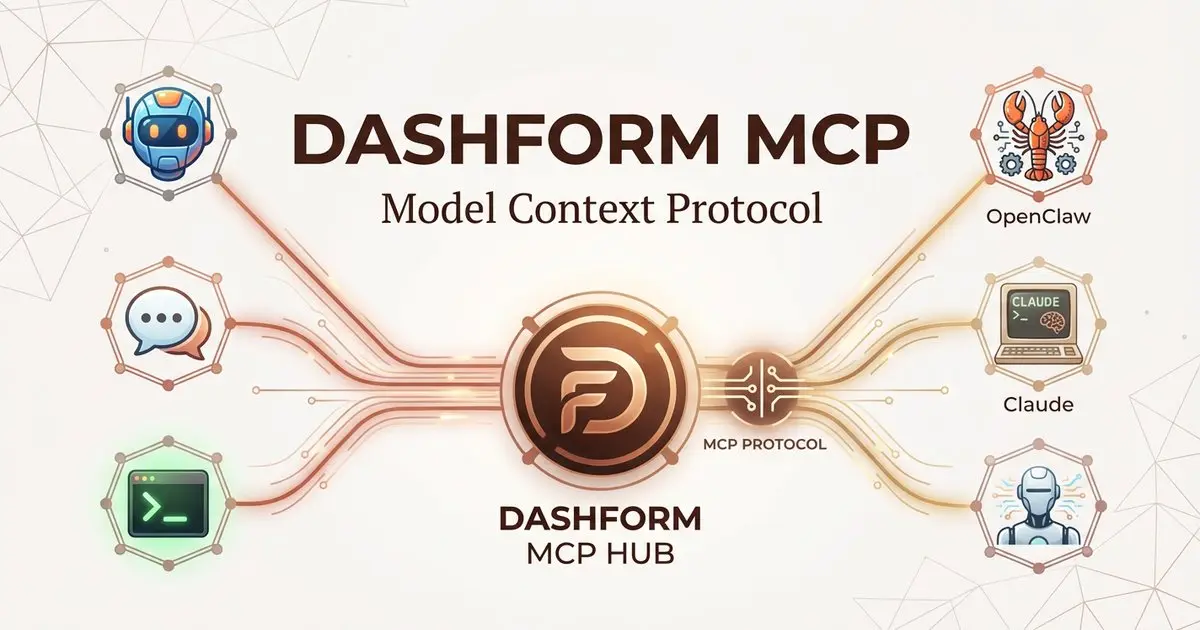
Dashform now supports the Model Context Protocol (MCP). Connect OpenClaw, Claude Code, LangChain, or any MCP-compatible AI agent to create AI-powered forms, surveys, and quiz funnels programmatically through getaiform.com/api/mcp.
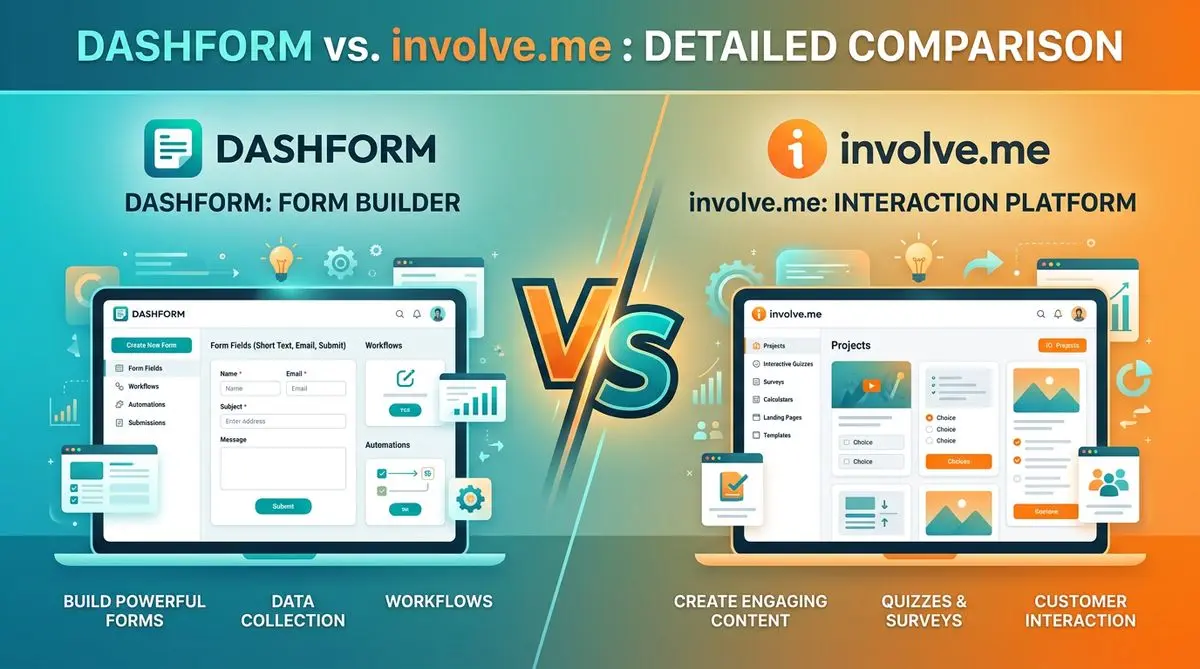
Dashform and involve.me side by side: pricing, AI generation, lead scoring, templates, and integrations, and which fits marketers, coaches, and agencies.
Try the world's first AI-native form and turn every response into action instantly.