

The Handover Agreement Form guides both parties through a formal property transfer in seven questions. It opens by capturing the property address and agreed handover date, anchoring the document to a specific place and time, then asks for the property's condition at handover so both sides share a recorded baseline. Optional questions follow for itemising included fixtures and fittings and logging utility meter readings, creating a clear inventory and financial starting point. The form closes with a required acknowledgement of the agreement's terms and a typed full legal name that serves as an electronic signature. After submitting, respondents see a confirmation that their agreement has been successfully received and that a copy will be shared with all relevant parties.
Try the conversation below to see how this template works
Trusted by over 10,000 customers and growing
Conversations Started
Questions Answered
Forms Created
Rely on the property address, handover date, and condition questions to produce a dated, condition-graded record for every transaction they manage.
Use the fixtures inventory and utility meter reading questions to protect against end-of-tenancy disputes over included items and outstanding bills.
Depend on the terms acknowledgement and electronic signature questions to document informed consent and create an auditable record of the transfer.

AI builds and refines your form through natural conversation no templates, no complex logic, no coding. From a simple text prompt or URL, Dashform generates intelligent flows that adapt automatically.
Dashform turns traditional form-filling into a two-way dialogue. The AI understands intent, remembers context, and asks relevant follow-up questions just like a real human conversation.
Every response is transformed into structured, meaningful, and ready-to-use data. Integrate with your favorite tools.
Everything you need to create amazing forms
Everything you need to know about this template
Don't see exactly what you need? Use our AI Form Generator to create a custom form in seconds. Just describe what you want, and AI will build it for you.
Explore more templates to find the perfect fit
 Checklist
A structured checklist for logging ambulance kit inspections, equipment condition, and any items needing immediate attention.
 Waiver
Record residents' or guests' intended amenity use and their answers to risk, liability-release, and terms questions.
 Service Booking
Request animal care assistance by sharing your contact details and a description of what your pet needs.
 Survey
Share your perspective on animal testing practices, ethics, and alternatives in this five-question research survey.
 Performance Evaluation
A six-question self-review covering achievements, development areas, leadership, teamwork, goals, and overall performance.
 Quiz
QuizA structured digital answer sheet covering multiple-choice, multi-select, and short-answer questions for an assessment reviewed by its owner.
Learn how to get the most out of your forms and templates

AI forms generate themselves from a sentence, ask follow-up questions, and qualify leads while collecting data. How they work, when to use one, and when a regular form is fine.
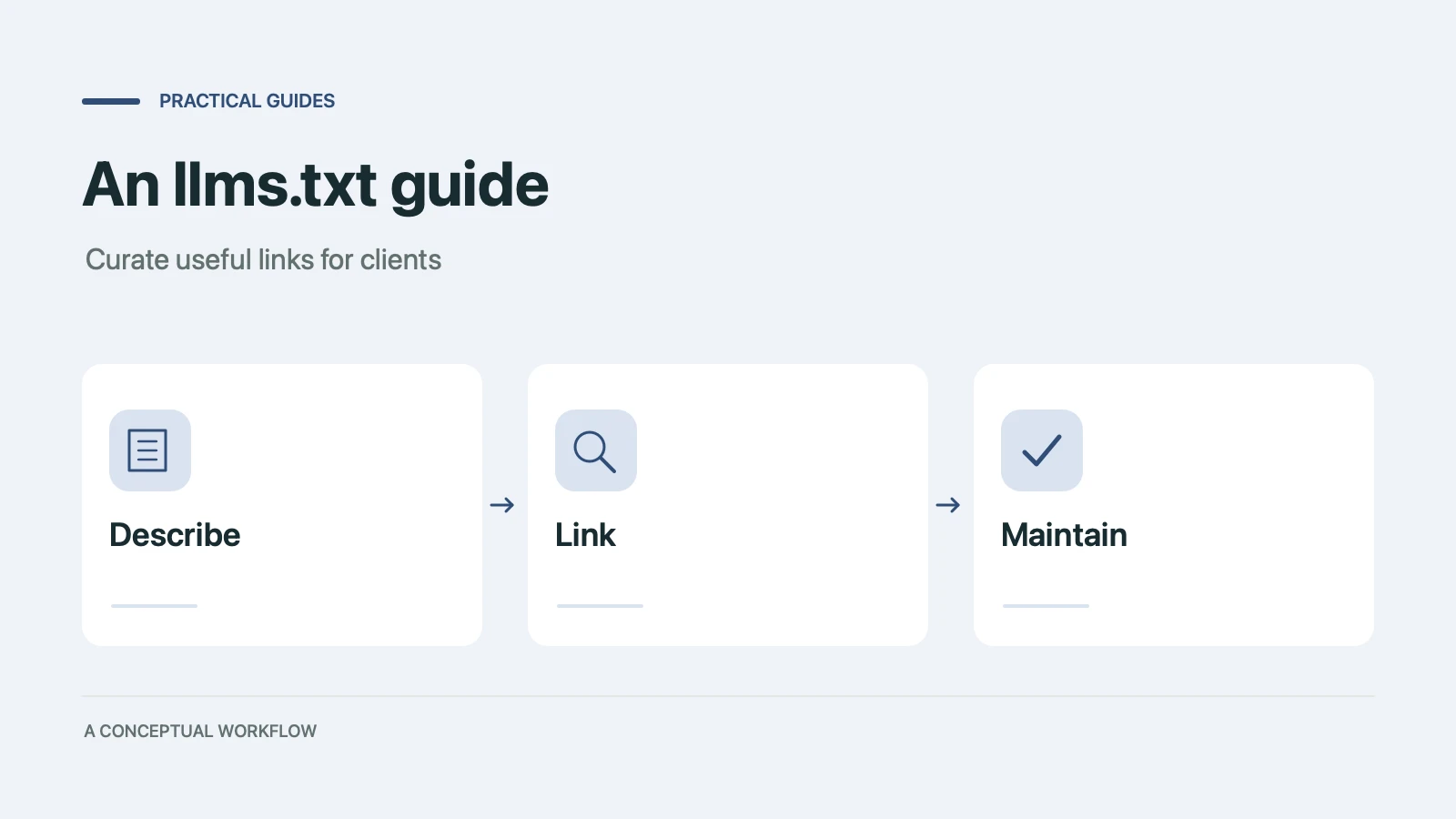
Learn the proposed llms.txt format, review illustrative industry content, and test an optional site summary without assuming universal AI support or a visibility lift.

Evaluate Dashform alongside GoHighLevel for lead intake, configured qualification, and CRM handoffs without assuming a complete platform replacement.
Try the world's first AI-native form and turn every response into action instantly.