

The Hair Salon Booking Form opens by asking for contact details — name, email, and phone number — so the salon can reach the client to confirm or adjust the appointment. It then moves to scheduling, with the "Preferred Appointment Date" question followed by the "Preferred Time Slot" question, which offers four windows from morning through late afternoon. The "Service(s) Requested" question lets clients choose one or more treatments, from a haircut or blow dry through to extensions or a keratin treatment, while "Hair Length" helps the stylist estimate appointment duration and pricing before the client even arrives. Three optional questions — stylist preference, hair concerns or allergies, and how the client heard about the salon — round out the form without creating friction. After submitting, clients see a confirmation message letting them know their request has been received and that a booking confirmation is on its way.
Try the conversation below to see how this template works
Trusted by over 10,000 customers and growing
Conversations Started
Questions Answered
Forms Created
Relies on the "Service(s) Requested" and "Hair Length" questions to prepare a personalised appointment without a back-and-forth phone call.
Uses the "Preferred Appointment Date" and "Preferred Time Slot" questions together to triage the day's schedule before confirming bookings with clients.
Depends on the "Stylist Preference" and "Any Hair Concerns or Allergies?" questions to gather the personal detail needed to plan a solo session at a client's location.

AI builds and refines your form through natural conversation no templates, no complex logic, no coding. From a simple text prompt or URL, Dashform generates intelligent flows that adapt automatically.
Dashform turns traditional form-filling into a two-way dialogue. The AI understands intent, remembers context, and asks relevant follow-up questions just like a real human conversation.
Every response is transformed into structured, meaningful, and ready-to-use data. Integrate with your favorite tools.
Everything you need to create amazing forms
Everything you need to know about this template
Don't see exactly what you need? Use our AI Form Generator to create a custom form in seconds. Just describe what you want, and AI will build it for you.
Explore more templates to find the perfect fit
 Satisfaction Survey
A concise seven-question pulse survey covering satisfaction, workload, communication, manager support, and growth interests.
 Survey
Gather student or staff feedback on devices, connectivity, platform usability, and tech support for remote learning.
 Registration
Register as a telechaplaincy volunteer by sharing your contact details, availability, and interest in spiritual care support.
 Consent
Collect patient identity, informed consent, and an electronic signature for remote healthcare services.
 General Request
A simple referral form that captures both sender and friend details, plus an optional personal message, to share a product or service recommendation.
 Waiver
Collect scoped, time-limited consent to access specific account information for eligibility reviews or service offerings.
Learn how to get the most out of your forms and templates
How restaurants use AI-powered feedback forms to capture customer sentiment in real time, resolve problems before they become public reviews, and bring guests back. A complete setup guide with QR code strategy.

Learn proven restaurant reputation management tips for handling online reviews. Discover how to respond to feedback professionally, manage negative reviews, and use AI-powered feedback forms to protect and grow your restaurant’s reputation.
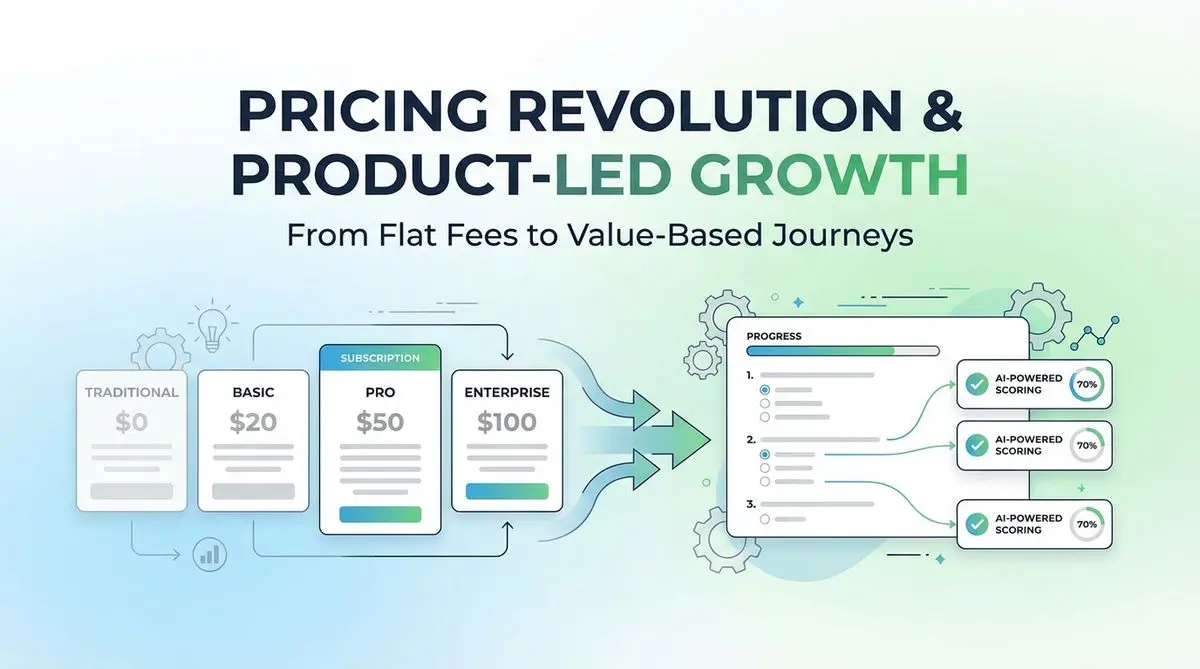
A proposed SaaS intake quiz can collect use case, budget, and timeline before a trial. Test its effect on signups, activation, and paying customers.
Try the world's first AI-native form and turn every response into action instantly.