

This free online Technology Survey for Remote Learning is specifically designed to gather essential student feedback on their experiences with technology in digital learning environments. Educators can utilize the valuable insights collected through this customizable survey to identify common challenges students face, understand their technology access, and enhance the overall online classroom experience. Easily adapt the form to align with your specific program requirements, such as adding or modifying questions related to particular tools or platforms. Once customized, share it directly with students via a link or embed it seamlessly into your school's website for broad reach. All responses are securely stored and readily accessible from your Jotform account, allowing teachers to review valuable feedback conveniently on any device, anytime. This streamlines the process of improving remote education and fostering a more effective learning environment for all students.
Try the conversation below to see how this template works
Trusted by over 10,000 customers and growing
Conversations Started
Questions Answered
Forms Created
Understand what devices and internet connectivity students have, helping to identify potential barriers to learning.
Gather feedback on the usability and effectiveness of digital tools and learning management systems used in remote education.
Identify common technical issues and areas where students may need additional support to succeed in a remote setting.

AI builds and refines your form through natural conversation no templates, no complex logic, no coding. From a simple text prompt or URL, Dashform generates intelligent flows that adapt automatically.
Dashform turns traditional form-filling into a two-way dialogue. The AI understands intent, remembers context, and asks relevant follow-up questions just like a real human conversation.
Every response is transformed into structured, meaningful, and ready-to-use data. Integrate with your favorite tools.
Everything you need to create amazing forms
Everything you need to know about this template
Don't see exactly what you need? Use our AI Form Generator to create a custom form in seconds. Just describe what you want, and AI will build it for you.
Explore more templates to find the perfect fit
 Other
OtherCreate professional press releases with headlines, body content, company information, contact details, and release date specifications.
 Agreement
Book pressure washing services with property details, surface types, scheduling, and client contact information.
 Other
OtherNotify customers of pricing changes professionally with current rates, new pricing, effective dates, and clear explanations.
 Quote Request
Easily collect detailed printing requests from customers, including specifications like paper size, quantity, and color, to provide accurate quotes efficiently.
 Checklist
Organize tasks by priority with details on deadlines, assignments, and status tracking for maximum productivity.
 Consent
A customizable digital form for medical practices to inform patients about procedures, collect essential information, and secure informed consent quickly and efficiently.
Learn how to get the most out of your forms and templates
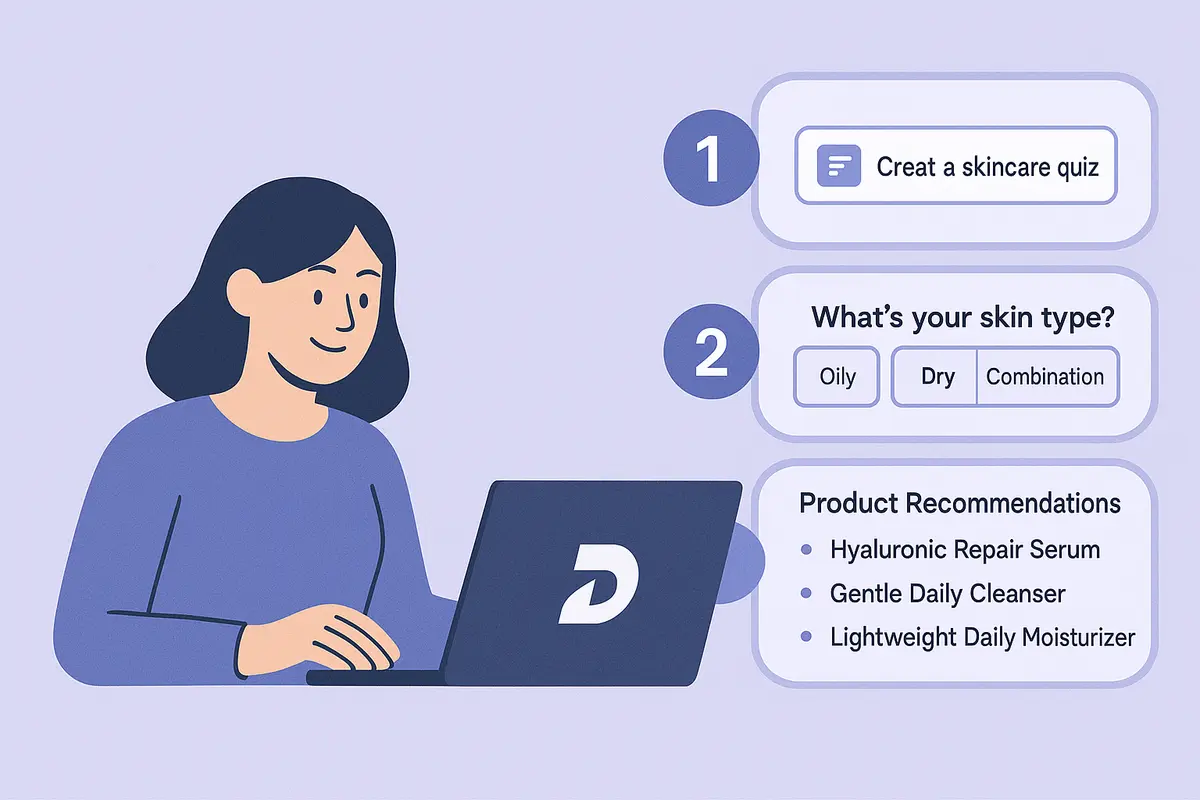
Learn how to create a high-converting AI product recommendation quiz using Dashform. This step-by-step guide shows how to generate personalized quizzes with conditional logic, branding, and CRM integrations — no coding required.

Top-producing realtors are using AI agent funnels to receive pre-qualified buyer leads -- with budget, timeline, and preferences already collected. Learn the exact setup that's helping agents close 61% more deals in 2026.
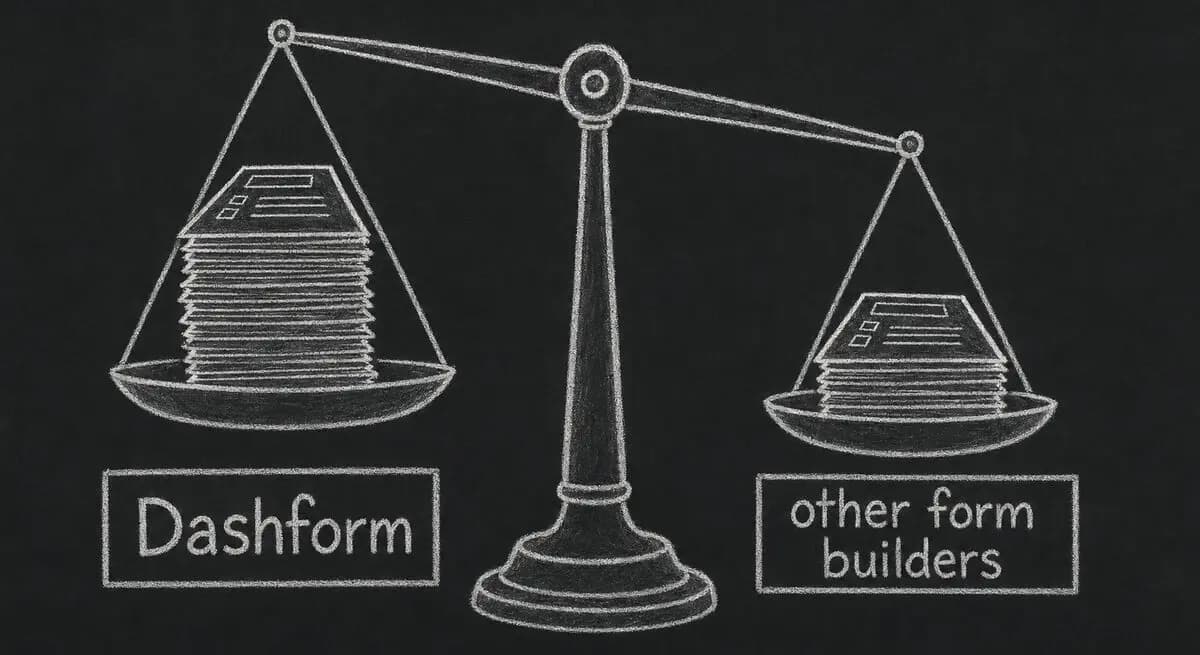
Eight criteria, three weights, the tools we excluded, and what we tested. The internal rubric every Dashform comparison page links back to.
Try the world's first AI-native form and turn every response into action instantly.