

This seven-question survey opens by asking team members to rate their overall satisfaction, then moves inward to workload balance, team communication, and manager support — building a layered picture of day-to-day experience before the more sensitive topics arrive. The "Which growth opportunities interest you? Select all that apply, or leave blank if none." question lets respondents flag specific development interests, giving the organization a ready-made shortlist for future programs. An optional open-ended suggestions question follows, inviting free-form input that ratings alone can't capture. The survey closes with the "On a scale of 1 to 5, how much do you feel your contributions are valued by the team and organization?" question, which measures a sentiment strongly linked to retention. After submitting, respondents see a short thank-you screen acknowledging that their input supports a better workplace.
Try the conversation below to see how this template works
Trusted by over 10,000 customers and growing
Conversations Started
Questions Answered
Forms Created
Rely on the workload balance and manager support questions to spot pressure points across departments before they affect retention.
Use the communication effectiveness and valued-contributions ratings to get an honest, structured read on team morale that one-on-ones don't always surface.
Depend on the growth opportunities question to prioritize which development programs — courses, mentorship, leadership training, or cross-functional projects — to build or source first.

AI builds and refines your form through natural conversation no templates, no complex logic, no coding. From a simple text prompt or URL, Dashform generates intelligent flows that adapt automatically.
Dashform turns traditional form-filling into a two-way dialogue. The AI understands intent, remembers context, and asks relevant follow-up questions just like a real human conversation.
Every response is transformed into structured, meaningful, and ready-to-use data. Integrate with your favorite tools.
Everything you need to create amazing forms
Everything you need to know about this template
Don't see exactly what you need? Use our AI Form Generator to create a custom form in seconds. Just describe what you want, and AI will build it for you.
Explore more templates to find the perfect fit
 Waiver
Collect participant risk acknowledgment, liability release, and emergency contact details before your event.
 Professions
Tell us about your event — date, guest count, budget, and services needed — so we can prepare for your consultation.
 Event Registration
A five-question registration form covering attendee details, event type, dietary needs, and referral source.
 Rsvp
RsvpCollect attendance confirmations, guest counts, and dietary needs ahead of your event in one tidy form.
 Satisfaction Survey
Collect structured post-event feedback across six rating areas plus open comments and a referral question.
 Waiver
Collect participant details, emergency contacts, and three key liability acknowledgements before your event.
Learn how to get the most out of your forms and templates

Client qualification has evolved from ad-hoc discovery calls into structured systems. This article breaks down the modern qualification process coaches use to assess fit, protect time, and scale efficiently.
When splitting a long form into steps helps conversion and when it doesn't, the research and psychology behind it, and a step-by-step playbook to build one in any form builder.
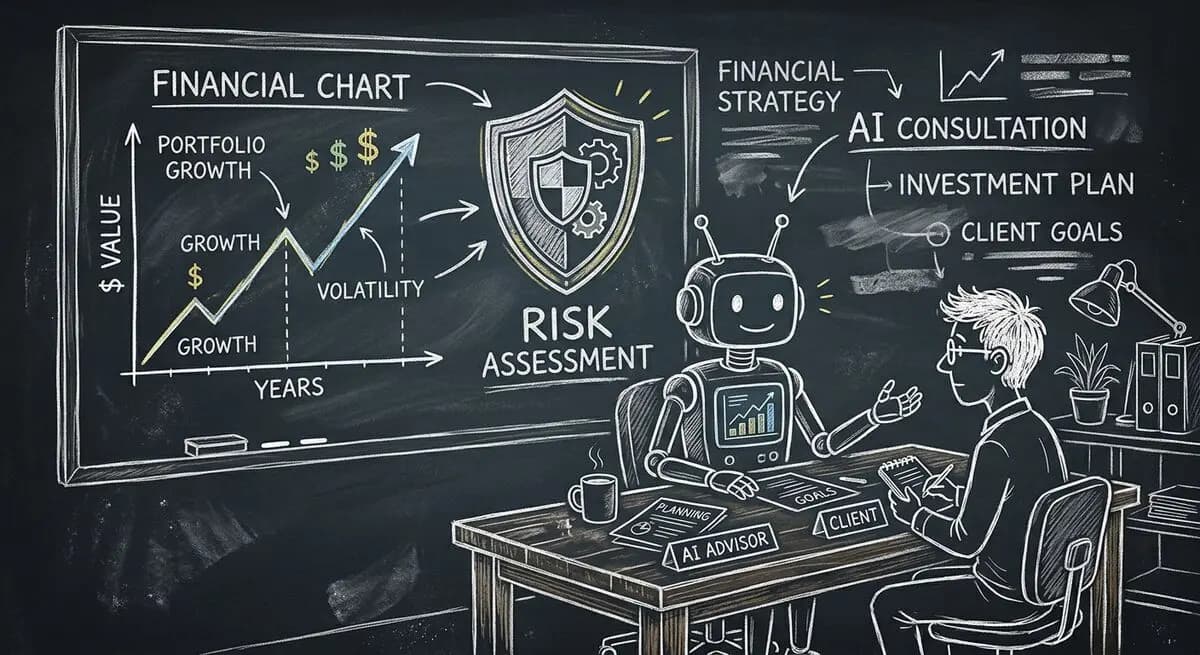
A proposed financial advisory intake workflow using Dashform and a separately configured OpenClaw agent, with advisor review and explicit integration boundaries.
Try the world's first AI-native form and turn every response into action instantly.