This ten-question form opens by collecting contact and identity details — "Full Name", "Email Address", "Phone Number", and "Date of Birth" — so an agent can reach the right person and apply age-based pricing where relevant. It then asks "Type of Insurance Needed" to route the request appropriately across seven coverage categories, followed by a preferred start date and the applicant's current provider, which together help gauge urgency and any mid-term switching context. The "Have you filed any insurance claims in the past 3 years?" question gives agents an early read on risk history, while the open-ended "Please describe your coverage needs or any specific requirements" question captures the nuance no multiple-choice list can. A final optional question on how the respondent heard about the business rounds out the form for marketing purposes. After submitting, respondents see a confirmation noting that an agent will be in touch within one to two business days with a personalised quote.
Try the conversation below to see how this template works
Trusted by over 10,000 customers and growing
Conversations Started
Questions Answered
Forms Created
Relies on the "Type of Insurance Needed" and "Please describe your coverage needs or any specific requirements" questions to triage inbound leads across multiple product lines before an agent makes first contact.
Uses the "Date of Birth", "Coverage Start Date (Preferred)", and claims history question to arrive on a first call already prepared with the key variables that drive a precise quote.
Depends on the "How did you hear about us?" question to attribute new quote requests to specific channels — search, referrals, social, or ads — and measure which sources convert to enquiries.

AI builds and refines your form through natural conversation no templates, no complex logic, no coding. From a simple text prompt or URL, Dashform generates intelligent flows that adapt automatically.
Dashform turns traditional form-filling into a two-way dialogue. The AI understands intent, remembers context, and asks relevant follow-up questions just like a real human conversation.
Every response is transformed into structured, meaningful, and ready-to-use data. Integrate with your favorite tools.
Everything you need to create amazing forms
Everything you need to know about this template
Don't see exactly what you need? Use our AI Form Generator to create a custom form in seconds. Just describe what you want, and AI will build it for you.
Explore more templates to find the perfect fit
 Quiz
QuizA five-question Halloween quiz mixing personal reflection, activity knowledge, and origin history — with an optional rating and costume favourite.
 Agreement
Formally record a property handover with condition, inventory, meter readings, and an electronic signature in one streamlined form.
 Professions
Request a handyman visit by describing your job, urgency, and preferred appointment time in about 2 minutes.
 Survey
A seven-question lifestyle survey covering diet, activity, sleep, and stress to support personalized health assessments.
 Assessment
Name a health condition, then explore perceived risk, severity, benefits, barriers, personal context, and confidence in taking action.
 Professions
Gather health goals, habits, medical context, and motivation before a first coaching session.
Learn how to get the most out of your forms and templates
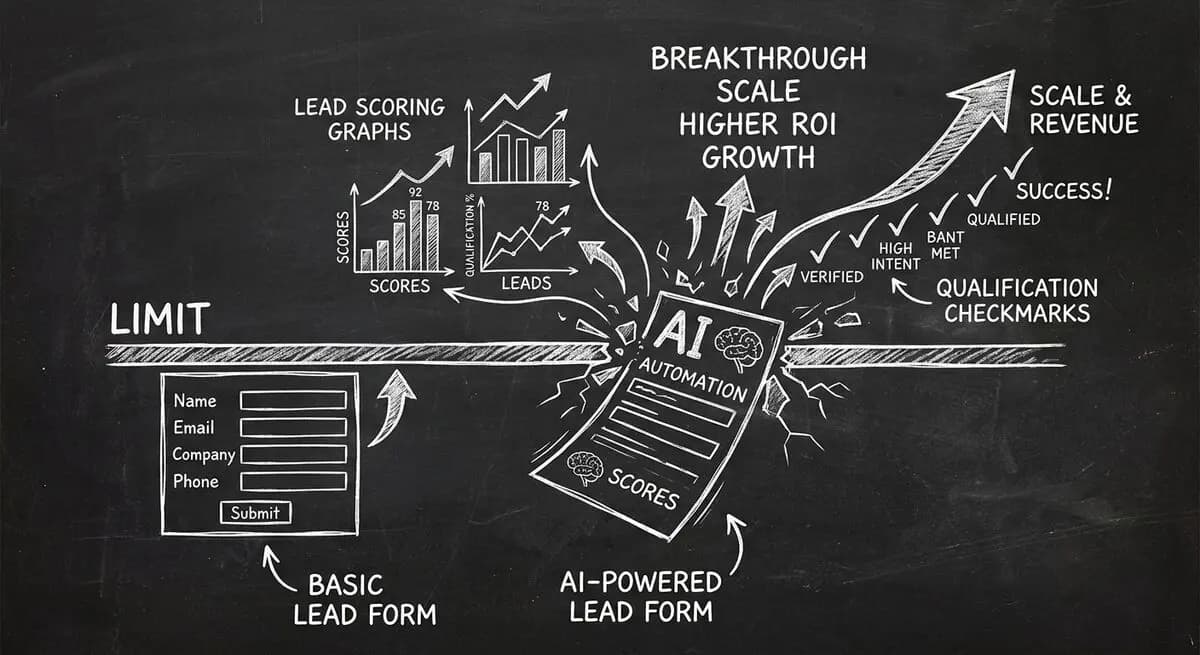
Compare Dashform and Tally for AI drafting, form logic, lead review, and integrations, with a practical checklist for evaluating a switch.
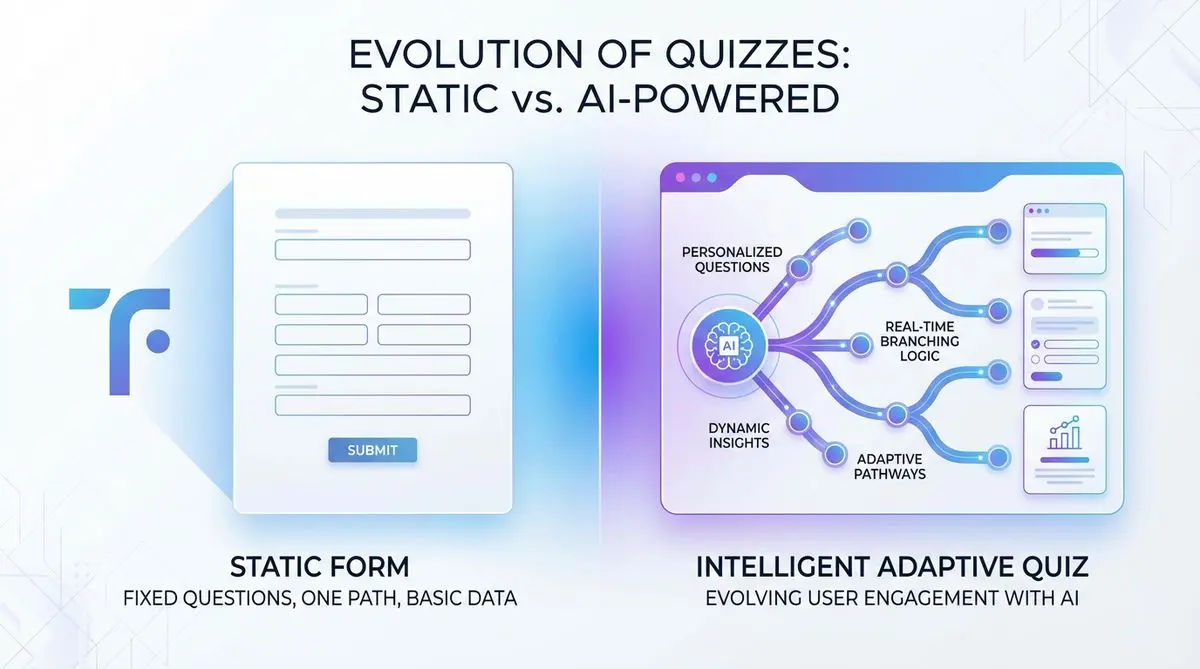
Compare Dashform and Typeform for question drafting, qualification, results, and configured CRM or scheduling handoffs.

Eight Botox marketing ideas to evaluate: dedicated landing pages, consultation requests, seasonal promotions, local SEO, and configured follow-ups.
Try the world's first AI-native form and turn every response into action instantly.

