

This fitness liability waiver walks participants through seven required questions before they join any physical activity. It opens by collecting the participant's full legal name and date of birth to record self-reported identifying details, then asks whether they understand the inherent risks of fitness participation — a single-choice acknowledgement that requires an answer before moving forward. A freeform medical disclosure question follows, inviting participants to describe any conditions, injuries, or medications that could affect their safe involvement. The form then gathers a full name and phone number for an emergency contact, keeping staff prepared in any urgent situation. It closes with the "By checking 'Yes', you confirm that you have read, understood, and agree to all terms and conditions outlined in this Fitness Liability Waiver." question, where participants can record either agreement or refusal; the organizer must review the answer before accepting the waiver. After submitting, participants see a confirmation screen thanking them and noting that their response helps maintain a safe, transparent environment for everyone.
Try the conversation below to see how this template works
Trusted by over 10,000 customers and growing
Conversations Started
Questions Answered
Forms Created
Rely on the risk acknowledgement and final agreement questions to document informed consent from every member before they use the facility.
Use the medical disclosure question to flag conditions or medications that need to be factored into a client's programme before the first session.
Depend on the emergency contact questions to ensure staff have a reachable person on file for every participant at group events or classes.

AI builds and refines your form through natural conversation no templates, no complex logic, no coding. From a simple text prompt or URL, Dashform generates intelligent flows that adapt automatically.
Dashform turns traditional form-filling into a two-way dialogue. The AI understands intent, remembers context, and asks relevant follow-up questions just like a real human conversation.
Every response is transformed into structured, meaningful, and ready-to-use data. Integrate with your favorite tools.
Everything you need to create amazing forms
Everything you need to know about this template
Don't see exactly what you need? Use our AI Form Generator to create a custom form in seconds. Just describe what you want, and AI will build it for you.
Explore more templates to find the perfect fit
 General Request
Submit a refund request by providing your order details, the items involved, and your preferred refund method.
 Survey
Gather honest perspectives on love, partner qualities, and relationship challenges with this thoughtful six-question survey.
 Consent
Authorize the release of your personal or medical records to a named recipient with a typed e-signature.
 General Request
A structured form for employees to formally request religious accommodations from their employer.
 Payment
Collect sender details, recipient info, payment amount, purpose, and reference codes in one clean remittance form.
 Request
A structured request form for parents to identify which devices their student needs for remote learning.
Learn how to get the most out of your forms and templates
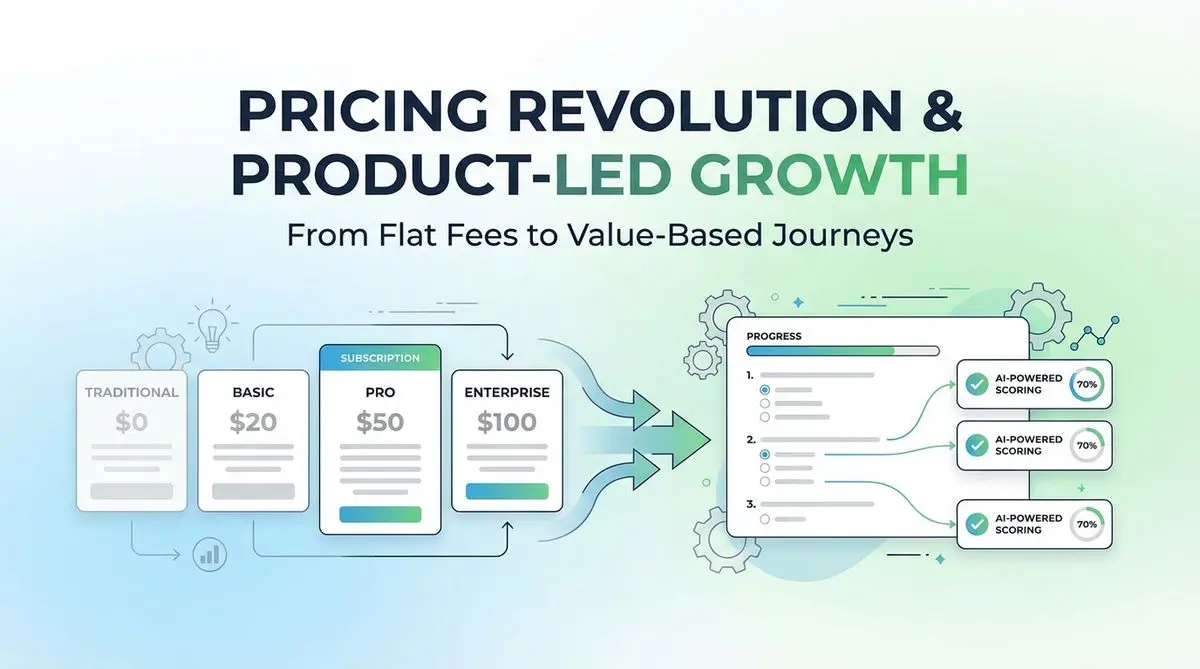
A proposed SaaS intake quiz can collect use case, budget, and timeline before a trial. Test its effect on signups, activation, and paying customers.

Review seven Schema.org types for describing business information accurately. Structured data can aid parsing, but does not guarantee discovery, citations, or bookings.

Many coaches start with ScoreApp for client scoring, but outgrow scoring-only workflows as their business scales. This article explores common ScoreApp alternatives and what modern coaches should look for beyond simple assessments.
Try the world's first AI-native form and turn every response into action instantly.