

This Change of Doctor Form opens with a welcome screen explaining why accurate information matters, then walks through eight questions in a logical order: identity first, then the transition itself, and finally authorization. It collects your full legal name and date of birth to match you to the correct records, then asks for the names of your current and new doctors, an optional specialty field to help route your file accurately, and the effective date of the change. An optional question asks for your reason for switching, giving the practice useful context. The form closes with the "Do you authorize the transfer of your medical records to your new doctor?" question, a required yes-or-no step that ensures no records move without your explicit consent. After submitting, you see a confirmation screen letting you know your update has been received.
Try the conversation below to see how this template works
Trusted by over 10,000 customers and growing
Conversations Started
Questions Answered
Forms Created
Rely on the "What is the full name of your current doctor?" and "When is the effective date of this change? (MM/DD/YYYY)" questions to update patient assignments and avoid scheduling conflicts.
Depend on the "Do you authorize the transfer of your medical records to your new doctor?" question to ensure every record transfer has documented patient consent before any files are moved.
Use the "What is the specialty of your new doctor (e.g., Cardiology, Pediatrics, General Practice)?" question to verify that the new provider falls within the patient's covered network or referral requirements.

AI builds and refines your form through natural conversation no templates, no complex logic, no coding. From a simple text prompt or URL, Dashform generates intelligent flows that adapt automatically.
Dashform turns traditional form-filling into a two-way dialogue. The AI understands intent, remembers context, and asks relevant follow-up questions just like a real human conversation.
Every response is transformed into structured, meaningful, and ready-to-use data. Integrate with your favorite tools.
Everything you need to create amazing forms
Everything you need to know about this template
Don't see exactly what you need? Use our AI Form Generator to create a custom form in seconds. Just describe what you want, and AI will build it for you.
Explore more templates to find the perfect fit
 Evaluation Survey
Collect structured ratings and open feedback on a presenter's content, delivery, and overall impact.
 File Upload
Submit a press release with contact details, industry category, and regional targeting in one straightforward form.
 Other
OtherCollect every detail needed for a professional press release, from headline and embargo date to boilerplate and media contact.
 Agreement
Collect customer contact info, property details, surface selections, and scheduling preferences for a pressure washing booking.
 Other
OtherOutline an account, current and proposed rates, effective date, reason, and notice period before drafting a customer letter.
 Quote Request
Request an accurate printing quote by sharing your paper size, orientation, quantity, and color mode preferences.
Learn how to get the most out of your forms and templates

Gated PDFs collect an email and little else; quiz funnels qualify leads as they answer. The agency playbook for replacing static lead magnets with interactive qualification funnels, with 4 B2B templates.
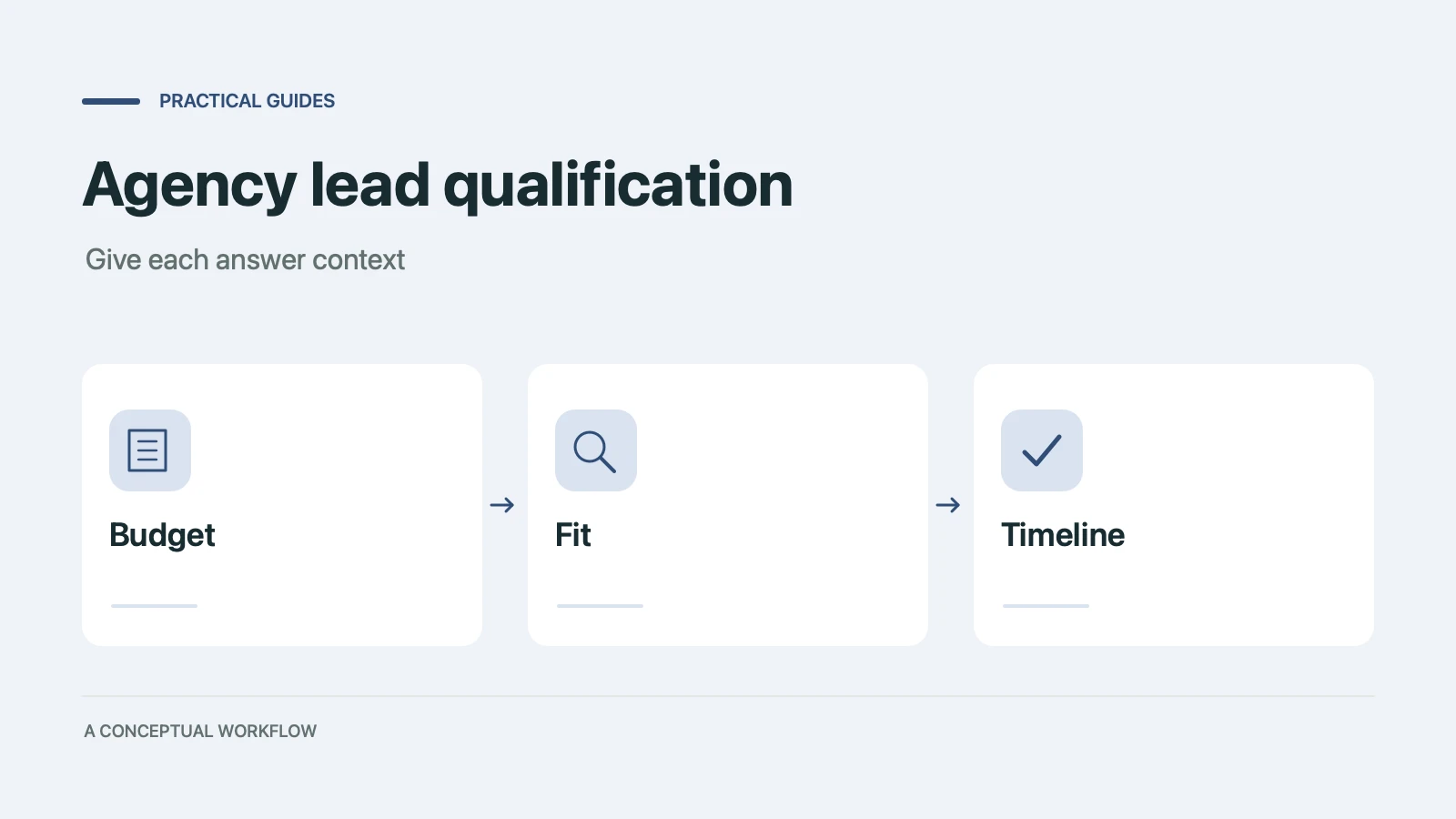
Copy a ten-point agency lead qualification scorecard, check worked examples, and turn the questions into a Dashform inquiry form with clear review rules.

Compare conversational interfaces with tool-using agents, and learn how a published Dashform funnel can support human and agent-assisted inquiries.
Try the world's first AI-native form and turn every response into action instantly.