

This seven-question form collects everything a finance team needs to process a check request without back-and-forth follow-up. It opens by establishing who is making the request and which department it comes from, then moves to the deadline, payee name, and exact dollar amount — the core details that determine how and when a check is cut. The "Please describe the detailed purpose for this check request (e.g., vendor payment, reimbursement, donation)." question gives the finance team the context needed for approval and recordkeeping, while the optional "If applicable, please specify the account or budget code to be charged." question lets requesters link the payment to a specific budget line when relevant. After submitting, respondents see a confirmation screen letting them know their request has been received and is under review by the finance department.
Try the conversation below to see how this template works
Trusted by over 10,000 customers and growing
Conversations Started
Questions Answered
Forms Created
Relies on the "What is the exact amount requested for this check?" and "Please describe the detailed purpose for this check request (e.g., vendor payment, reimbursement, donation)." questions to get everything needed for approval and accurate recordkeeping in one submission.
Uses the "By when do you need this check to be issued?" question to communicate deadlines clearly and avoid last-minute scrambles with the finance team.
Depends on the optional "If applicable, please specify the account or budget code to be charged." question to keep recurring vendor payments and reimbursements tied to the right budget lines.

AI builds and refines your form through natural conversation no templates, no complex logic, no coding. From a simple text prompt or URL, Dashform generates intelligent flows that adapt automatically.
Dashform turns traditional form-filling into a two-way dialogue. The AI understands intent, remembers context, and asks relevant follow-up questions just like a real human conversation.
Every response is transformed into structured, meaningful, and ready-to-use data. Integrate with your favorite tools.
Everything you need to create amazing forms
Everything you need to know about this template
Don't see exactly what you need? Use our AI Form Generator to create a custom form in seconds. Just describe what you want, and AI will build it for you.
Explore more templates to find the perfect fit
 Survey
Collect age, gender, ethnicity, inclusion satisfaction, and open-ended suggestions to guide your diversity initiatives.
 Agreement
Outline an event, performance hours, equipment arrangements, fees, and cancellation terms for a separately prepared DJ agreement.
 Invoice
Record client details, event services, equipment, charges, and payment terms before preparing a DJ invoice.
 Appointment Booking
Request a doctor's appointment by providing patient details, a preferred date and time, and your reason for visiting.
 Other
OtherOutline patient identity, visit date, reported absence period, and restrictions for a healthcare provider to review separately.
 Consent
Organize visit details, absence dates, restrictions, and a clinician-provided return date for separate medical review.
Learn how to get the most out of your forms and templates
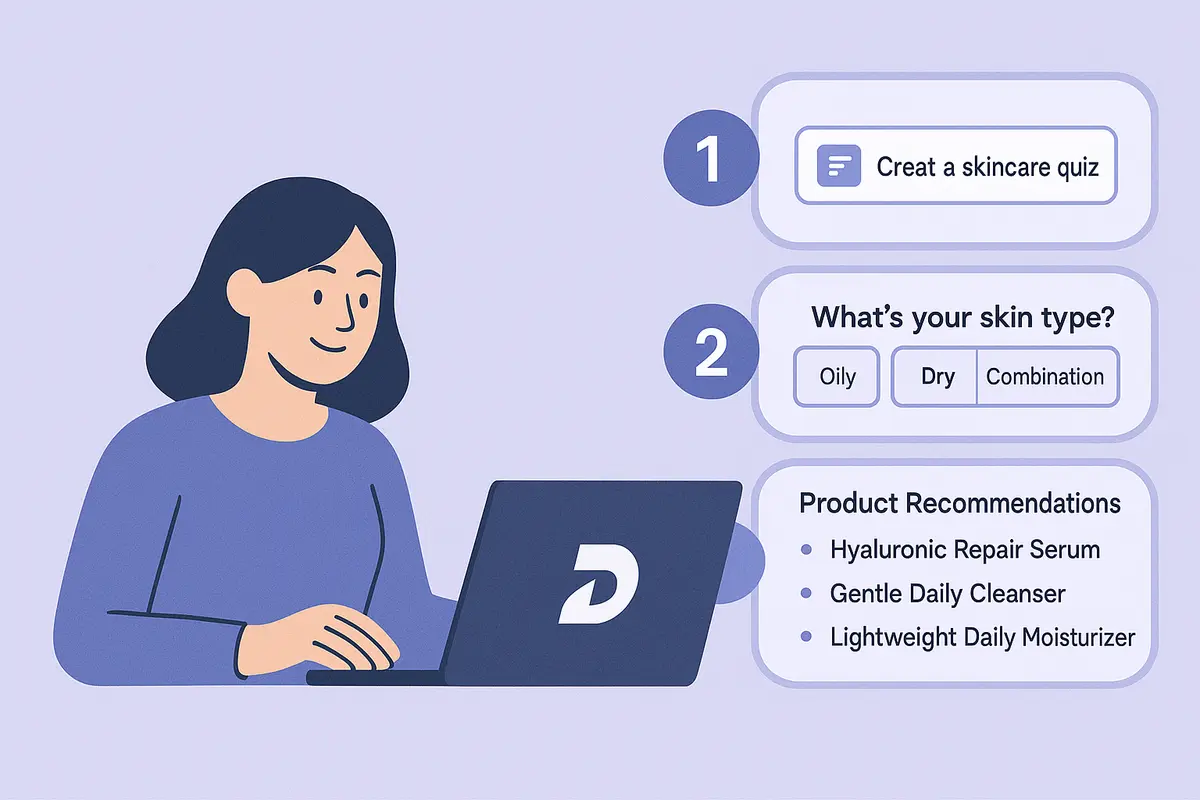
Learn how to create a high-converting AI product recommendation quiz using Dashform. This step-by-step guide shows how to generate personalized quizzes with conditional logic, branding, and CRM integrations — no coding required.

How realtors can use AI agent funnels to receive pre-qualified buyer leads, with budget, timeline, and preferences already collected, and the setup to get there.
A proposed checklist for comparing form authoring, respondent experience, qualification, integrations, pricing, exports, and agent access.
Try the world's first AI-native form and turn every response into action instantly.