

This form walks through seven questions to log a single chemical substance, starting with the "Please provide the full name of the chemical substance." question and the "Enter the Chemical Abstracts Service (CAS) Registry Number for the substance." question to precisely identify what is being recorded. It then captures the amount on hand with the quantity-and-units question and the exact storage spot with the "Indicate the precise storage location of the chemical within your facility." question, giving safety teams everything they need to locate a substance quickly. The "Rate the overall hazard level of this chemical (1 = Low Hazard, 5 = High Hazard)." question and the "Enter the date the chemical was received." question add risk context and a paper trail for compliance audits, while the optional "Provide the name of the supplier or manufacturer." question rounds out sourcing details without blocking submission. After submitting, respondents see a confirmation screen thanking them and noting that their entry supports a safe and compliant environment.
Try the conversation below to see how this template works
Trusted by over 10,000 customers and growing
Conversations Started
Questions Answered
Forms Created
Rely on the "Indicate the precise storage location of the chemical within your facility." question to keep an accurate, searchable map of where every substance is housed.
Use the "Rate the overall hazard level of this chemical (1 = Low Hazard, 5 = High Hazard)." question to quickly identify high-risk substances and prioritise inspections or control measures.
Depend on the "Enter the date the chemical was received." and "Provide the name of the supplier or manufacturer." questions to maintain a complete audit trail for regulatory reporting.

AI builds and refines your form through natural conversation no templates, no complex logic, no coding. From a simple text prompt or URL, Dashform generates intelligent flows that adapt automatically.
Dashform turns traditional form-filling into a two-way dialogue. The AI understands intent, remembers context, and asks relevant follow-up questions just like a real human conversation.
Every response is transformed into structured, meaningful, and ready-to-use data. Integrate with your favorite tools.
Everything you need to create amazing forms
Everything you need to know about this template
Don't see exactly what you need? Use our AI Form Generator to create a custom form in seconds. Just describe what you want, and AI will build it for you.
Explore more templates to find the perfect fit
 Survey
Collect post-experience VR feedback on immersion, visuals, performance, and likelihood to recommend.
 Event Registration
A clean registration form that captures attendee details, session interests, and speaker questions for a virtual webinar.
 Appointment Booking
Collect visitor contact details, visit purpose, and a preferred date and time in one straightforward appointment form.
 Hr
HrA structured form for employees to formally submit their voluntary resignation and notify HR of their intended last day.
 General Application
Collect volunteer applicants' contact details, availability, skills, interests, and motivation in one tidy form.
 Performance Evaluation
Help your organization improve volunteer programs by collecting honest, structured feedback from your volunteers.
Learn how to get the most out of your forms and templates
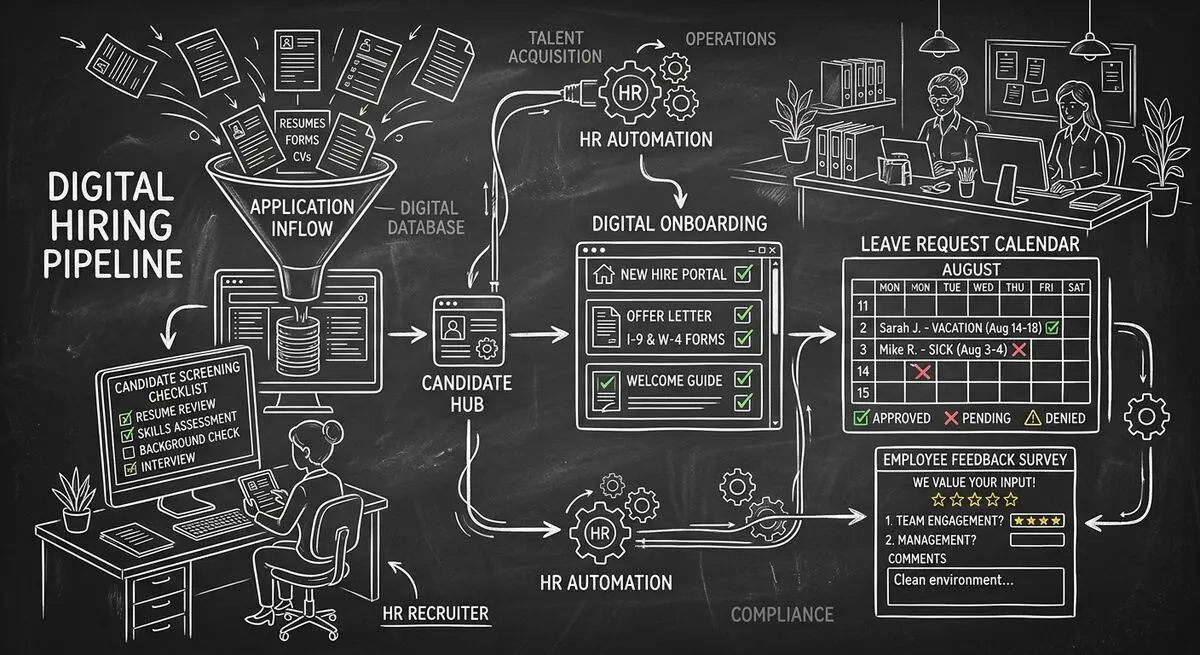
Six Dashform generator starting points for drafting applications, onboarding forms, leave requests, surveys, and feedback, with human review and integration setup.
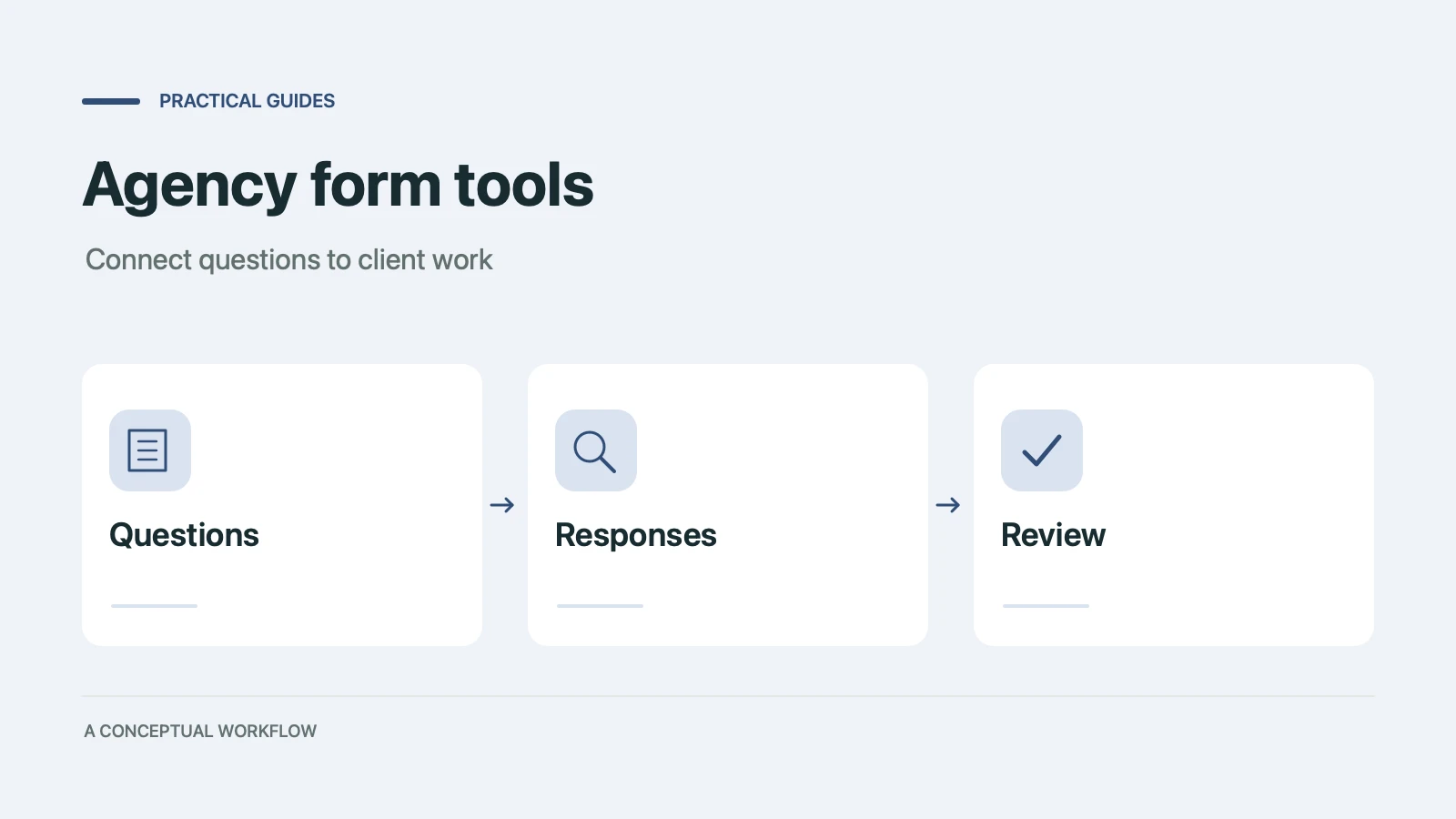
Use six Dashform generator entry points to draft client quizzes, surveys, intake forms, and feedback forms, then review and test the workflow.
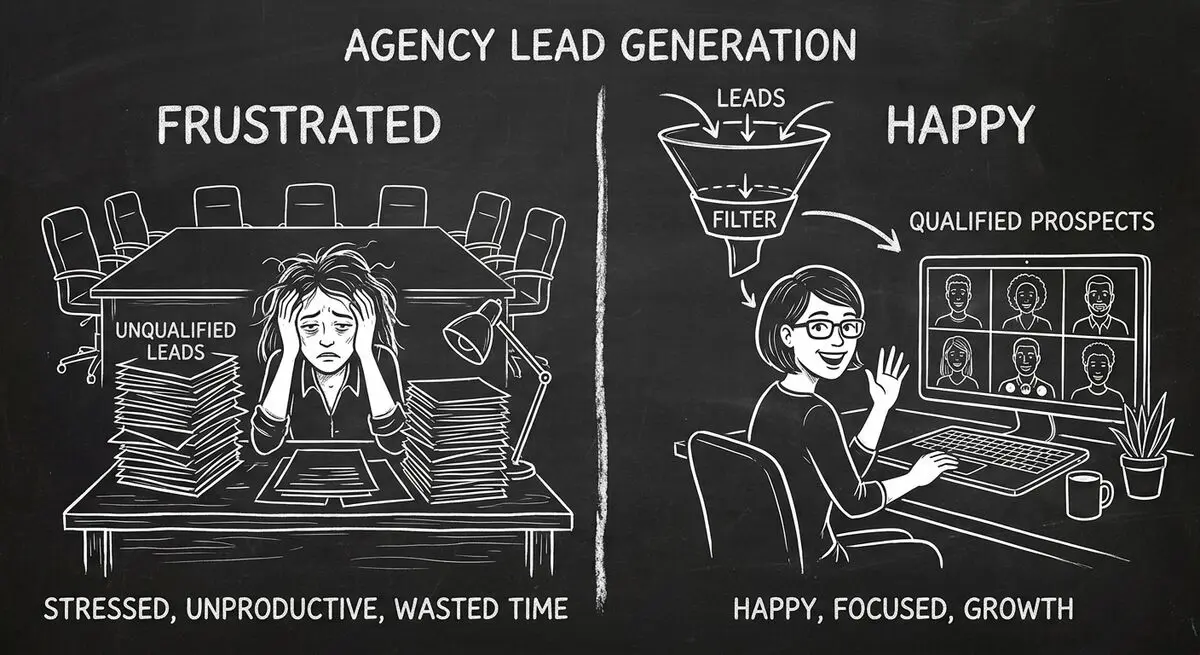
An illustrative playbook for a B2B content marketing agency replacing its static contact form with an AI-powered quiz funnel: the questions, the scoring, the routing, and what to measure in the first 60 days.
Try the world's first AI-native form and turn every response into action instantly.