

The Sales Lead Generation Form opens with a welcome screen inviting prospective customers to share their details so the sales team can prepare a tailored response. It starts with contact and company basics — "Full Name", "Work Email Address", "Phone Number", "Company Name", and "Job Title" — so the right person can be reached at the right organisation. The "Company Size" and "Which product or service are you interested in?" questions help the sales team understand the scale and focus of the enquiry before any conversation begins, and the optional "What is your estimated monthly budget?" and "When are you looking to get started?" questions give them useful context on urgency and scope. A final open-ended "Briefly describe your needs or goals" question lets respondents add anything not captured above. After submitting, the end screen confirms that a sales representative will review the information and be in touch within one to two business days.
Try the conversation below to see how this template works
Trusted by over 10,000 customers and growing
Conversations Started
Questions Answered
Forms Created
The plan-selection question — with options for Starter, Professional, Enterprise, and Custom tiers — maps directly to a tiered product catalogue, letting the sales team route each lead to the right specialist immediately.
The "Company Size" and "What is your estimated monthly budget?" questions give account managers the scope and budget signals they need to prioritise and prepare before the first outreach call.
The "When are you looking to get started?" question flags urgency upfront, helping reps distinguish between buyers who are ready to move immediately and those still in the research phase.

AI builds and refines your form through natural conversation no templates, no complex logic, no coding. From a simple text prompt or URL, Dashform generates intelligent flows that adapt automatically.
Dashform turns traditional form-filling into a two-way dialogue. The AI understands intent, remembers context, and asks relevant follow-up questions just like a real human conversation.
Every response is transformed into structured, meaningful, and ready-to-use data. Integrate with your favorite tools.
Everything you need to create amazing forms
Everything you need to know about this template
Don't see exactly what you need? Use our AI Form Generator to create a custom form in seconds. Just describe what you want, and AI will build it for you.
Explore more templates to find the perfect fit
 Checklist
A six-question checklist covering surface condition, subfloor health, and installation compliance for any flooring inspection.
 General Survey
A six-question post-experience survey capturing satisfaction, likelihood to recommend, and open-ended feedback.
 General Survey
Collect food allergy details, reaction severity, emergency medications, and emergency contact info in one structured form.
 General Request
Request a replacement for a lost or stolen SNAP benefits card by submitting your contact details, case ID, and incident information.
 Registration
Register new clients for meal assistance by collecting contact details, household size, address, and dietary needs.
 Order
OrderPlace a food order online by choosing menu items, quantities, delivery details, and a preferred time.
Learn how to get the most out of your forms and templates

Gated PDFs collect an email and little else; quiz funnels qualify leads as they answer. An agency playbook for the switch, with 4 B2B templates.
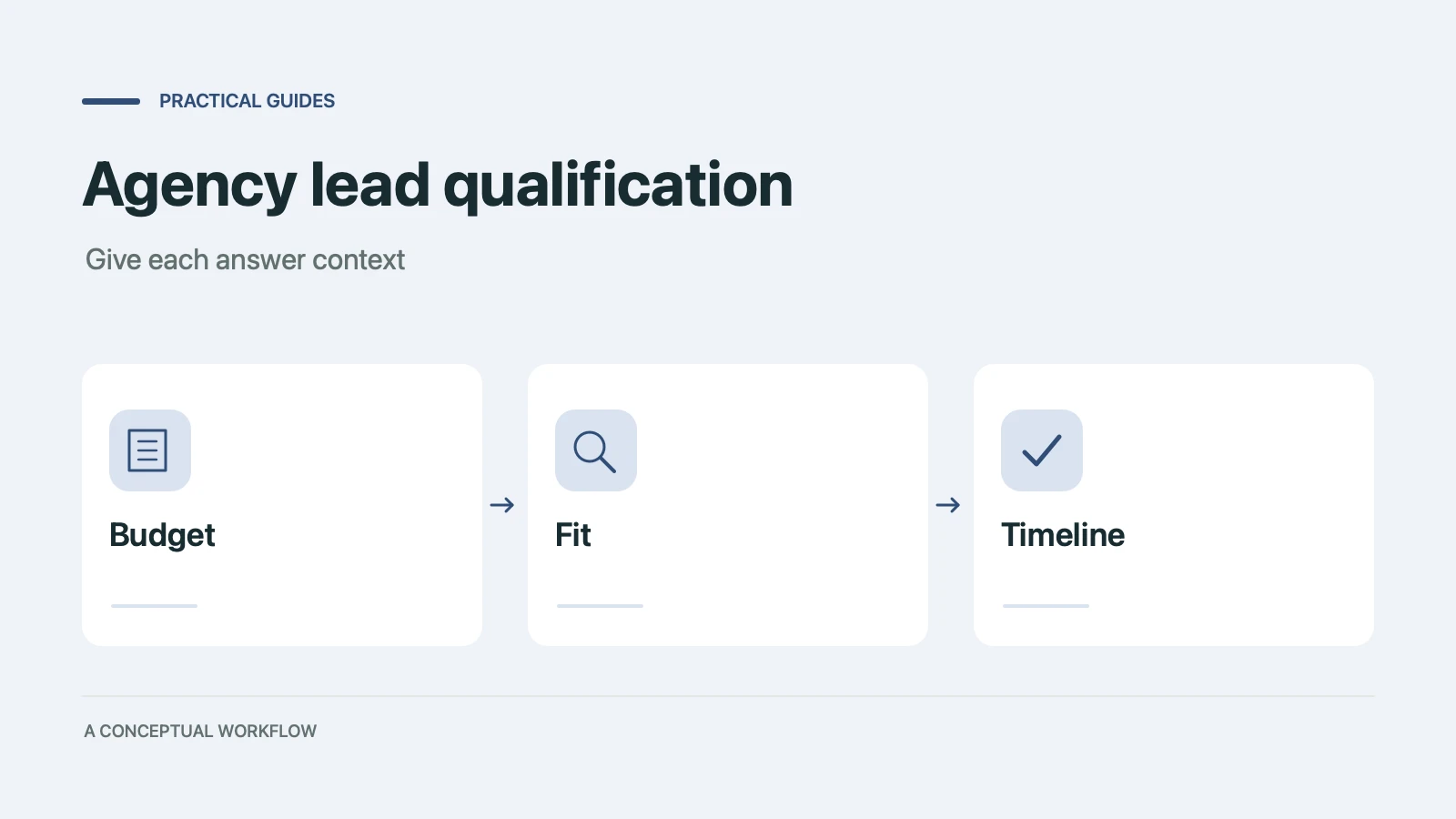
Copy a ten-point agency lead qualification scorecard, check worked examples, and turn the questions into a Dashform inquiry form with clear review rules.

Compare conversational interfaces with tool-using agents, and learn how a published Dashform funnel can support human and agent-assisted inquiries.
Try the world's first AI-native form and turn every response into action instantly.