

The Sales Onboarding Assessment Form opens by collecting a new hire's contact details, then moves into their sales background through two questions: one asking for previous roles, responsibilities, and achievements, and another rating their understanding of the company's core sales strategies on a five-point scale. A single-choice question then gauges how familiar they are with current sales targets and objectives, giving the onboarding team a quick read on where to focus early training. An optional comments question closes the form so respondents can raise any questions about their role or the onboarding process. After submitting, the respondent sees a confirmation message noting that their answers will help ensure a smooth and effective integration into the team.
Try the conversation below to see how this template works
Trusted by over 10,000 customers and growing
Conversations Started
Questions Answered
Forms Created
They rely on the rating and single-choice questions to quickly identify which new hires need deeper strategy or targets briefings before their first week of selling.
They use the contact details question and the open-ended background question to build accurate hire profiles and coordinate role-specific onboarding schedules.
They use the optional comments question to surface early concerns or questions about their role without waiting for a formal meeting.

AI builds and refines your form through natural conversation no templates, no complex logic, no coding. From a simple text prompt or URL, Dashform generates intelligent flows that adapt automatically.
Dashform turns traditional form-filling into a two-way dialogue. The AI understands intent, remembers context, and asks relevant follow-up questions just like a real human conversation.
Every response is transformed into structured, meaningful, and ready-to-use data. Integrate with your favorite tools.
Everything you need to create amazing forms
Everything you need to know about this template
Don't see exactly what you need? Use our AI Form Generator to create a custom form in seconds. Just describe what you want, and AI will build it for you.
Explore more templates to find the perfect fit
 Quiz
QuizA five-question Halloween quiz mixing personal reflection, activity knowledge, and origin history — with an optional rating and costume favourite.
 Agreement
Formally record a property handover with condition, inventory, meter readings, and an electronic signature in one streamlined form.
 Professions
Request a handyman visit by describing your job, urgency, and preferred appointment time in about 2 minutes.
 Survey
A seven-question lifestyle survey covering diet, activity, sleep, and stress to support personalized health assessments.
 Assessment
Name a health condition, then explore perceived risk, severity, benefits, barriers, personal context, and confidence in taking action.
 Professions
Gather health goals, habits, medical context, and motivation before a first coaching session.
Learn how to get the most out of your forms and templates

Five proposed agency services to evaluate beyond a generic AI pitch: technical readiness audits, intake forms, attribution, specialization, and supported agent workflows.
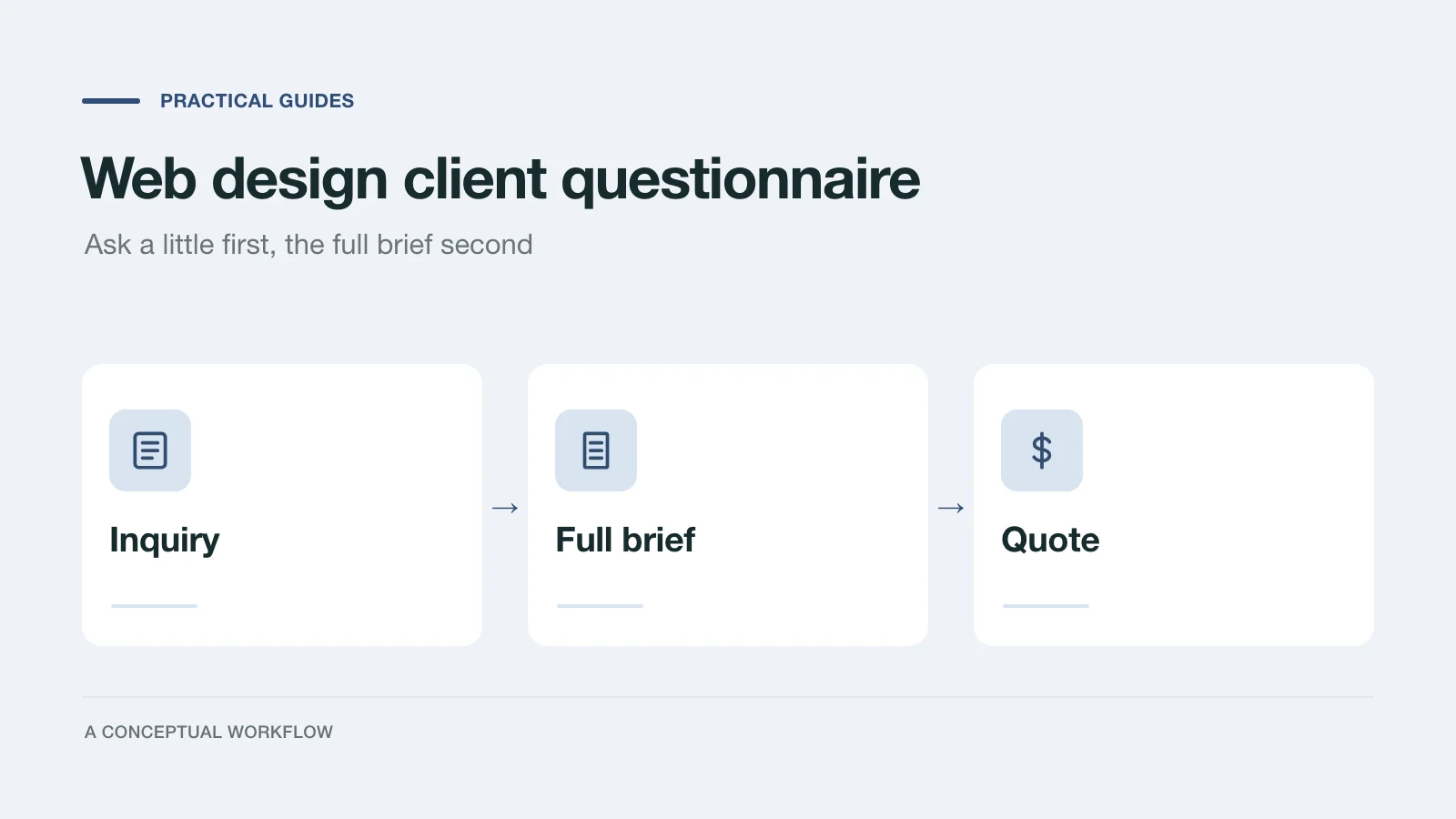
A web design client questionnaire in two stages: a short inquiry form to qualify the project, then the full brief that lets you quote it. Every question explained.
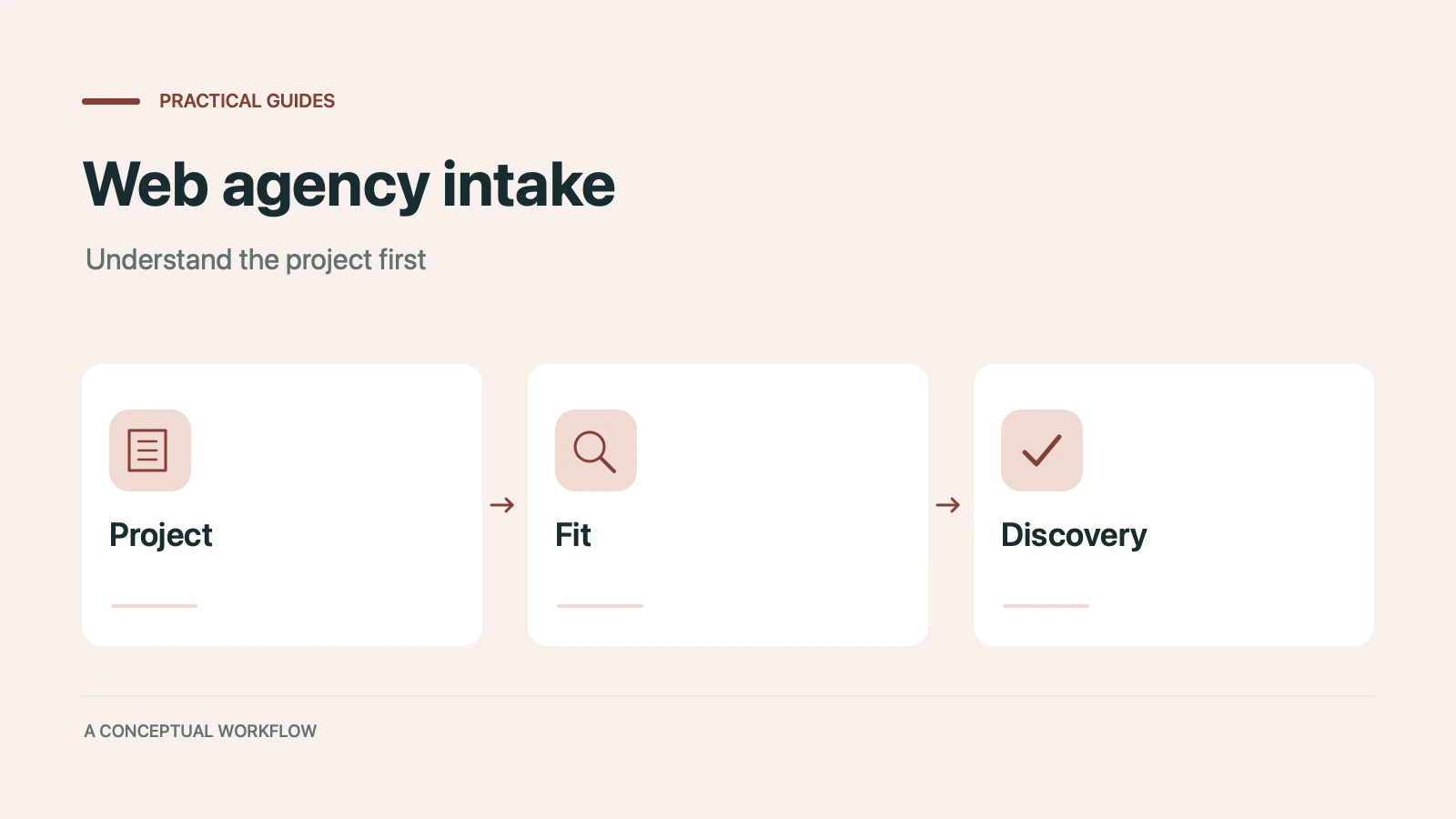
An illustrative walkthrough of a web development agency replacing its contact form with an AI-scored intake assessment: the questions, the three-tier routing, and what to measure so fewer hours go into proposals that never close.
Try the world's first AI-native form and turn every response into action instantly.