This Employee Code of Conduct form collects an employee's name, ID, and department, then asks which of six listed policy sections they have reviewed in materials supplied by their organization. That checklist is optional so someone who has reviewed none can leave it blank. Required choices separately cover agreement, the reporting process, and consequences described in the organization's own policy. A typed name and date complete the seven-question review. Those fields identify the answers without verifying identity or capturing a signature. The ending asks employees to discuss unreviewed sections, disagreement, or clarification needs with their manager or HR contact.
Try the conversation below to see how this template works
Trusted by over 10,000 customers and growing
Conversations Started
Questions Answered
Forms Created
The policy-section checklist distinguishes reviewed topics from topics still needing attention without requiring every section to be selected.
Employee ID and department provide context for reviewing a staff member's questions about workplace expectations.
Separate reporting-process and consequences choices show which explanation an employee is asking to revisit.

AI builds and refines your form through natural conversation no templates, no complex logic, no coding. From a simple text prompt or URL, Dashform generates intelligent flows that adapt automatically.
Dashform turns traditional form-filling into a two-way dialogue. The AI understands intent, remembers context, and asks relevant follow-up questions just like a real human conversation.
Every response is transformed into structured, meaningful, and ready-to-use data. Integrate with your favorite tools.
Everything you need to create amazing forms
Everything you need to know about this template
Don't see exactly what you need? Use our AI Form Generator to create a custom form in seconds. Just describe what you want, and AI will build it for you.
Explore more templates to find the perfect fit
 Request
Collect project type, description, specs, content, brand guidelines, and deadline for any graphic design request.
 Product Order
Order groceries online by selecting delivery timing, product categories, and providing your address in one simple form.
 Event Registration
Register a whole group for an event or program in one quick submission.
 Consent
Collect a named participant's group therapy understanding, confidentiality choices, attendance position, and consent or refusal.
 Assessment
Collect firearm type, make, model, serial number, condition, and special features for a thorough appraisal.
 Agreement
Record a private firearm sale with seller and buyer details, full weapon specs, agreed price, and a legal eligibility confirmation.
Learn how to get the most out of your forms and templates

Draft an AI quiz lead magnet in Dashform, review its branches and Endings, configure email delivery, and measure results against your current lead magnet.
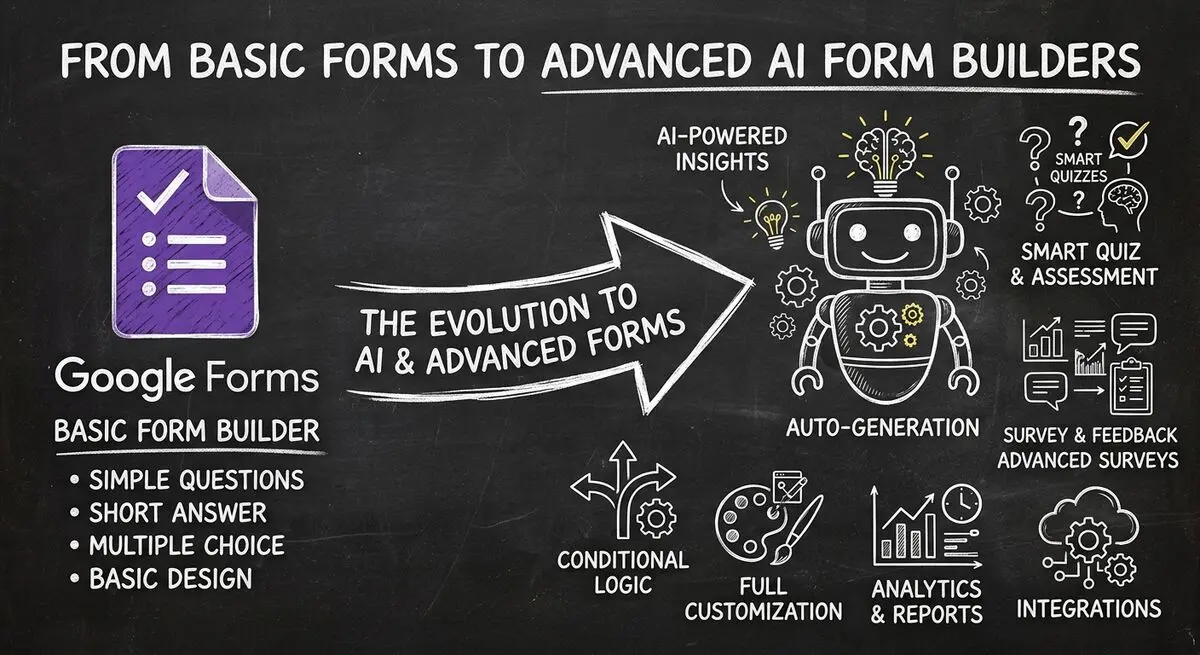
Set up a Google Forms quiz, configure answer keys and grade release, test the respondent experience, and evaluate alternatives for other quiz workflows.
View Google Form responses, link a Google Sheet, enable email notifications, and export a CSV. Compare these workflows with Dashform Reply review.
Try the world's first AI-native form and turn every response into action instantly.

