

This seven-question form opens by asking "What type of design service are you requesting?" so the designer knows immediately whether the work is a logo, brochure, social media graphic, or something else entirely. It then collects a detailed project description and target audience, followed by optional fields for technical specs, content materials, and brand guidelines — giving the designer everything needed to start without a back-and-forth email chain. The required "What is your desired deadline for this project?" question sits near the end so it's informed by all the context already given, and a final open field lets the requester flag anything unusual before submitting. After they submit, the end screen thanks them and lets them know the team will review their response and be in touch shortly.
Try the conversation below to see how this template works
Trusted by over 10,000 customers and growing
Conversations Started
Questions Answered
Forms Created
The design service type and brand guidelines questions let a shared design resource quickly triage requests and apply the right visual standards without follow-up calls.
The "What is your desired deadline for this project?" question, paired with the detailed project description, gives freelancers the scope and timeline info needed to quote and schedule work accurately.
The technical specifications and content materials fields mean account managers can hand off a complete brief to production without chasing clients for missing assets or file format requirements.

AI builds and refines your form through natural conversation no templates, no complex logic, no coding. From a simple text prompt or URL, Dashform generates intelligent flows that adapt automatically.
Dashform turns traditional form-filling into a two-way dialogue. The AI understands intent, remembers context, and asks relevant follow-up questions just like a real human conversation.
Every response is transformed into structured, meaningful, and ready-to-use data. Integrate with your favorite tools.
Everything you need to create amazing forms
Everything you need to know about this template
Don't see exactly what you need? Use our AI Form Generator to create a custom form in seconds. Just describe what you want, and AI will build it for you.
Explore more templates to find the perfect fit
 Survey
Collect neighborhood residents' perceptions of urban change, housing affordability, and community involvement in local planning.
 Other
OtherOutline a recipient, gift value or service, message, proposed expiry, and issuing business for separate certificate preparation.
 Checklist
Organize reported condition observations and safety-check status for separate review by a qualified inspector.
 Other
OtherCollect winner details, verify ticket codes, and capture event preferences in one clean redemption form.
 Preorder
Reserve items from the Good Hart September collection and choose shipping or local pickup before launch.
 Tracking Log
Record a student's assignments, exams, attendance, participation, and final grade in one structured gradebook entry.
Learn how to get the most out of your forms and templates
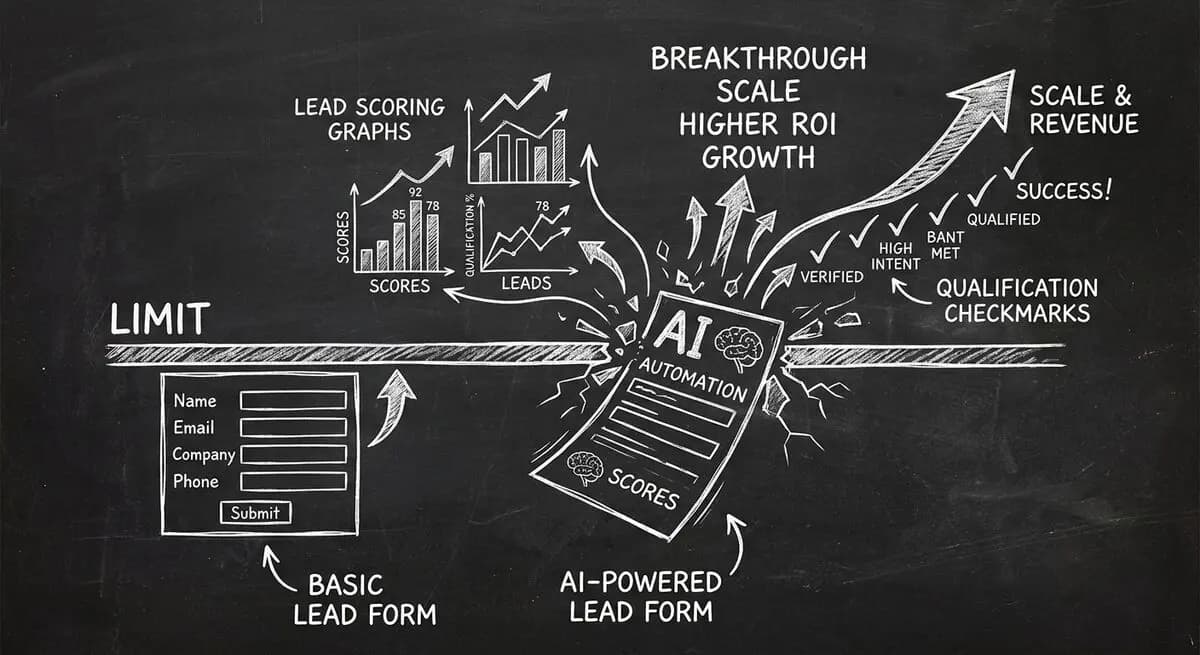
Compare Dashform and Tally for AI drafting, form logic, lead review, and integrations, with a practical checklist for evaluating a switch.
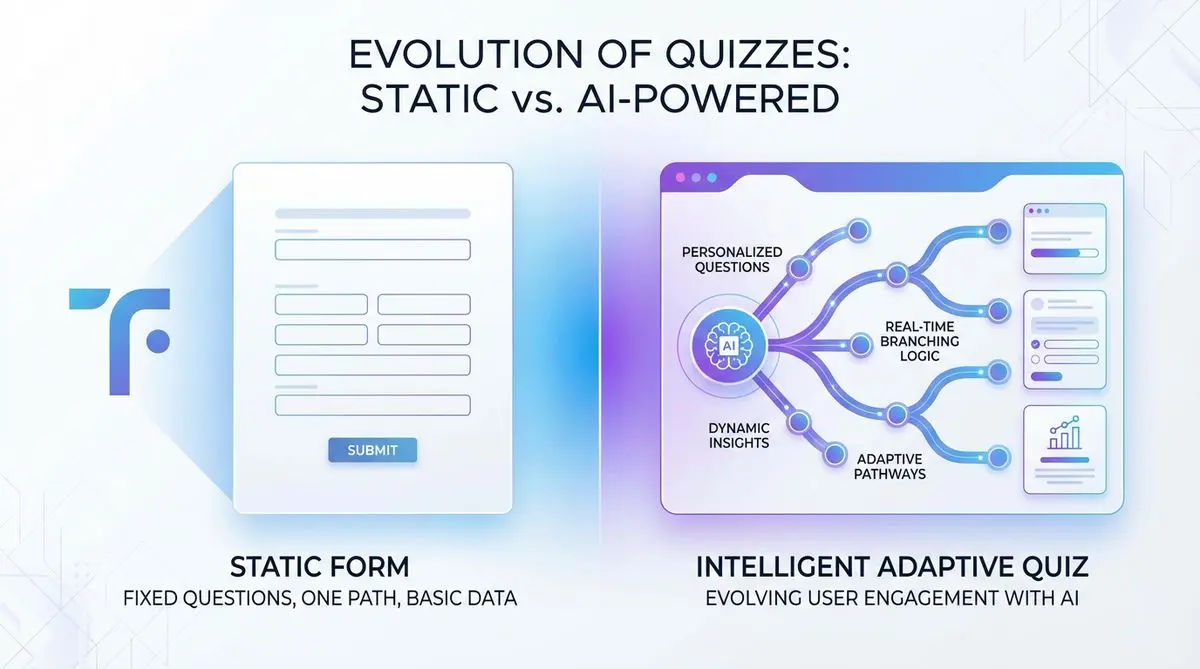
Compare Dashform and Typeform for question drafting, qualification, results, and configured CRM or scheduling handoffs.

Eight Botox marketing ideas to evaluate: dedicated landing pages, consultation requests, seasonal promotions, local SEO, and configured follow-ups.
Try the world's first AI-native form and turn every response into action instantly.