

The Gun Appraisal Form opens with a welcome screen setting expectations before moving through six questions that build a complete picture of a firearm. It starts by asking "What type of firearm is being appraised?" to categorize the item, then collects the manufacturer, model, and serial number to identify it precisely. A 1-to-5 condition rating gives the appraiser a quick read on physical state, and a final optional question invites the owner to flag any modifications, unique features, or historical significance that could affect value. After submitting, respondents see a confirmation screen thanking them and noting that their reply will aid in evaluating their collection.
Try the conversation below to see how this template works
Trusted by over 10,000 customers and growing
Conversations Started
Questions Answered
Forms Created
Dealers rely on the "Please provide the manufacturer of the firearm." and "What is the model name/number and caliber/gauge of the firearm?" questions to quickly build a consistent record for every item coming in for trade or sale.
The "Please enter the serial number of the firearm." question is critical for estate work, giving administrators a verifiable identifier for each piece in a collection being inventoried or transferred.
Collectors benefit most from the "Are there any unique features, modifications, or historical significance to note?" question, which is the one place to document provenance or rare details that set a firearm apart from a standard production model.

AI builds and refines your form through natural conversation no templates, no complex logic, no coding. From a simple text prompt or URL, Dashform generates intelligent flows that adapt automatically.
Dashform turns traditional form-filling into a two-way dialogue. The AI understands intent, remembers context, and asks relevant follow-up questions just like a real human conversation.
Every response is transformed into structured, meaningful, and ready-to-use data. Integrate with your favorite tools.
Everything you need to create amazing forms
Everything you need to know about this template
Don't see exactly what you need? Use our AI Form Generator to create a custom form in seconds. Just describe what you want, and AI will build it for you.
Explore more templates to find the perfect fit
 Job Application
Collect teacher and intern applicants' contact info, education, experience, availability, and motivation in one tidy form.
 Evaluation Survey
Collect structured ratings and open feedback on a presenter's content, delivery, and overall impact.
 File Upload
Submit a press release with contact details, industry category, and regional targeting in one straightforward form.
 Other
OtherCollect every detail needed for a professional press release, from headline and embargo date to boilerplate and media contact.
 Agreement
Collect customer contact info, property details, surface selections, and scheduling preferences for a pressure washing booking.
 Other
OtherOutline an account, current and proposed rates, effective date, reason, and notice period before drafting a customer letter.
Learn how to get the most out of your forms and templates
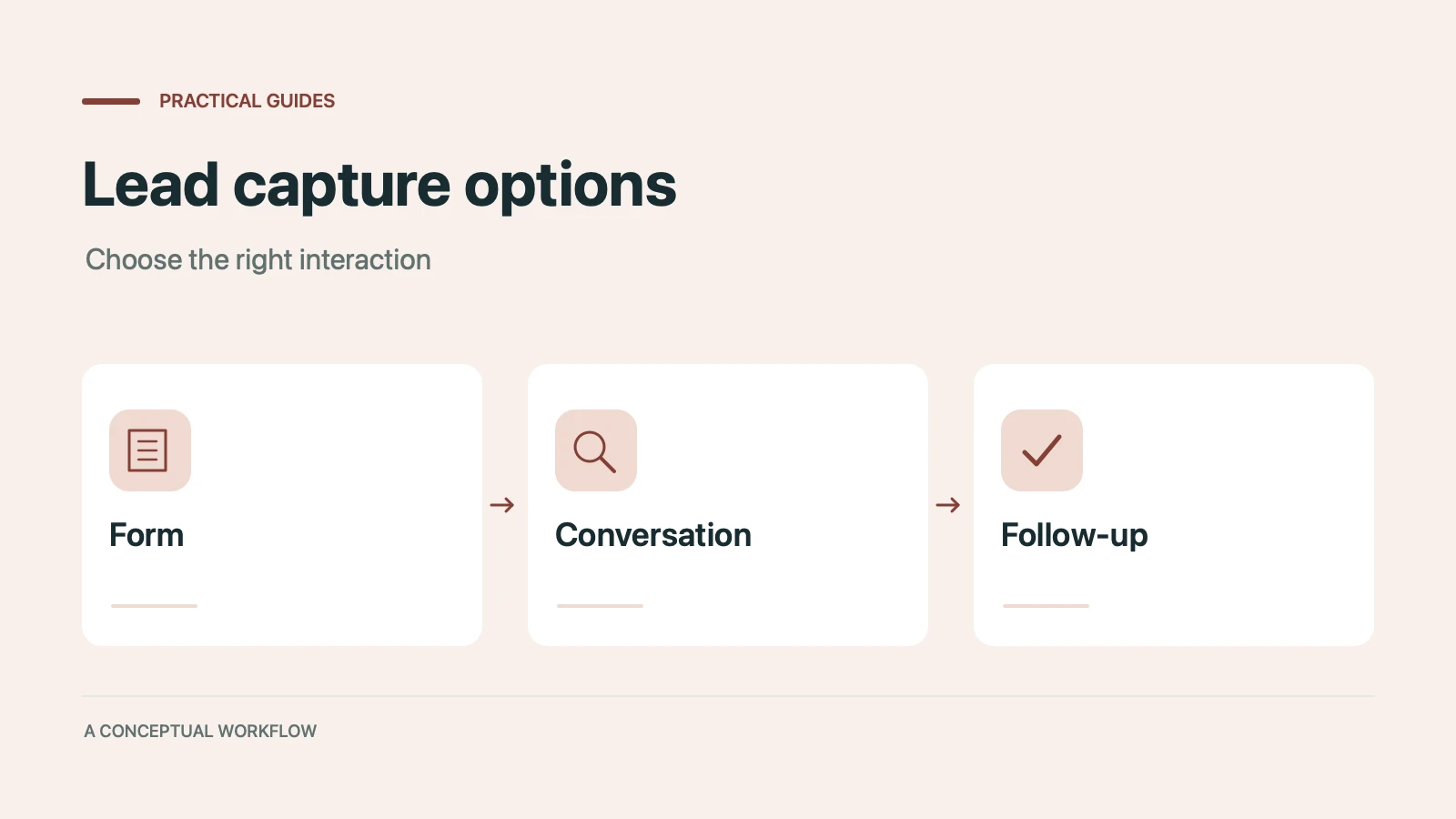
Static forms, AI chatbots, and conversational AI forms compared for lead capture: where each works, where each breaks, and the hybrid stack that combines them.
Call-to-action button examples grouped by goal, with best practices for placement, color, copy, and A/B testing.
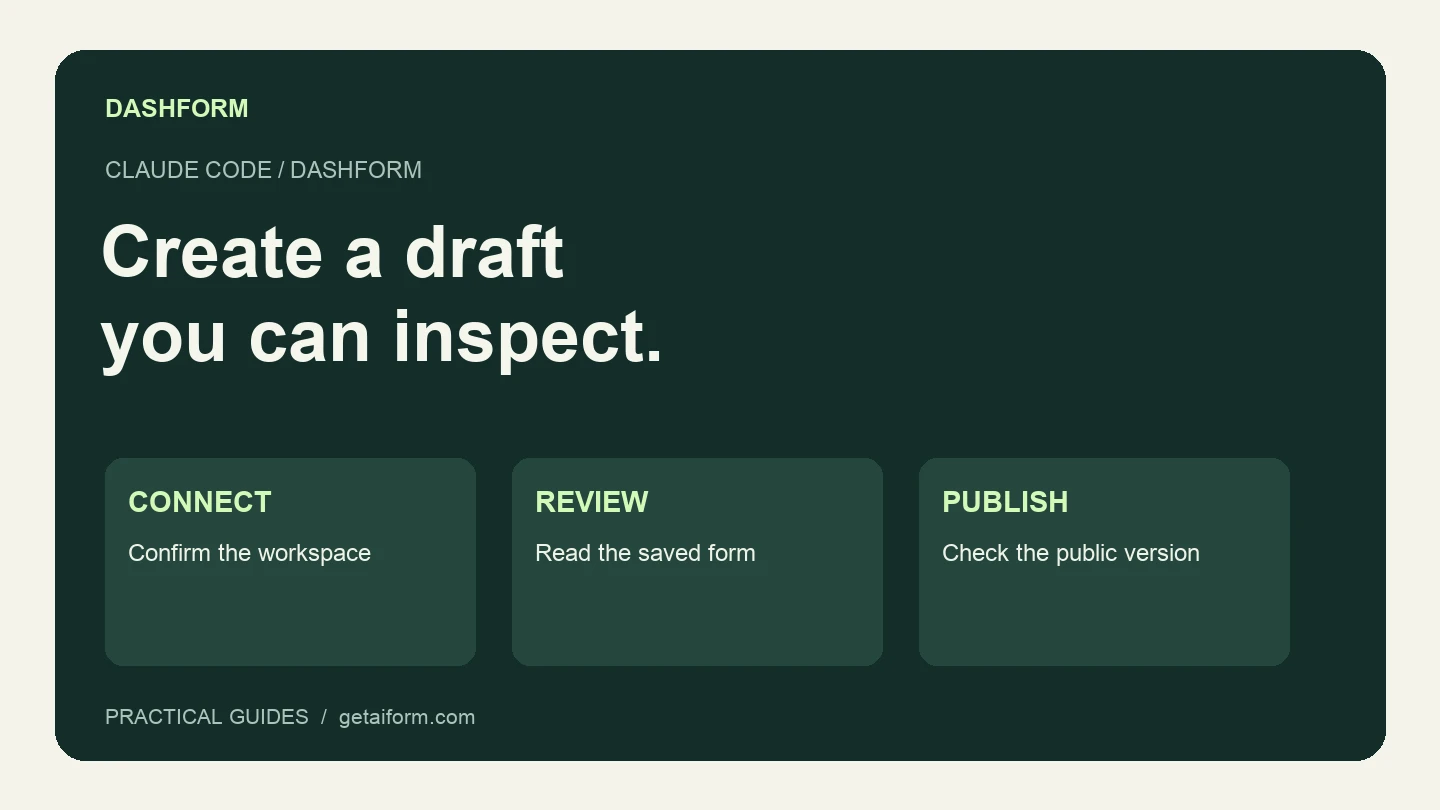
Connect Claude Code to Dashform, create and inspect a form draft, and understand the difference between reusable skills, MCP access, and publishing.
Try the world's first AI-native form and turn every response into action instantly.