

The Group Registration Form lets a single contact person sign up every member of their group for an upcoming event or program without submitting separate forms. It opens by collecting the group leader's name, email, and optional phone number, then asks for the group or organization name if one applies. A size question — ranging from '1-5' up to '21+' — helps organizers plan capacity, followed by a full attendee list in one comma-separated field so no one is missed. A final optional field captures any special requests or requirements the group may have. After submitting, respondents see a warm confirmation screen letting them know their registration was received and that the team looks forward to seeing them.
Try the conversation below to see how this template works
Trusted by over 10,000 customers and growing
Conversations Started
Questions Answered
Forms Created
Relies on the group size question and the attendee list question to get an accurate headcount and every participant's name before the event.
Uses the organization name question alongside the leader's contact details to link each submission to the right company or department.
Depends on the comma-separated attendee list question to enroll all members at once, and the special requests question to flag any individual needs.

AI builds and refines your form through natural conversation no templates, no complex logic, no coding. From a simple text prompt or URL, Dashform generates intelligent flows that adapt automatically.
Dashform turns traditional form-filling into a two-way dialogue. The AI understands intent, remembers context, and asks relevant follow-up questions just like a real human conversation.
Every response is transformed into structured, meaningful, and ready-to-use data. Integrate with your favorite tools.
Everything you need to create amazing forms
Everything you need to know about this template
Don't see exactly what you need? Use our AI Form Generator to create a custom form in seconds. Just describe what you want, and AI will build it for you.
Explore more templates to find the perfect fit
 Application
Collect tenant identity, income, employment, references, and current residence in one straightforward rental application form.
 Agreement
Collect co-owner details, ownership splits, cost-sharing terms, and exit conditions for a shared property agreement.
 Inquiry
Tell an agent your property type, location, budget, and bedroom needs — and optionally book a visit — in one quick form.
 Report
Document a full property inspection across structure, roof, systems, defects, and repair recommendations in one organized report.
 Agreement
Capture buyer/seller details, property description, sale price, contingencies, and closing terms in one structured form.
 General Request
Gather a proposal’s project overview, scope, timeline, budget, and payment terms before preparing the document.
Learn how to get the most out of your forms and templates
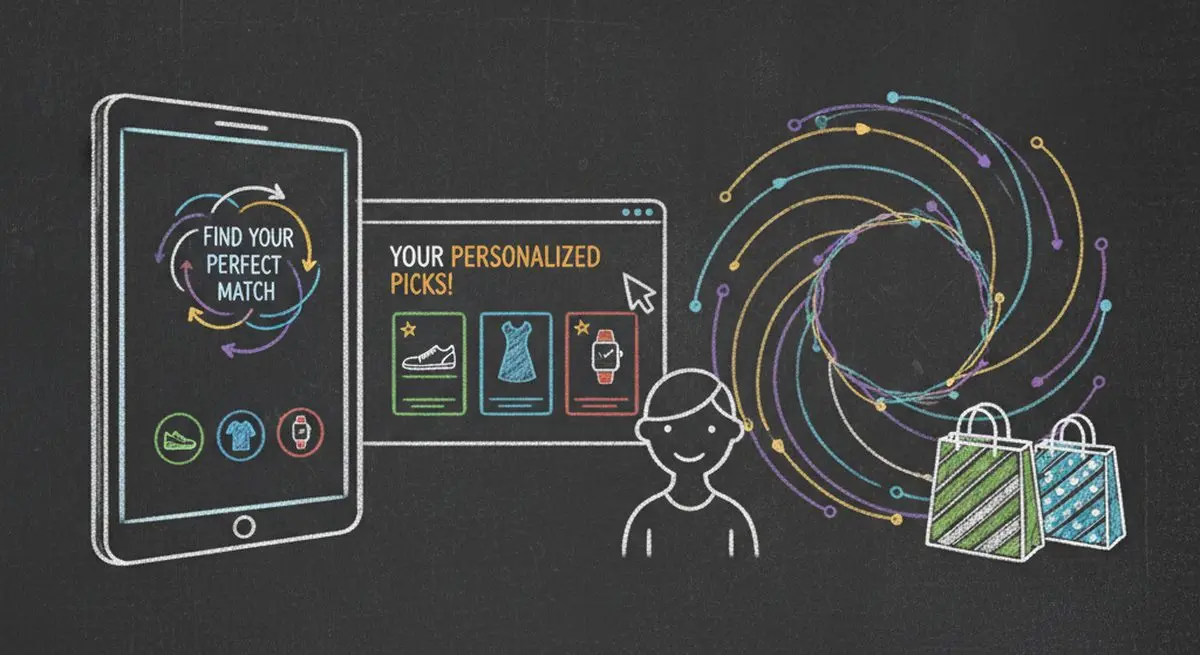
How AI product recommendation quizzes capture real-time intent so DTC brands can personalize like Amazon without its purchase history, and open an agent-sourced sales channel.

AI quiz generation is reliable for drafting questions, not for an unchecked answer key. How it compares with manual quiz writing, and the checks to run before you publish.

AI agents are taking on client intake for service businesses. How agent funnels handle discovery, qualification, and booking, and how the front desk's job changes.
Try the world's first AI-native form and turn every response into action instantly.