The Club Visit Feedback Form opens with a welcoming note that sets an honest, low-pressure tone before moving into six questions. It starts with two back-to-back ratings — overall experience and staff helpfulness — bookending a single-choice question on facility cleanliness, so owners get scored data they can track over time alongside a nuanced five-point scale on upkeep. Two optional open-ended questions invite visitors to name what they enjoyed most and suggest improvements, giving qualitative color to the numbers. The form closes with the "Based on your experience, would you recommend our club to a friend or family member?" question, a clean read on loyalty and sentiment. After submitting, visitors see a thank-you screen confirming their input will help improve the experience for all members and guests.
Try the conversation below to see how this template works
Trusted by over 10,000 customers and growing
Conversations Started
Questions Answered
Forms Created
Relies on the facility cleanliness question and the staff rating to pinpoint whether equipment upkeep or front-desk service needs the most attention after each session.
Uses the "Which aspect of your visit did you enjoy the most?" question to understand which events, spaces, or amenities keep members coming back.
Leans on the recommendation question to gauge whether the guest experience is strong enough to drive word-of-mouth referrals and new memberships.

AI builds and refines your form through natural conversation no templates, no complex logic, no coding. From a simple text prompt or URL, Dashform generates intelligent flows that adapt automatically.
Dashform turns traditional form-filling into a two-way dialogue. The AI understands intent, remembers context, and asks relevant follow-up questions just like a real human conversation.
Every response is transformed into structured, meaningful, and ready-to-use data. Integrate with your favorite tools.
Everything you need to create amazing forms
Everything you need to know about this template
Don't see exactly what you need? Use our AI Form Generator to create a custom form in seconds. Just describe what you want, and AI will build it for you.
Explore more templates to find the perfect fit
 Appointment Booking
Book a therapy appointment by sharing your contact details, preferred time, and reason for visiting.
 Rsvp
Enter event, attendee, ticket-type, and seating details for an organizer to review before separately issuing admission.
 Request
A structured leave request form covering absence type, dates, coverage, and urgency — ready to send to your manager.
 Registration
Collect all the key details needed to begin a trademark registration application in one straightforward form.
 Progress Tracking
Capture, detail, and assign tasks with priority and status fields to keep your workflow organized.
 Document Submission
Document tool and material handoffs between people or departments with a clear chain of custody.
Learn how to get the most out of your forms and templates
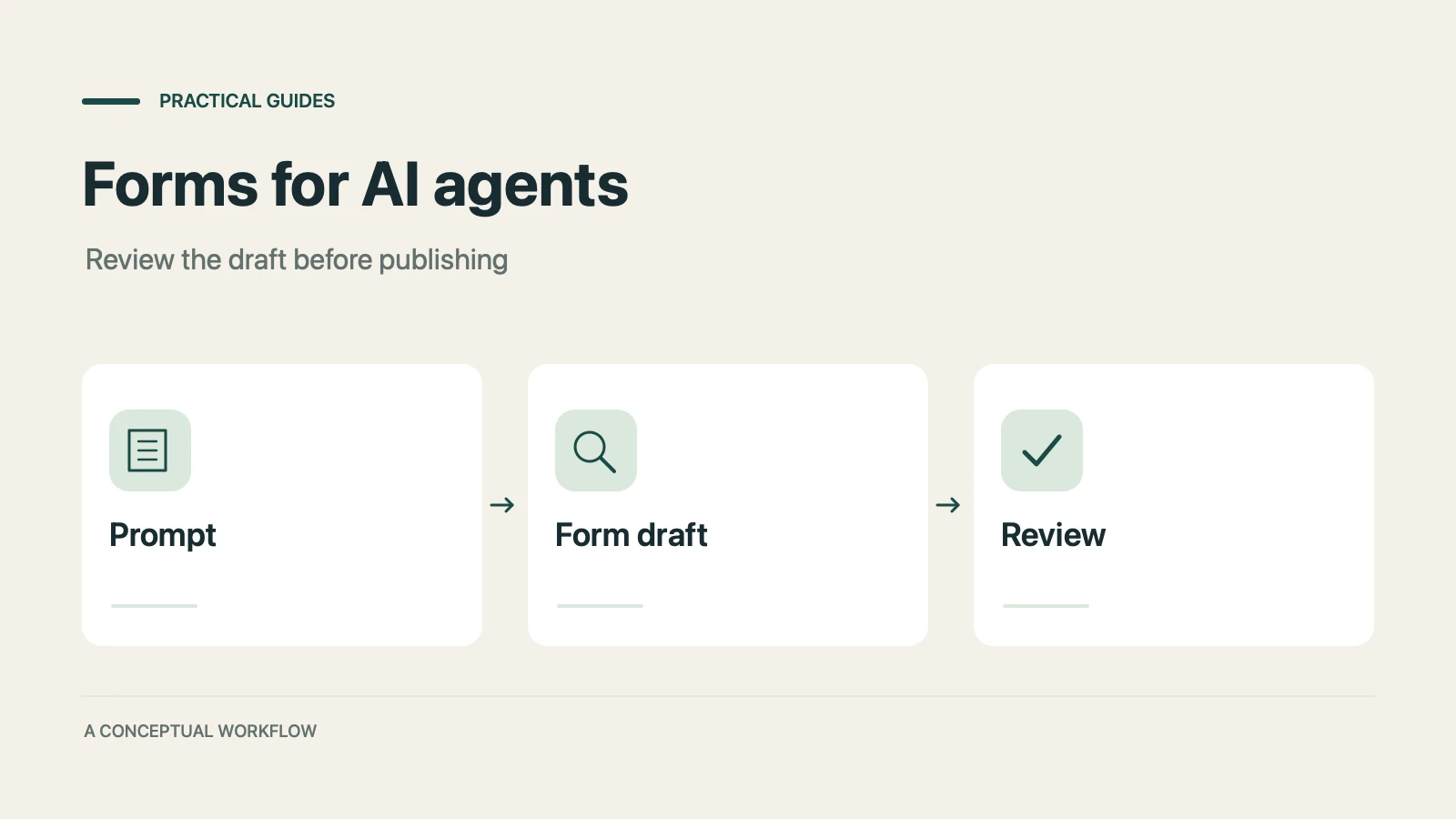
A practical guide to evaluating terminal-based Dashform workflows, checking current commands, reviewing drafts, and publishing with explicit authorization.

Use Dashform's MCP connection in a compatible AI client to draft and edit forms, review the saved result, and publish when ready.

Dashform supports MCP. Connect OpenClaw, Claude Code, LangChain, or any MCP agent to build forms, surveys, and quiz funnels through getaiform.com/api/mcp.
Try the world's first AI-native form and turn every response into action instantly.

