

The Damaged Equipment Form opens with a clear prompt to report company equipment damage and upload supporting images. It first asks for the equipment's identity, when the damage was discovered, a detailed description of the damage, and an optional explanation of how it happened — building a complete picture before asking about impact. The "What is the current operational status of the equipment?" question then pins down urgency, with options ranging from 'Completely non-functional' to 'No impact on function', so reviewers can prioritize repairs accordingly. An optional link field lets reporters share photos directly, followed by their name and contact details so the right person can be reached for follow-up. After submitting, respondents see a confirmation that their report has been received and will be reviewed shortly.
Try the conversation below to see how this template works
Trusted by over 10,000 customers and growing
Conversations Started
Questions Answered
Forms Created
Relies on the operational status question to triage repair urgency and the equipment ID question to match reports against asset records.
Uses the photo link and detailed damage description questions to diagnose hardware or device issues remotely before dispatching a technician.
Depends on the contact details and date questions to log incidents accurately and reach the reporting employee for any follow-up needed.

AI builds and refines your form through natural conversation no templates, no complex logic, no coding. From a simple text prompt or URL, Dashform generates intelligent flows that adapt automatically.
Dashform turns traditional form-filling into a two-way dialogue. The AI understands intent, remembers context, and asks relevant follow-up questions just like a real human conversation.
Every response is transformed into structured, meaningful, and ready-to-use data. Integrate with your favorite tools.
Everything you need to create amazing forms
Everything you need to know about this template
Don't see exactly what you need? Use our AI Form Generator to create a custom form in seconds. Just describe what you want, and AI will build it for you.
Explore more templates to find the perfect fit
 Education
A structured scholarship application covering contact info, academics, financial need, achievements, and career goals.
 Membership Application
A straightforward application for students to express interest in joining a school club, with parent contact details included.
 Consent
Lets parents grant permission and share key details for student services like transportation, lunch, and after-school care.
 Survey
A concise parent survey that gauges school involvement and gathers suggestions for stronger family engagement.
 Product Order
Request school shirts, pants, skirts, and additional uniform items with explicit types, sizes, quantities, and no-item answers.
 Agreement
Capture project objectives, deliverables, timeline, milestones, exclusions, and acceptance criteria in one structured form.
Learn how to get the most out of your forms and templates
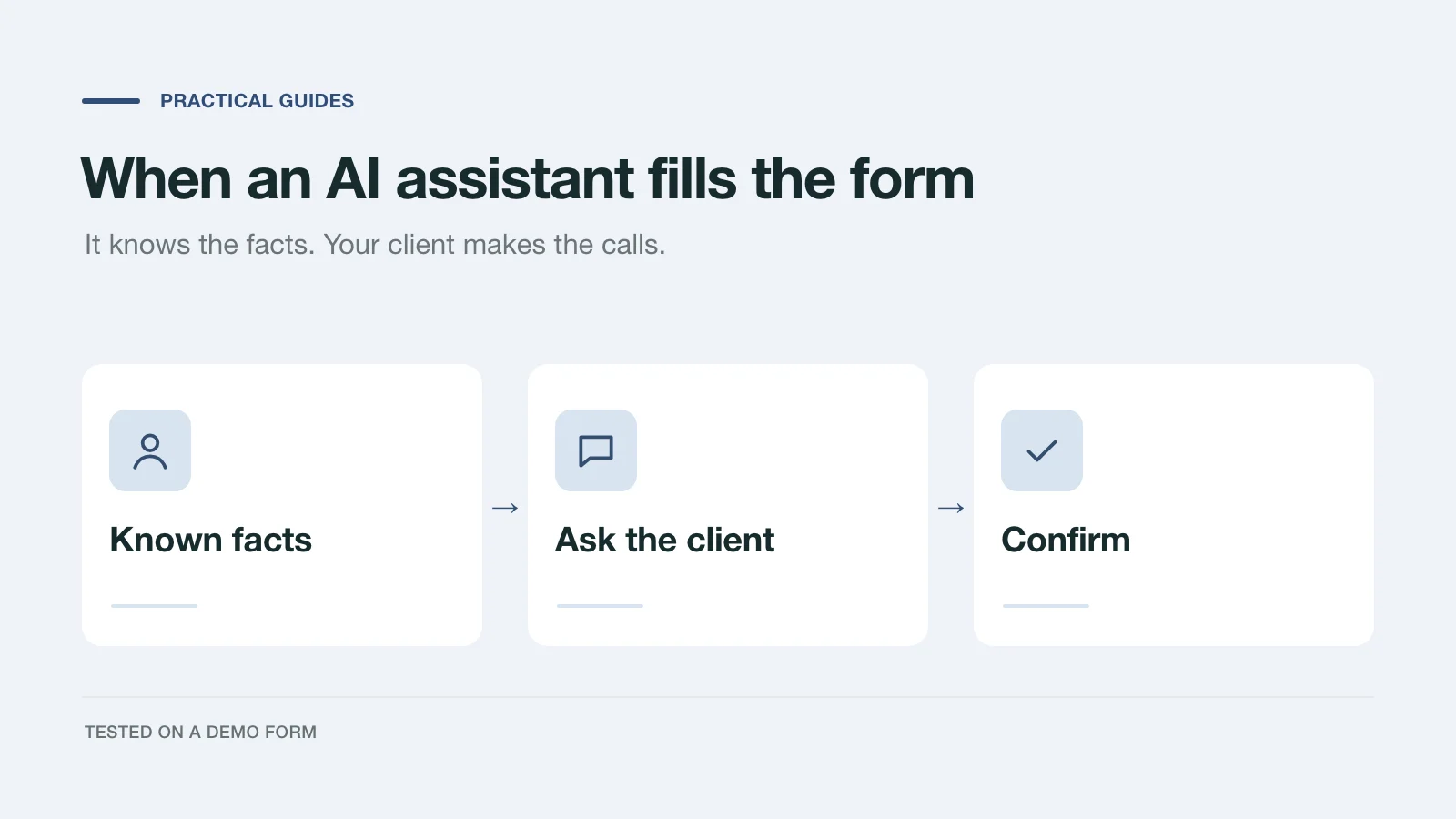
We had an AI assistant complete a demo project inquiry two ways: by clicking through the page and through a handoff prompt. What it knew, what it asked, and what to change.
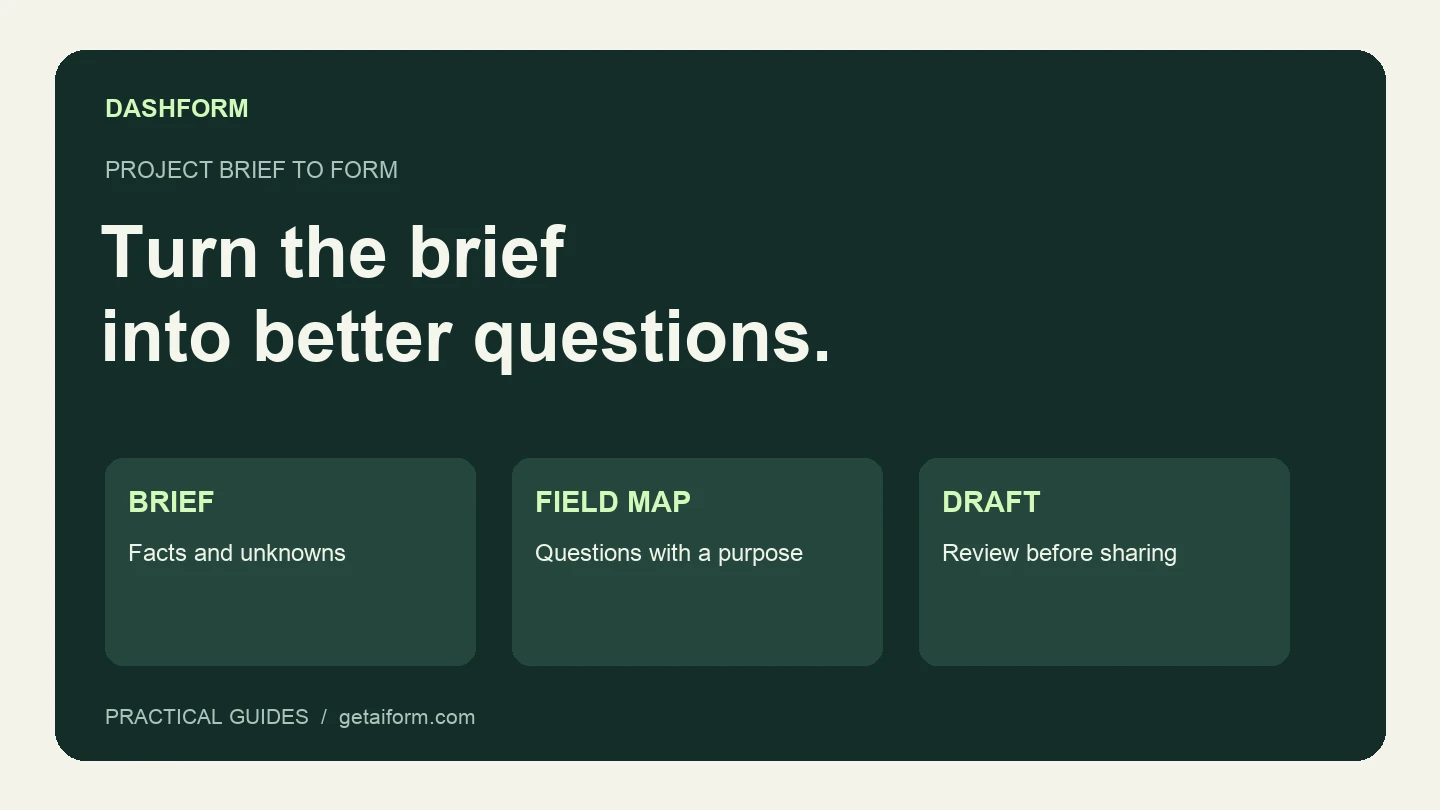
Turn a fictional agency brief into a reviewed Dashform draft using Claude Code, with copyable prompts, a field map, and a publication checklist.
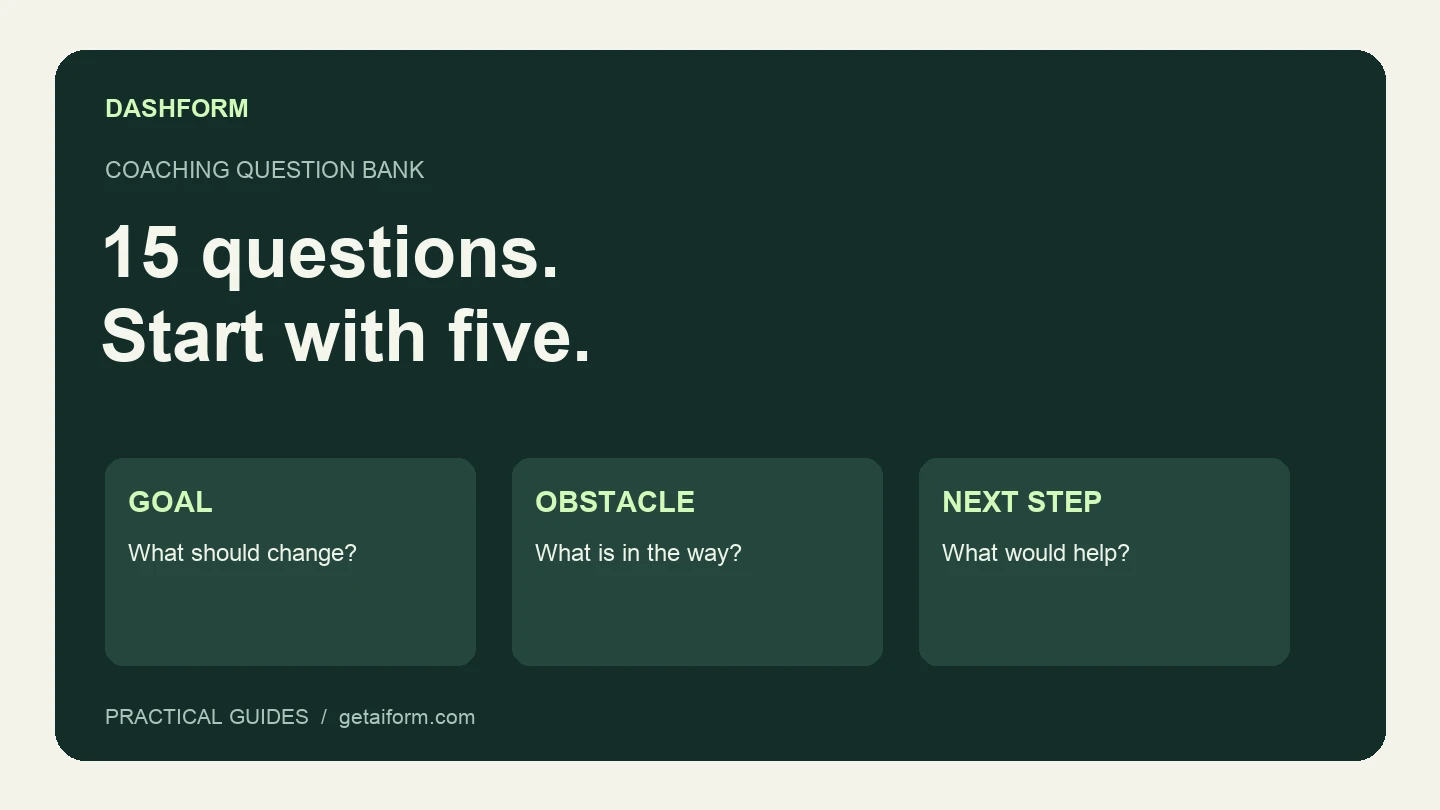
A practical coaching question bank with a five-question discovery form, example answers, follow-up guidance, and a copyable Dashform prompt.
Try the world's first AI-native form and turn every response into action instantly.