

This six-question form collects student feedback on a single online class session, moving from the specific to the general. It opens with the "How clear was today's lesson material?" question to pin down content quality before asking "How engaged did you feel during today's class?" — a single-choice question that gives instructors a quick, comparable read on attention and participation across sessions. Three optional open-ended questions then invite students to flag technical issues, highlight what worked well, and suggest improvements, keeping the form low-pressure while leaving room for detailed responses. It closes with the "Overall, how satisfied are you with today's online class?" rating so instructors can track satisfaction as a single headline metric over time. After submitting, students see a thank-you screen confirming their feedback will be used to improve the class for everyone.
Try the conversation below to see how this template works
Trusted by over 10,000 customers and growing
Conversations Started
Questions Answered
Forms Created
Rely on the "How clear was today's lesson material?" and "Overall, how satisfied are you with today's online class?" ratings to track teaching effectiveness session by session and adjust pacing or content accordingly.
Use the "Did you experience any technical difficulties during the class? If so, please describe them." question to identify recurring platform issues across multiple classes and instructors before they escalate.
Draw on the "How engaged did you feel during today's class?" question alongside the overall satisfaction rating to monitor student experience at scale across an entire online programme.

AI builds and refines your form through natural conversation no templates, no complex logic, no coding. From a simple text prompt or URL, Dashform generates intelligent flows that adapt automatically.
Dashform turns traditional form-filling into a two-way dialogue. The AI understands intent, remembers context, and asks relevant follow-up questions just like a real human conversation.
Every response is transformed into structured, meaningful, and ready-to-use data. Integrate with your favorite tools.
Everything you need to create amazing forms
Everything you need to know about this template
Don't see exactly what you need? Use our AI Form Generator to create a custom form in seconds. Just describe what you want, and AI will build it for you.
Explore more templates to find the perfect fit
 Evaluation
Identify workplace hazards, assess risk levels, and document control measures for any job or task.
 General Application
A concise juror eligibility and impartiality questionnaire for Karnes County District Court grand jury selection.
 Consent
Collect ketamine therapy consent choices and questions after a patient reviews information from their healthcare provider.
 File Upload
Collect a website funding overview, requested amount, accessible supporting-document links, and an application-readiness declaration.
 Assessment
Review laboratory education, instrument experience, quality-control practice, and critical-value reporting in seven questions.
 General Request
Collect late assignment details, reasons, and a proposed new deadline from students or staff in one tidy form.
Learn how to get the most out of your forms and templates

Review seven Schema.org types for describing business information accurately. Structured data can aid parsing, but does not guarantee discovery, citations, or bookings.

Many coaches start with ScoreApp for client scoring, but outgrow scoring-only workflows as their business scales. This article explores common ScoreApp alternatives and what modern coaches should look for beyond simple assessments.
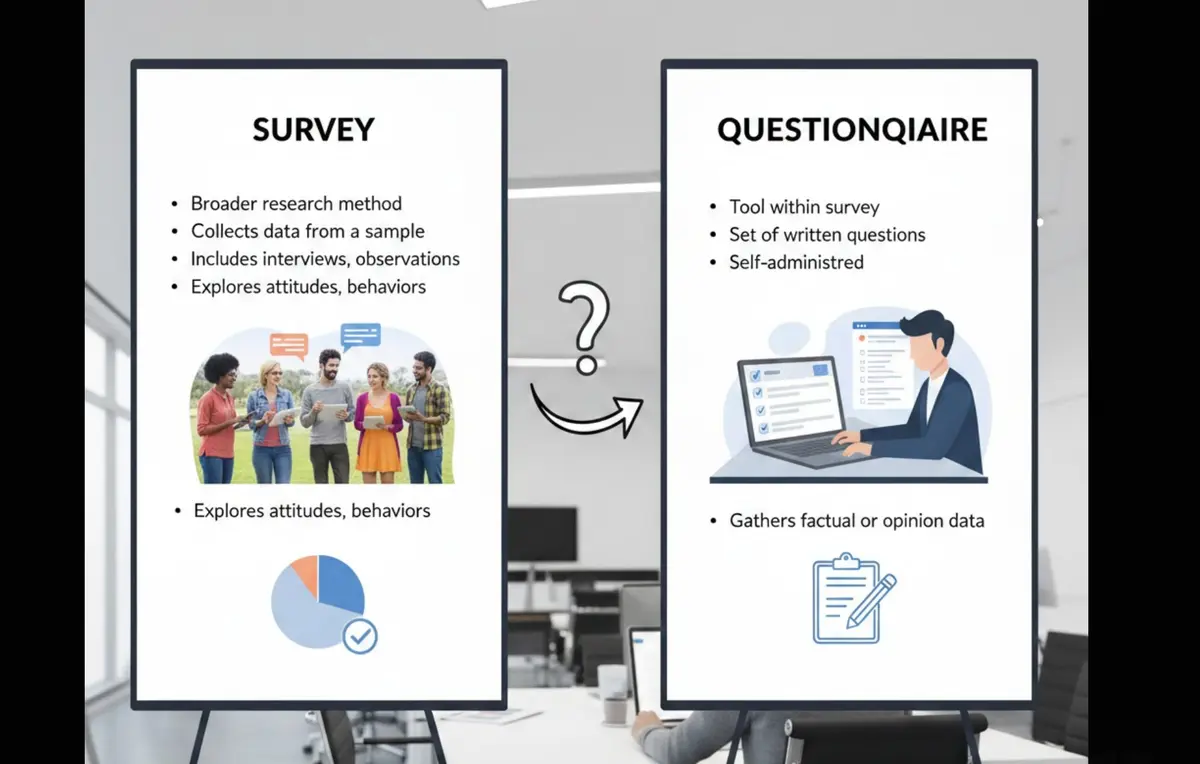
Survey vs questionnaire: understand the key differences, use cases, and decision framework to choose the right approach for research, customer feedback, or internal workflows.
Try the world's first AI-native form and turn every response into action instantly.