This nine-question form records a website funding request, moving from contact details to project information and supporting-document links. It opens with the organization's legal name, primary contact, and email, then asks for a project overview and the requested amount. An optional document-type checklist and an Other details field describe the material available. An optional link field lets applicants share accessible URLs to those documents, while a required final question records whether all provider-required document links are present or some are still missing. The Ending acknowledges completion and explains that funding review and decisions must be arranged separately with the provider.
Try the conversation below to see how this template works
Trusted by over 10,000 customers and growing
Conversations Started
Questions Answered
Forms Created
Use the document categories, shareable links, and completeness declaration to plan a separate application review. The declaration is self-reported and does not verify document access or completeness.
Use the project overview and funding amount questions to present their initiative clearly and ensure the right contact details are captured for follow-up communication.
Use the business plan, financial projection, and team resume categories to label available evidence and identify gaps before a funding review.

AI builds and refines your form through natural conversation no templates, no complex logic, no coding. From a simple text prompt or URL, Dashform generates intelligent flows that adapt automatically.
Dashform turns traditional form-filling into a two-way dialogue. The AI understands intent, remembers context, and asks relevant follow-up questions just like a real human conversation.
Every response is transformed into structured, meaningful, and ready-to-use data. Integrate with your favorite tools.
Everything you need to create amazing forms
Everything you need to know about this template
Don't see exactly what you need? Use our AI Form Generator to create a custom form in seconds. Just describe what you want, and AI will build it for you.
Explore more templates to find the perfect fit
 Request
A structured employee form for requesting reimbursements, advances, final pay, or other payments from an employer.
 Event Registration
Register for Casino Night by confirming attendance, party size, dietary needs, and favourite games in one quick form.
 Survey
A seven-question survey covering a cat's age, diet, activity level, behavior, and vet visit history.
 Professions
Tell a caterer your event type, guest count, service style, and dietary needs so they can send back a tailored proposal.
 Feedback
Collect staff ratings, cleanliness scores, and suggestions to keep the office coffee machine running at its best.
 General Application
Collect, categorize, and prioritize incoming service requests with contact details, service type, and urgency level.
Learn how to get the most out of your forms and templates
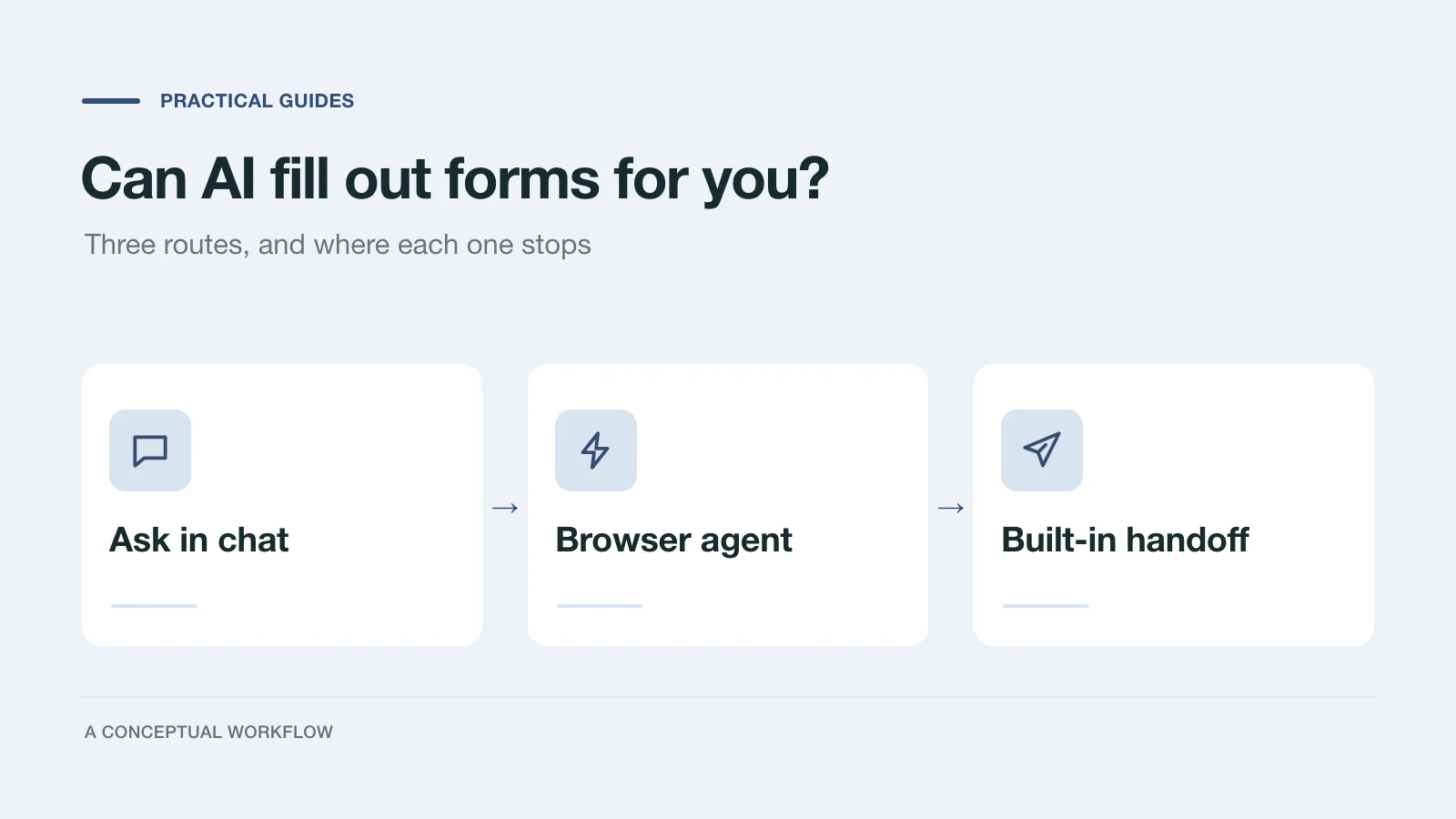
Yes, in three ways: answers you paste in, a browser agent that clicks for you, or a form built for assistants. What each handles and where it stops.
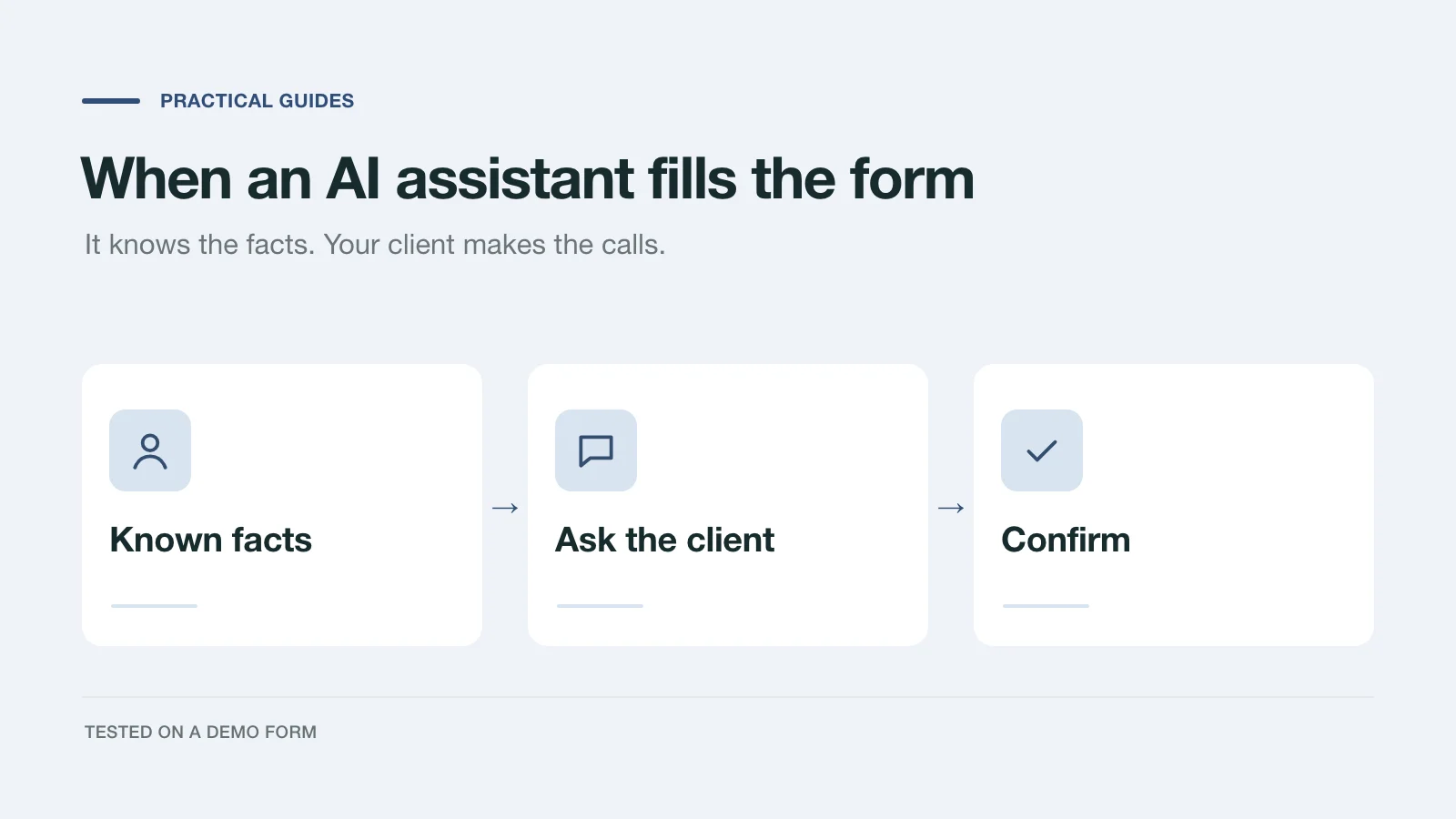
We had an AI assistant complete a demo project inquiry by clicking through the page and via a handoff prompt. What it knew, what it asked, what to change.
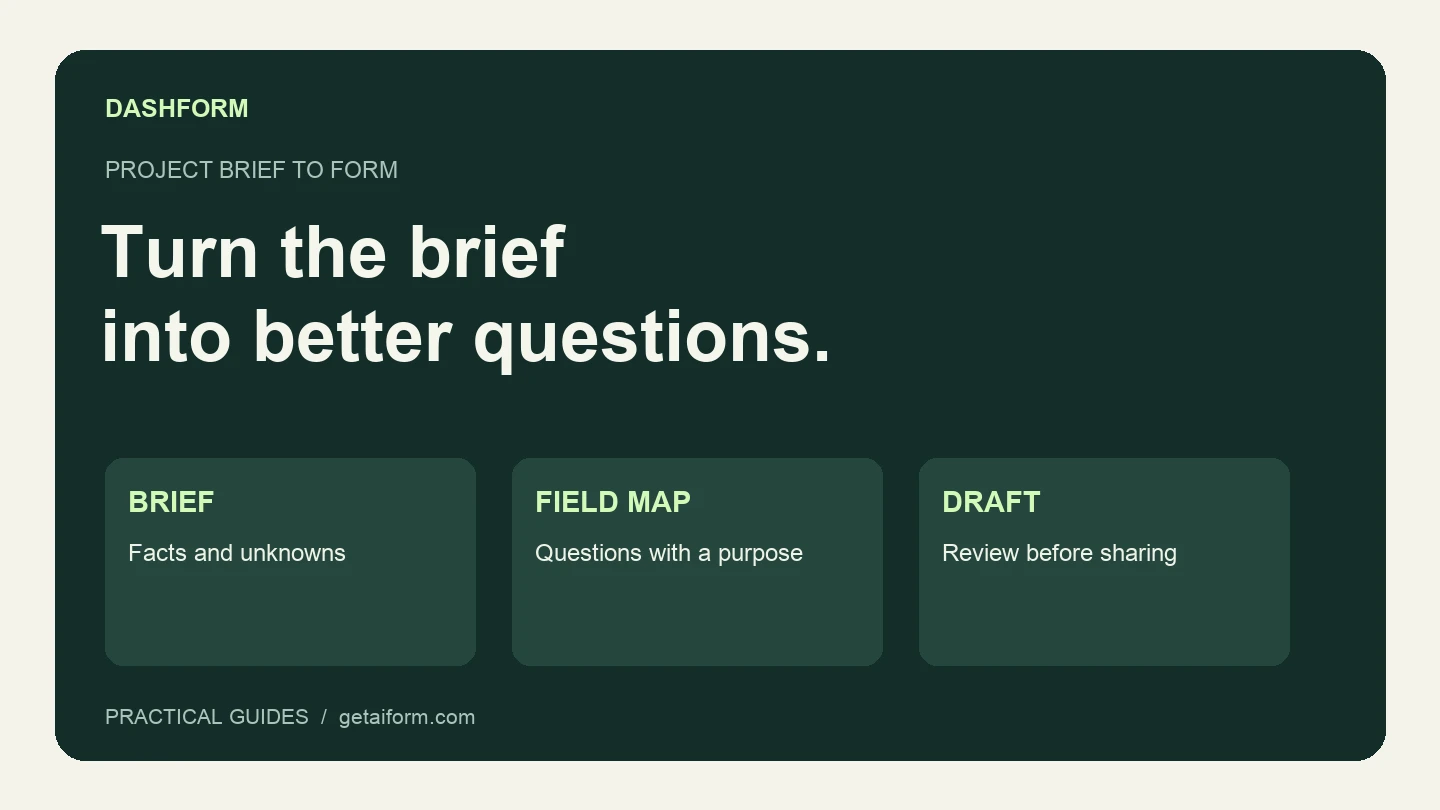
Turn a fictional agency brief into a reviewed Dashform draft using Claude Code, with copyable prompts, a field map, and a publication checklist.
Try the world's first AI-native form and turn every response into action instantly.

