

This eight-question form walks safety officers and team leads through a structured hazard analysis, starting with the "Please specify the job title or specific task being analyzed." question and the work location before moving into a full description of potential physical, chemical, biological, and ergonomic hazards. The "What is the estimated risk level associated with these identified hazards?" question pins a severity — low through critical — to those hazards, while later questions capture what controls already exist, what new ones are recommended, and a proposed implementation timeline. The form closes with the "Name and title of the person conducting this Job Hazard Analysis." question so every submission is clearly attributed. After submitting, respondents see a confirmation screen thanking them and confirming that their input will be used to improve safety protocols.
Try the conversation below to see how this template works
Trusted by over 10,000 customers and growing
Conversations Started
Questions Answered
Forms Created
Relies on the "What is the estimated risk level associated with these identified hazards?" question to triage submissions by severity and focus resources where risk is highest.
Uses the "What is the specific location or work area where this job/task is performed?" question to tie every hazard assessment to a specific area under their supervision.
Depends on the "Name and title of the person conducting this Job Hazard Analysis." question to maintain a clear, attributable record of who completed each assessment for audit purposes.

AI builds and refines your form through natural conversation no templates, no complex logic, no coding. From a simple text prompt or URL, Dashform generates intelligent flows that adapt automatically.
Dashform turns traditional form-filling into a two-way dialogue. The AI understands intent, remembers context, and asks relevant follow-up questions just like a real human conversation.
Every response is transformed into structured, meaningful, and ready-to-use data. Integrate with your favorite tools.
Everything you need to create amazing forms
Everything you need to know about this template
Don't see exactly what you need? Use our AI Form Generator to create a custom form in seconds. Just describe what you want, and AI will build it for you.
Explore more templates to find the perfect fit
 Contact
Identify the person covered by an emergency contact record, then collect contact details, relationship, sharing preference, and optional instructions.
 Client Intake
Gather client details, reputation concerns, objectives, and reporting preferences to kick off a tailored reputation management strategy.
 Hr
HrA five-question workplace survey that measures job satisfaction, work-life balance, and how valued employees feel by their manager and company.
 Hr
HrCollect employee policy-review status, agreement or disagreement, and questions about reporting procedures and consequences.
 Performance Evaluation
Assess employee performance across five key competencies with structured 0–10 ratings from a named evaluator.
 Hr
HrCollect employee preferences on tasks, satisfaction, perks, and workplace improvements in one short form.
Learn how to get the most out of your forms and templates

How realtors can use AI agent funnels to receive pre-qualified buyer leads, with budget, timeline, and preferences already collected, and the setup to get there.
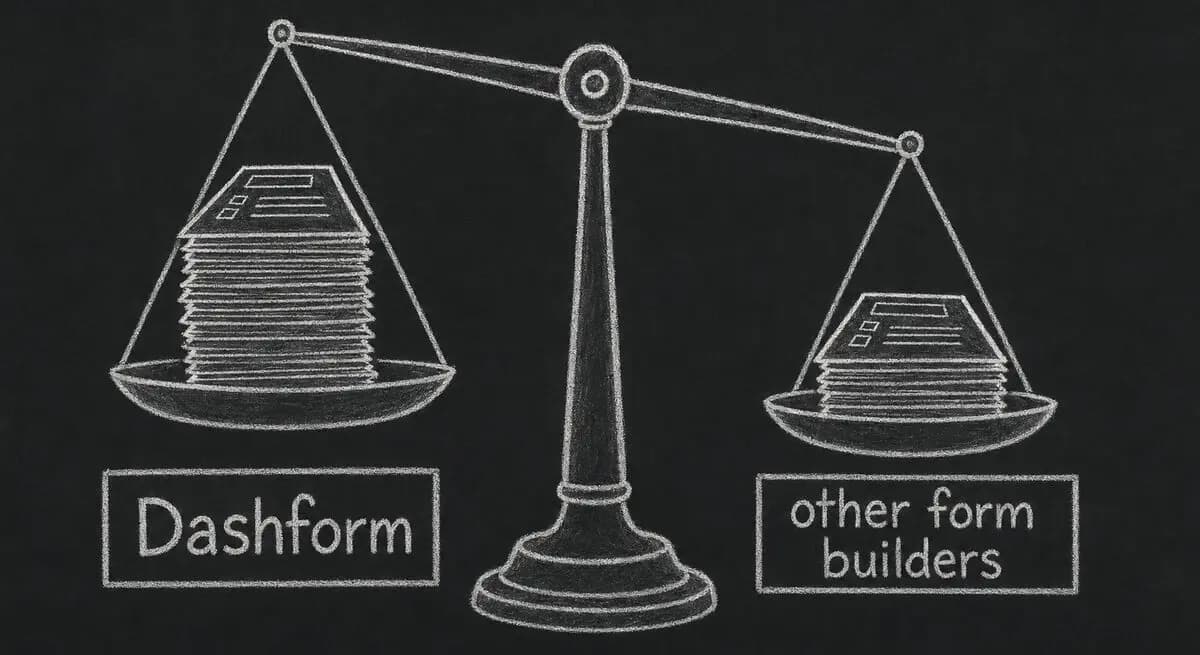
A proposed checklist for comparing form authoring, respondent experience, qualification, integrations, pricing, exports, and agent access.
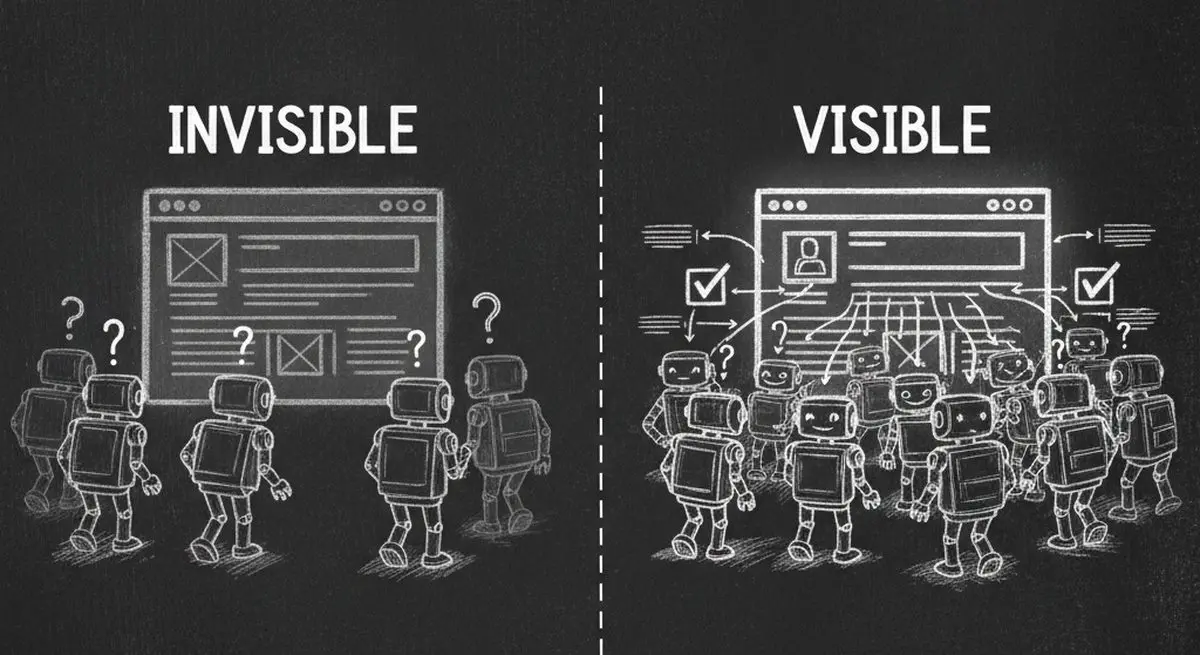
Inspect five potential barriers to agent access, understand the limits of an AX Score, and test changes to your website.
Try the world's first AI-native form and turn every response into action instantly.