

The SVA Late Work Form opens with a welcome screen asking students or staff to provide details about a late assignment or project so it can be processed efficiently. It then collects the respondent's full name, the title of the work, and the relevant course, section, or department — establishing who is submitting and what is being submitted. The "What was the original due date for this reply? (e.g., MM/DD/YYYY)" question pins down the missed deadline, followed by the "Please explain the reason for the late reply." question, which gives the respondent space to provide context. The "Have you communicated this delay with your instructor or manager?" question flags whether the instructor or manager is already in the loop, and the proposed new completion date lets both parties agree on a revised timeline. An optional final question invites any additional comments before the end screen confirms that the information has been recorded.
Try the conversation below to see how this template works
Trusted by over 10,000 customers and growing
Conversations Started
Questions Answered
Forms Created
Relies on the "Which course, section, or department is this for?" question to sort submissions by class before reviewing each student's reason and proposed new date.
Uses the "Have you communicated this delay with your instructor or manager?" question to quickly see which cases still need an internal notification before processing.
Depends on the "What is your proposed new reply date? (e.g., MM/DD/YYYY)" question to track revised deadlines across multiple staff members in one place.

AI builds and refines your form through natural conversation no templates, no complex logic, no coding. From a simple text prompt or URL, Dashform generates intelligent flows that adapt automatically.
Dashform turns traditional form-filling into a two-way dialogue. The AI understands intent, remembers context, and asks relevant follow-up questions just like a real human conversation.
Every response is transformed into structured, meaningful, and ready-to-use data. Integrate with your favorite tools.
Everything you need to create amazing forms
Everything you need to know about this template
Don't see exactly what you need? Use our AI Form Generator to create a custom form in seconds. Just describe what you want, and AI will build it for you.
Explore more templates to find the perfect fit
 Quote Request
Request an accurate printing quote by sharing your paper size, orientation, quantity, and color mode preferences.
 Checklist
Log a task with its priority level, deadline, owner, and status in one quick form.
 Consent
Collect verified, documented patient consent for a medical procedure in eight clear, required steps.
 Other
OtherCapture a process name, owner, steps, responsibilities, and resources in one form to produce a ready-to-use process document.
 Survey
Collect employee feedback on workplace processes, management support, and training to pinpoint where operations can improve.
 Customer Feedback
Collect structured customer ratings, feature feedback, and follow-up preferences in one concise product feedback form.
Learn how to get the most out of your forms and templates
An illustrative walkthrough of a web development agency replacing its contact form with an AI-scored intake assessment: the questions, the three-tier routing, and what to measure so fewer hours go into proposals that never close.
Many websites block AI crawlers without knowing it. Which 12 AI bots visit your site, how to check your robots.txt, and copy-paste fixes to become visible to ChatGPT, Claude, and Gemini.
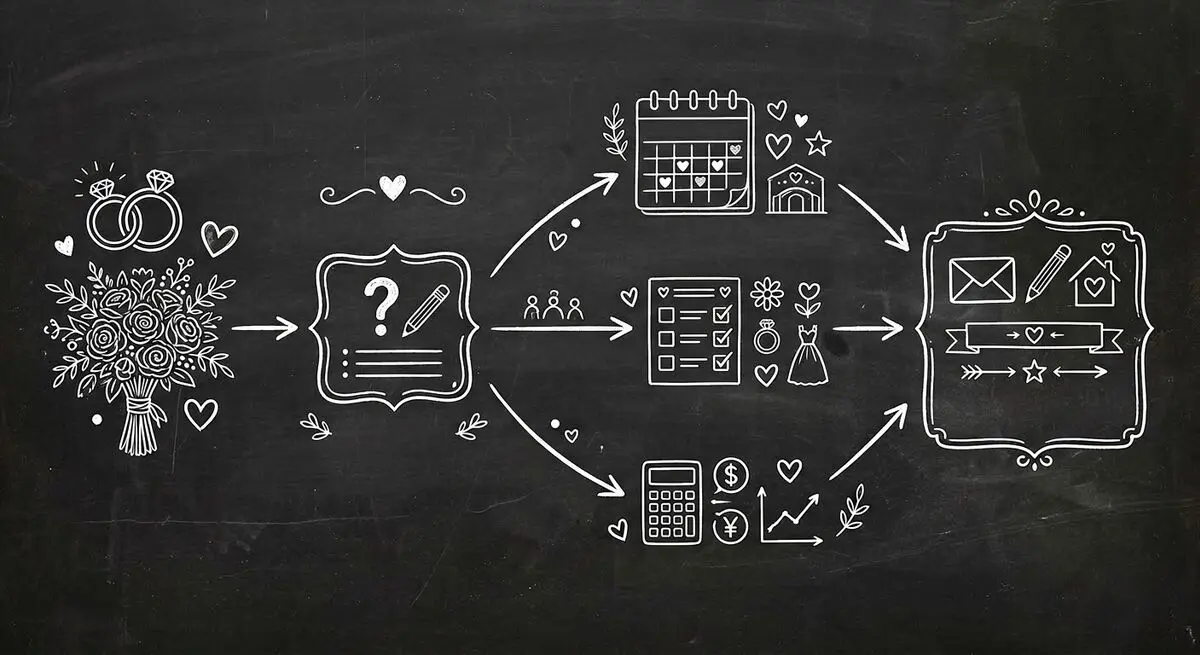
How wedding planners can use AI quiz funnels to attract and qualify couples online by style, budget, and timeline, and walk into consultations prepared. Step-by-step implementation guide.
Try the world's first AI-native form and turn every response into action instantly.