

The Voluntary Resignation Form opens with a brief welcome explaining its purpose, then collects the employee's full name, ID, job title, and department to identify the respondent and their role precisely. It then asks for the intended last day of employment so HR can plan the transition, followed by the primary reason for resignation to help the organisation understand turnover. The "Would you be willing to participate in an exit interview?" question gives HR a clear, immediate answer on whether to schedule one, and an optional final question invites any extra context the employee wants to share. After submitting, respondents see a confirmation that their resignation has been recorded and that HR will be in touch shortly to guide them through next steps.
Try the conversation below to see how this template works
Trusted by over 10,000 customers and growing
Conversations Started
Questions Answered
Forms Created
Relies on the name, Employee ID, department, and last day questions to immediately identify the employee and begin offboarding planning without a separate follow-up.
Uses the "What is your primary reason for resignation?" question alongside exit interview availability to track turnover trends and decide which leavers to debrief in depth.
Depends on the optional "Do you have any additional comments or information you wish to provide?" question to share any context or concerns beyond the required fields, on their own terms.

AI builds and refines your form through natural conversation no templates, no complex logic, no coding. From a simple text prompt or URL, Dashform generates intelligent flows that adapt automatically.
Dashform turns traditional form-filling into a two-way dialogue. The AI understands intent, remembers context, and asks relevant follow-up questions just like a real human conversation.
Every response is transformed into structured, meaningful, and ready-to-use data. Integrate with your favorite tools.
Everything you need to create amazing forms
Everything you need to know about this template
Don't see exactly what you need? Use our AI Form Generator to create a custom form in seconds. Just describe what you want, and AI will build it for you.
Explore more templates to find the perfect fit
 Waiver
A digital liability waiver collecting participant details, emergency contacts, and risk acknowledgements before swimming lessons begin.
 Feedback
Share feedback on your library visit — rate your experience and leave suggestions, complaints, or questions in under two minutes.
 Membership Registration
Register for a library membership by providing your contact details, membership type, and agreement to terms.
 Survey
Collect personal life histories covering family, migration, education, employment, and key turning points for societal research.
 Payment
Record loan repayments with borrower details, payment date, amount, method, and an optional reference number.
 General Survey
Collect structured feedback on lockdown communication, safety, helpful resources, and emotional impact to improve future procedures.
Learn how to get the most out of your forms and templates
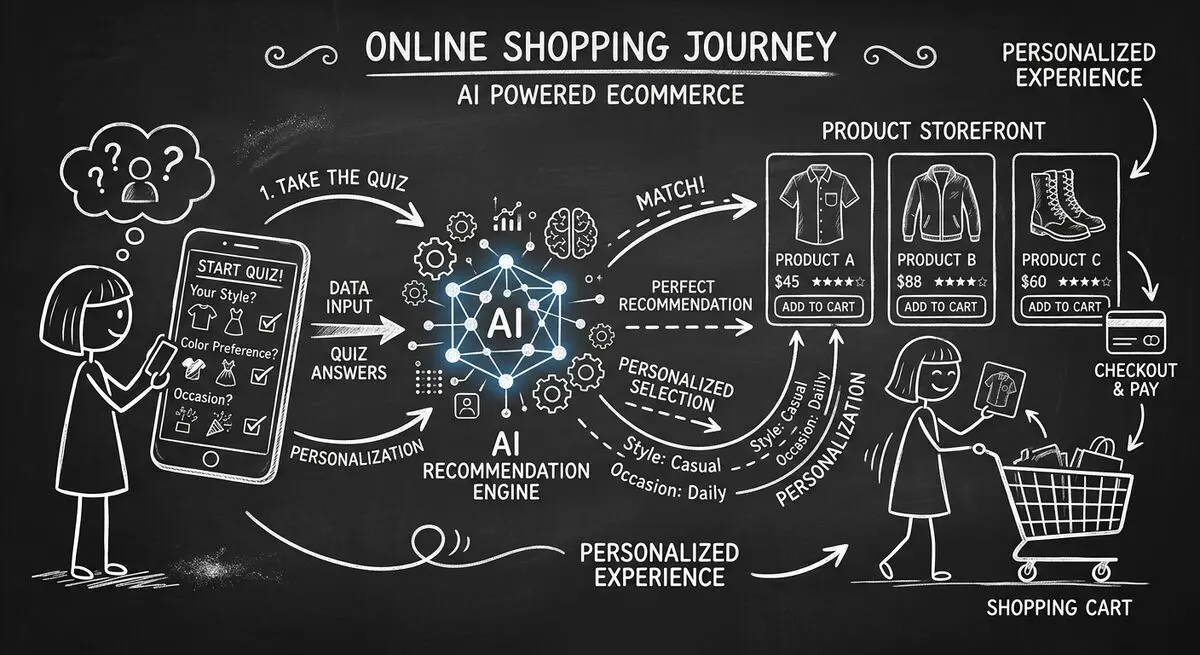
How to design an AI-assisted product quiz, map answers to recommendations, configure external tools, and measure the result for your store.
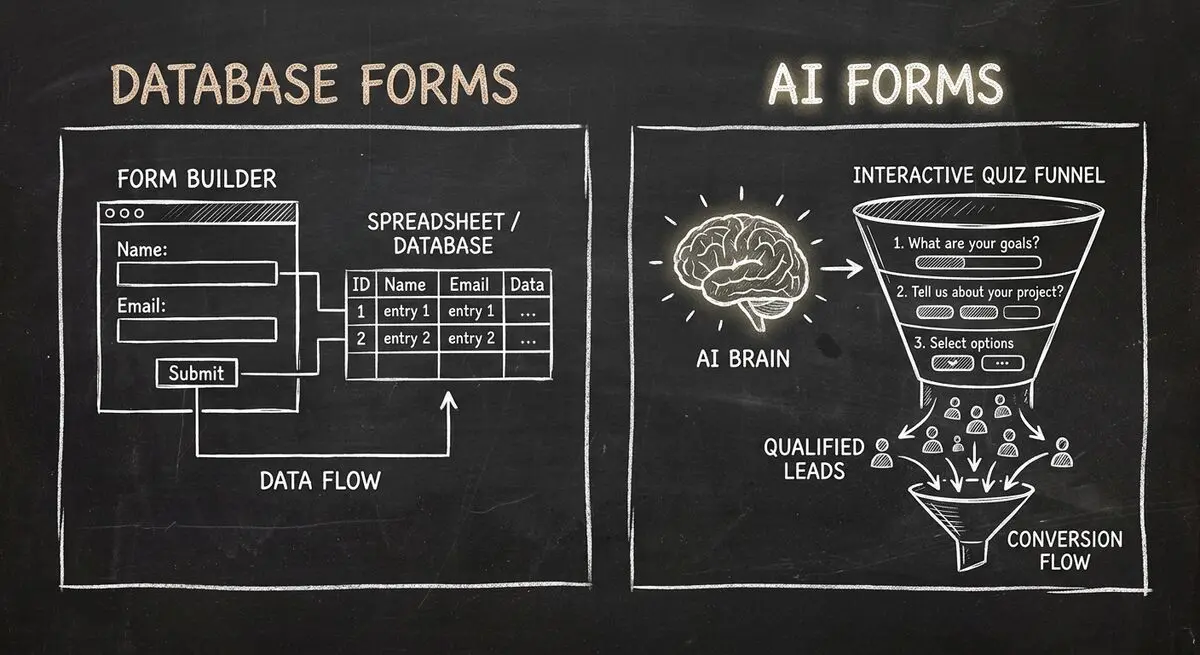
Compare Dashform and Fillout for lead intake, AI drafting, qualification, database connections, and the handoffs to test before switching.
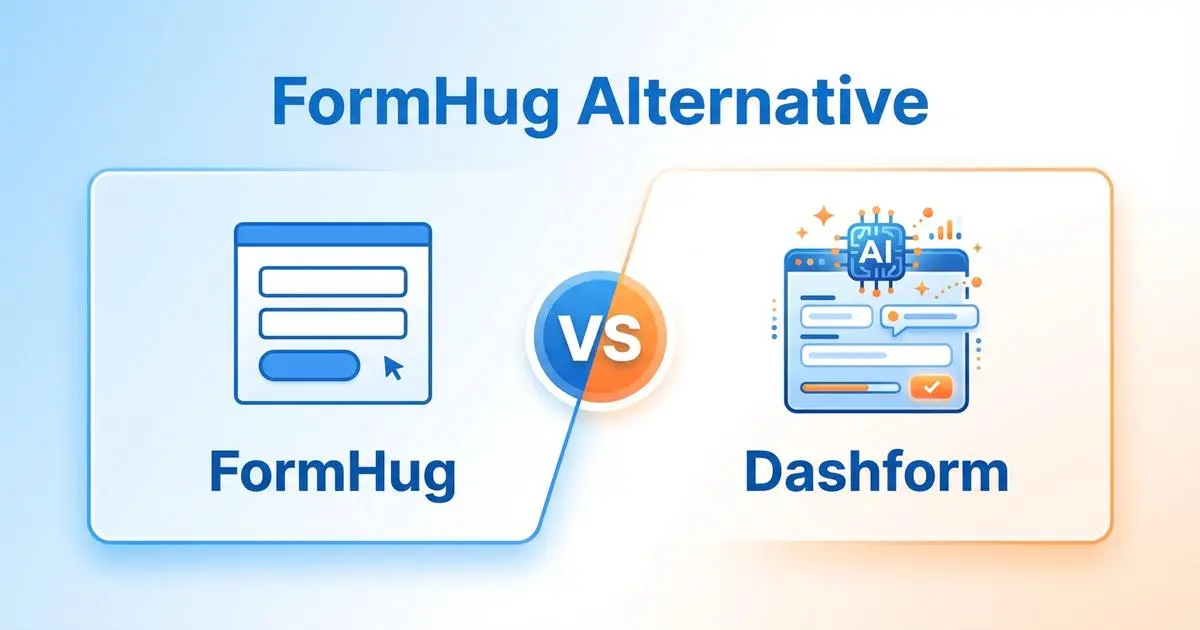
FormHug vs Dashform side by side: AI quiz funnels, lead scoring, and pricing. Where FormHug excels and where switching makes sense for agencies and coaches.
Try the world's first AI-native form and turn every response into action instantly.