The Food Allergy Form opens by asking for the individual's full name and date of birth to establish a clear, unambiguous record. It then collects the core allergy details: a specific list of known food allergens, a description of typical symptoms, and a single-choice severity rating ranging from mild to life-threatening anaphylaxis, so caregivers and staff know exactly what to expect and how urgently to act. An optional question about emergency medications — such as an EpiPen or antihistamines — sits right after severity, keeping treatment information alongside reaction information. The form closes with three required questions about an emergency contact: their full name, phone number, and relationship to the individual, ensuring someone can always be reached quickly. After submitting, respondents see a confirmation screen thanking them and confirming that their information will help maintain a safe environment.
Try the conversation below to see how this template works
Trusted by over 10,000 customers and growing
Conversations Started
Questions Answered
Forms Created
Rely on the allergen list, severity rating, and emergency contact questions to build a complete, actionable profile for every student or child in their care.
Use the specific allergen list and the emergency medication question to brief kitchen staff and on-site first-aiders before guests arrive.
Depend on the date of birth, symptom description, and all three emergency contact fields to maintain accurate patient or resident records.

AI builds and refines your form through natural conversation no templates, no complex logic, no coding. From a simple text prompt or URL, Dashform generates intelligent flows that adapt automatically.
Dashform turns traditional form-filling into a two-way dialogue. The AI understands intent, remembers context, and asks relevant follow-up questions just like a real human conversation.
Every response is transformed into structured, meaningful, and ready-to-use data. Integrate with your favorite tools.
Everything you need to create amazing forms
Everything you need to know about this template
Don't see exactly what you need? Use our AI Form Generator to create a custom form in seconds. Just describe what you want, and AI will build it for you.
Explore more templates to find the perfect fit
 Consent
Collect personal details and dual written consent before a microdermabrasion treatment session.
 Booking
Collect microneedling appointment requests with treatment choice, skin concerns, preferred timing, and a health check in nine questions.
 Hr
Log a business mileage claim with trip details, route, total miles, and reimbursement rate for payroll processing.
 Membership Application
A seven-question application for people interested in joining a ministry, covering contact details, areas of interest, availability, and faith background.
 Survey
A clinician survey on pregnancy loss frequency, causes, training adequacy, and ideas for improving patient support.
 Food Order
A staff intake form for logging mobile food delivery orders, from customer details to payment method and special instructions.
Learn how to get the most out of your forms and templates
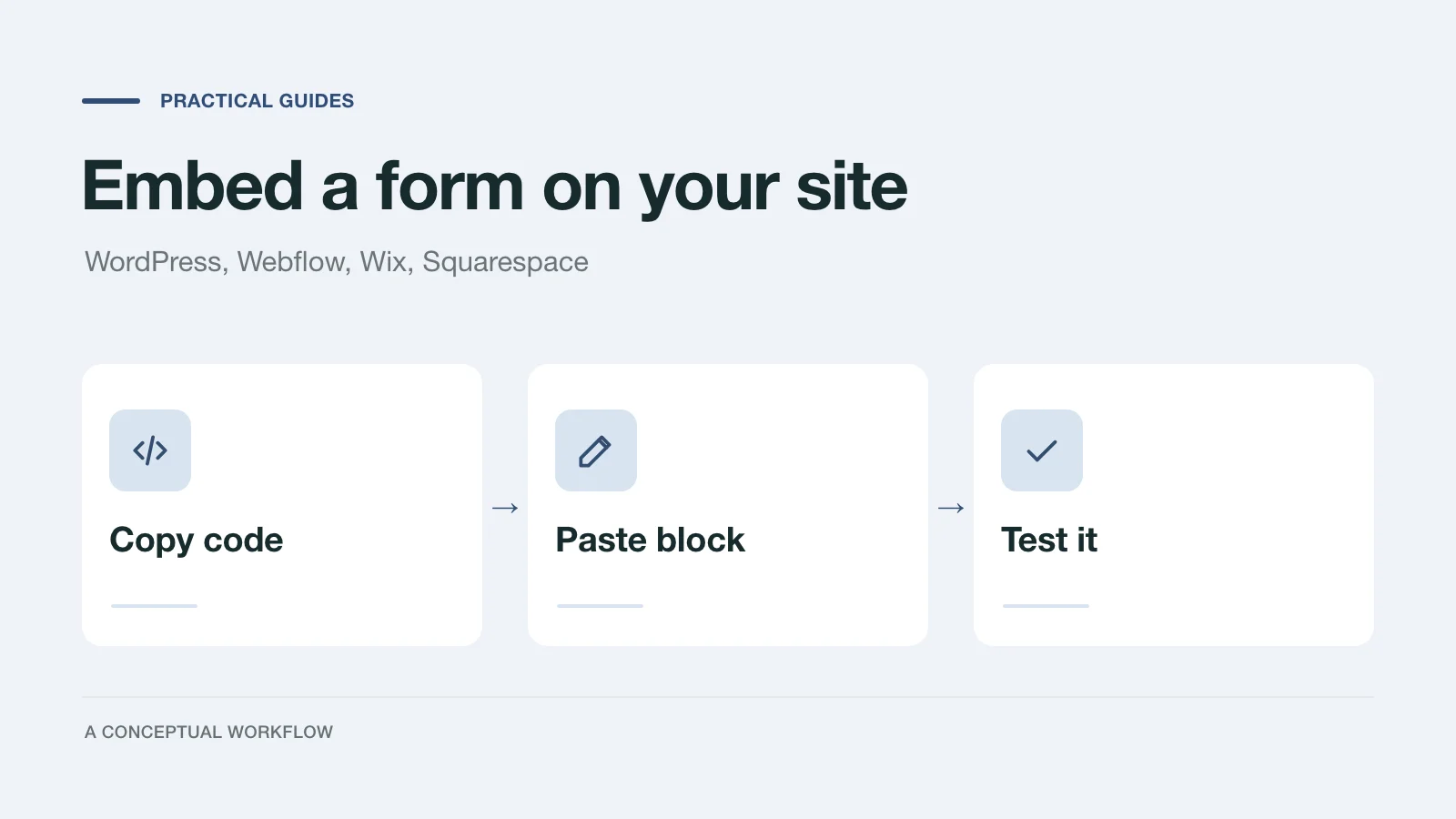
Exact steps to embed a form on WordPress, Webflow, Wix and Squarespace: which block to add, where to paste the code, plan limits, and a test checklist.

Stop spending hours on unqualified discovery calls. AI intake forms qualify fitness clients on goals, budget, and commitment before they book.
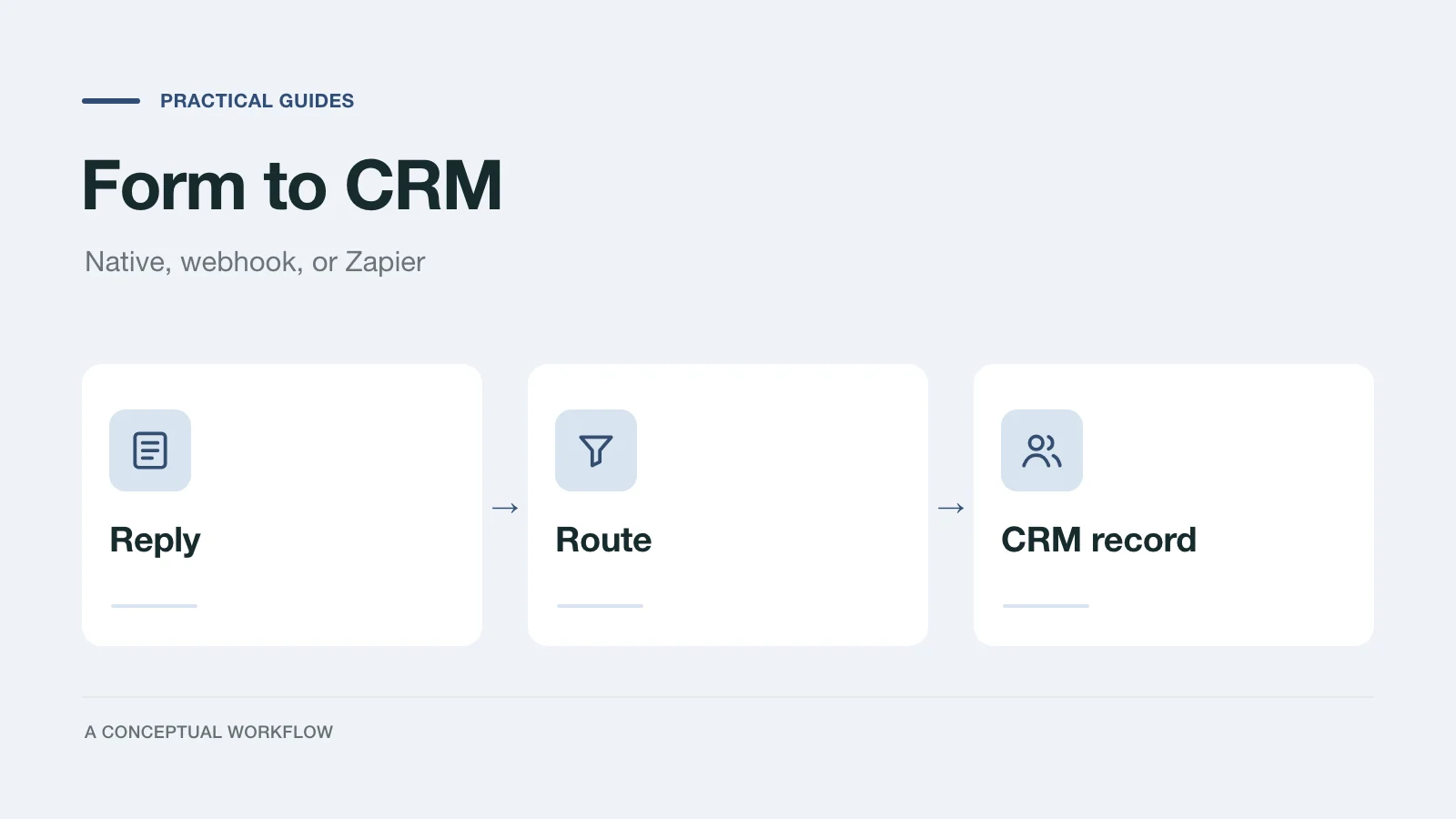
Compare three ways to send form submissions to your CRM (native, webhook, Zapier) by setup, failures, and duplicates, with two worked HubSpot builds.
Try the world's first AI-native form and turn every response into action instantly.

