

This COVID-19 Liability Waiver opens with a prompt asking respondents to read carefully before proceeding, then works through five required steps. The first four are single-choice confirmations: agreeing to the waiver's terms, self-certifying no current COVID-19 symptoms, confirming no recent close contact with a diagnosed case, and acknowledging the inherent risk of exposure in shared spaces. The fifth question collects a typed full name as an electronic signature to finalise consent. Together, these questions give the form's owner a clear, documented record of each person's health status and informed agreement before they access a service or premises. After submitting, respondents see a thank-you screen confirming their reply contributes to a safe environment for everyone.
Try the conversation below to see how this template works
Trusted by over 10,000 customers and growing
Conversations Started
Questions Answered
Forms Created
Relies on the symptom and close-contact questions to screen members before each visit and keep shared equipment areas safer.
Uses the electronic signature question to collect a timestamped, named record of each attendee's informed consent before the event.
Depends on all five questions to document that patients self-screened, understood the risk, and formally agreed to the waiver before entering the clinic.

AI builds and refines your form through natural conversation no templates, no complex logic, no coding. From a simple text prompt or URL, Dashform generates intelligent flows that adapt automatically.
Dashform turns traditional form-filling into a two-way dialogue. The AI understands intent, remembers context, and asks relevant follow-up questions just like a real human conversation.
Every response is transformed into structured, meaningful, and ready-to-use data. Integrate with your favorite tools.
Everything you need to create amazing forms
Everything you need to know about this template
Don't see exactly what you need? Use our AI Form Generator to create a custom form in seconds. Just describe what you want, and AI will build it for you.
Explore more templates to find the perfect fit
 Other
OtherStep through eight guided prompts to build a structured legal case brief, from citation to court reasoning and your own critique.
 Client Intake
Log client details, case status, attorney assignment, and next steps in one structured form.
 Incident Report
Collect structured patient case details — from onset date and diagnosis to treatments and co-existing conditions.
 Request
A structured employee form for requesting reimbursements, advances, final pay, or other payments from an employer.
 Event Registration
Register for Casino Night by confirming attendance, party size, dietary needs, and favourite games in one quick form.
 Survey
A seven-question survey covering a cat's age, diet, activity level, behavior, and vet visit history.
Learn how to get the most out of your forms and templates

Google Forms 2026 features compared with Dashform: conditional logic, question types, AI generation, integrations. When Google Forms is enough, when to upgrade.
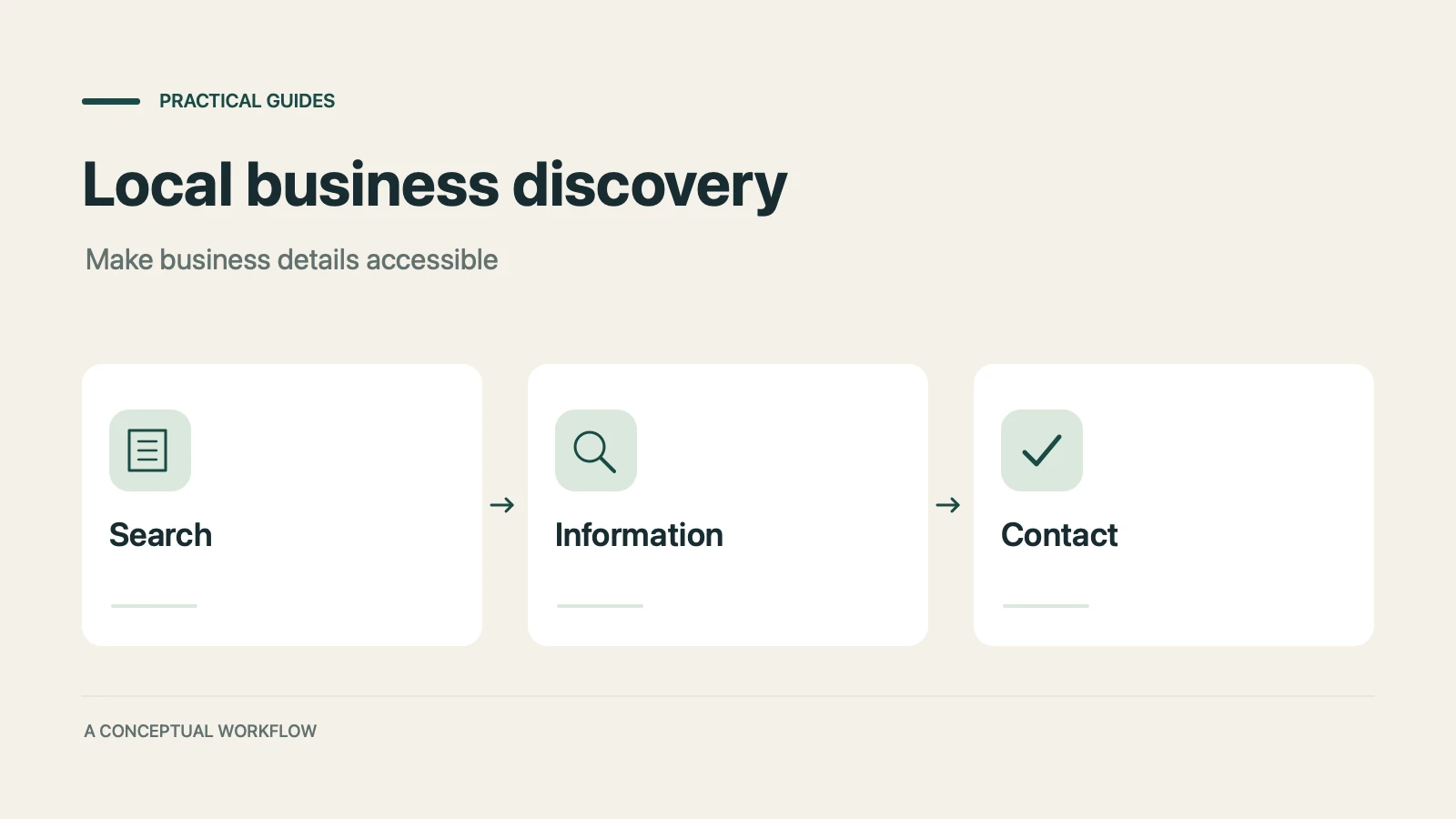
Many consumers now ask AI assistants for local recommendations as well as Google. Where that discovery happens, why traditional SEO alone cannot reach it, and how to make your business visible to AI agents.

GPT-5.4 can operate a computer the way a person does. How computer use AI agents can automate each stage of your sales funnel, from lead capture to client onboarding, without replacing your existing tools.
Try the world's first AI-native form and turn every response into action instantly.