

This Legal Case Brief Form offers law students, legal professionals, and attorneys a structured digital solution for analyzing and documenting case law. Designed for legal research, academic study, and professional practice, this form provides a systematic framework for capturing essential elements of legal cases including case citations, factual backgrounds, legal issues, court holdings, reasoning, and critical analysis. Whether you're preparing for class discussions, building case law databases, or conducting legal research, this template ensures comprehensive documentation of judicial opinions and legal precedents. The form guides users through the standard case brief methodology used in legal education and practice, helping to identify key legal principles, judicial reasoning patterns, and precedential value. By digitizing your case briefing process, you can maintain organized legal research records, facilitate efficient case law review, and develop strong analytical skills essential for legal practice and academic success.
Try the conversation below to see how this template works
Trusted by over 10,000 customers and growing
Conversations Started
Questions Answered
Forms Created
Master case briefing methodology with a structured framework for analyzing judicial opinions and preparing for class discussions.
Maintain organized case law databases by systematically documenting holdings, reasoning, and legal principles from relevant cases.
Efficiently analyze precedential cases for litigation or advisory work by capturing key legal elements and judicial reasoning patterns.

AI builds and refines your form through natural conversation no templates, no complex logic, no coding. From a simple text prompt or URL, Dashform generates intelligent flows that adapt automatically.
Dashform turns traditional form-filling into a two-way dialogue. The AI understands intent, remembers context, and asks relevant follow-up questions just like a real human conversation.
Every response is transformed into structured, meaningful, and ready-to-use data. Integrate with your favorite tools.
Everything you need to create amazing forms
Everything you need to know about this template
Don't see exactly what you need? Use our AI Form Generator to create a custom form in seconds. Just describe what you want, and AI will build it for you.
Explore more templates to find the perfect fit
 General Survey
Promote your business and understand customer buying preferences with this form, designed for collecting contact details and market insights.
 Event Registration
Streamline the critical process of gathering essential details for new business registrations. This form template helps small businesses and startups efficiently collect vital information like business name, location, and contact details. Perfect for onboarding new entities or preparing for tax filings, it simplifies data collection so you can focus on launching and growing your venture.
 Event Registration
Effortlessly sell event tickets, collect attendee information, and manage consent with this streamlined online purchase form, enhancing accessibility for participants.
 Patient Feedback
Collect official CAHPS Clinician & Group Survey Version 3.0 (Child) feedback to improve pediatric patient experience.
 General Request
This form efficiently collects contact details and preferred times from individuals requesting a call back, streamlining communication and enhancing customer service.
 Booking
Streamline meal kit pickups and deliveries with this appointment form. Efficiently manage schedules, reduce errors, and enhance customer satisfaction for your service.
Learn how to get the most out of your forms and templates
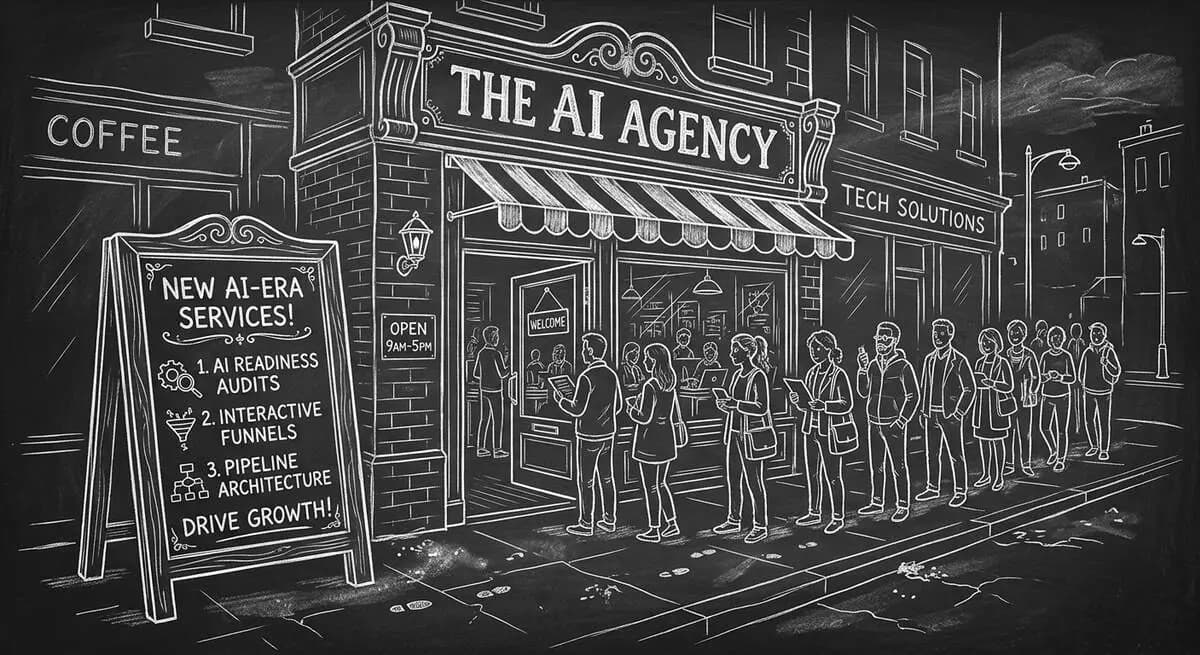
The content marketing agencies growing fastest in 2026 aren't producing more content -- they're selling AI readiness audits, interactive lead qualification, pipeline architecture, and Agent Funnel management. Here's how to add these services to your agency.
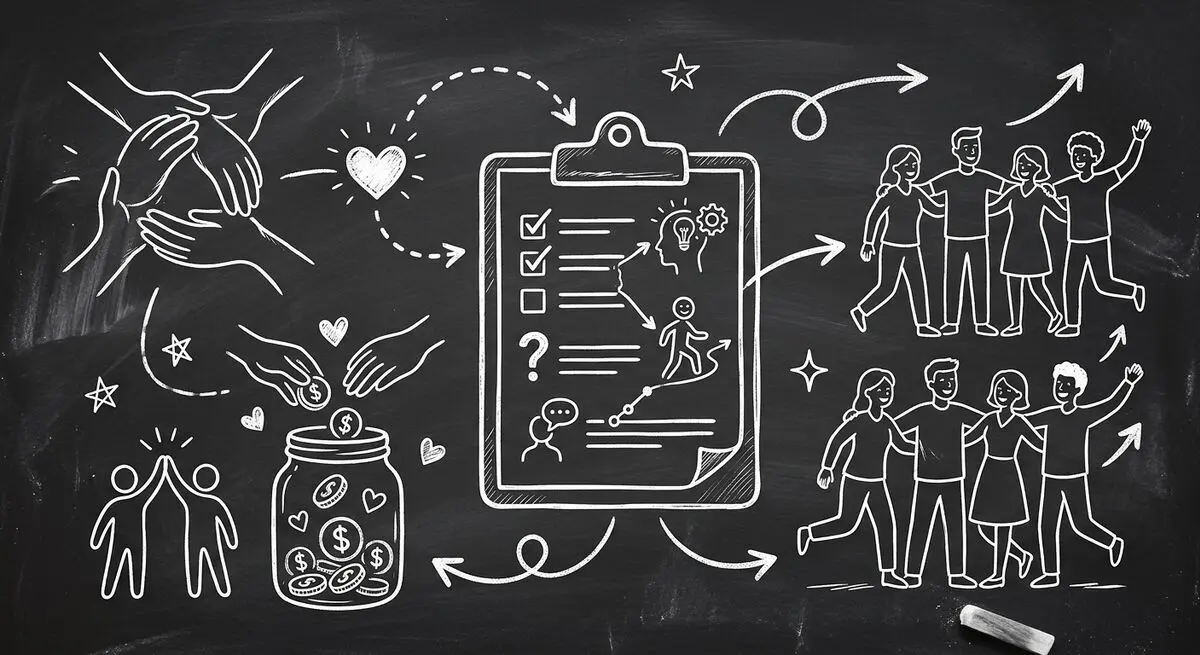
Learn how nonprofits automate volunteer intake, donor surveys, and event registration with AI-powered forms. Save 10+ staff hours per week, increase volunteer retention 65%, and boost event registrations 53%. Complete guide for nonprofit organizations.
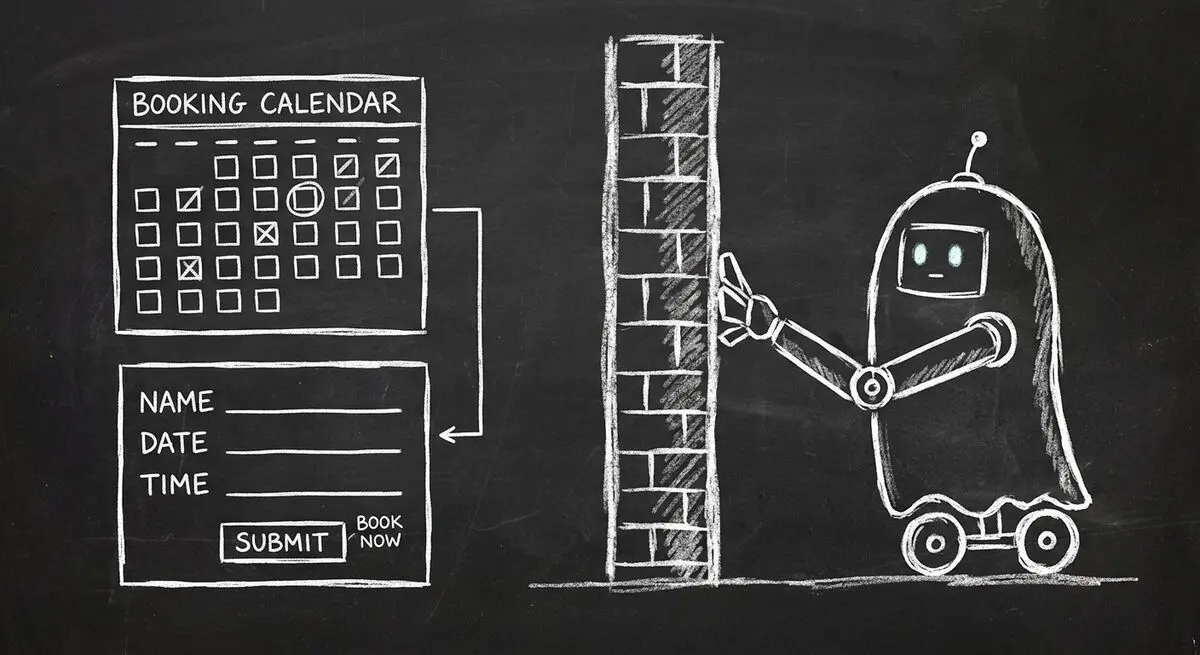
Your Calendly, Acuity, or custom booking form works for humans but AI agents cannot find, read, or book through them. Learn why traditional booking systems are invisible to AI agents and how one toggle makes your business fully bookable.
Try the world's first AI-native form and turn every response into action instantly.