

The Cash Out Request Form opens with a welcome screen explaining its purpose before walking employees through eight questions. It starts by collecting identity details — full name, employee identification number, and department — so the employer can immediately match the request to the right person and team. The "What type of payment are you requesting?" question then pins down whether the request is a reimbursement, advance, final pay, or something else, followed by a free-text amount field and a required description question so approvers have full context. The "How would you prefer to receive the payment?" question closes the core fields by locking in a delivery method, and an optional notes field lets employees flag anything unusual. After submitting, employees see a confirmation telling them their request is under review and that they will be notified of its status.
Try the conversation below to see how this template works
Trusted by over 10,000 customers and growing
Conversations Started
Questions Answered
Forms Created
The "What type of payment are you requesting?" and "How would you prefer to receive the payment?" questions give payroll everything needed to route and process each request without follow-up emails.
The required description and amount fields ensure all supporting details are captured upfront, reducing back-and-forth before a reimbursement is approved.
The "Which department do you belong to?" question lets managers quickly identify and track requests originating from their team during the review process.

AI builds and refines your form through natural conversation no templates, no complex logic, no coding. From a simple text prompt or URL, Dashform generates intelligent flows that adapt automatically.
Dashform turns traditional form-filling into a two-way dialogue. The AI understands intent, remembers context, and asks relevant follow-up questions just like a real human conversation.
Every response is transformed into structured, meaningful, and ready-to-use data. Integrate with your favorite tools.
Everything you need to create amazing forms
Everything you need to know about this template
Don't see exactly what you need? Use our AI Form Generator to create a custom form in seconds. Just describe what you want, and AI will build it for you.
Explore more templates to find the perfect fit
 Appointment Booking
Request a doctor's appointment by providing patient details, a preferred date and time, and your reason for visiting.
 Other
OtherOutline patient identity, visit date, reported absence period, and restrictions for a healthcare provider to review separately.
 Consent
Organize visit details, absence dates, restrictions, and a clinician-provided return date for separate medical review.
 Document Submission
Collect shareable document links with a document category, sender contact details, and optional notes.
 Evaluation
Audit any document for compliance, accuracy, completeness, and clarity in seven focused questions.
 Tracking Log
Log your dog's vaccinations, owner details, and vet information in one organized health record.
Learn how to get the most out of your forms and templates

Eight Botox marketing ideas to evaluate: dedicated landing pages, consultation requests, seasonal promotions, local SEO, and configured follow-ups.
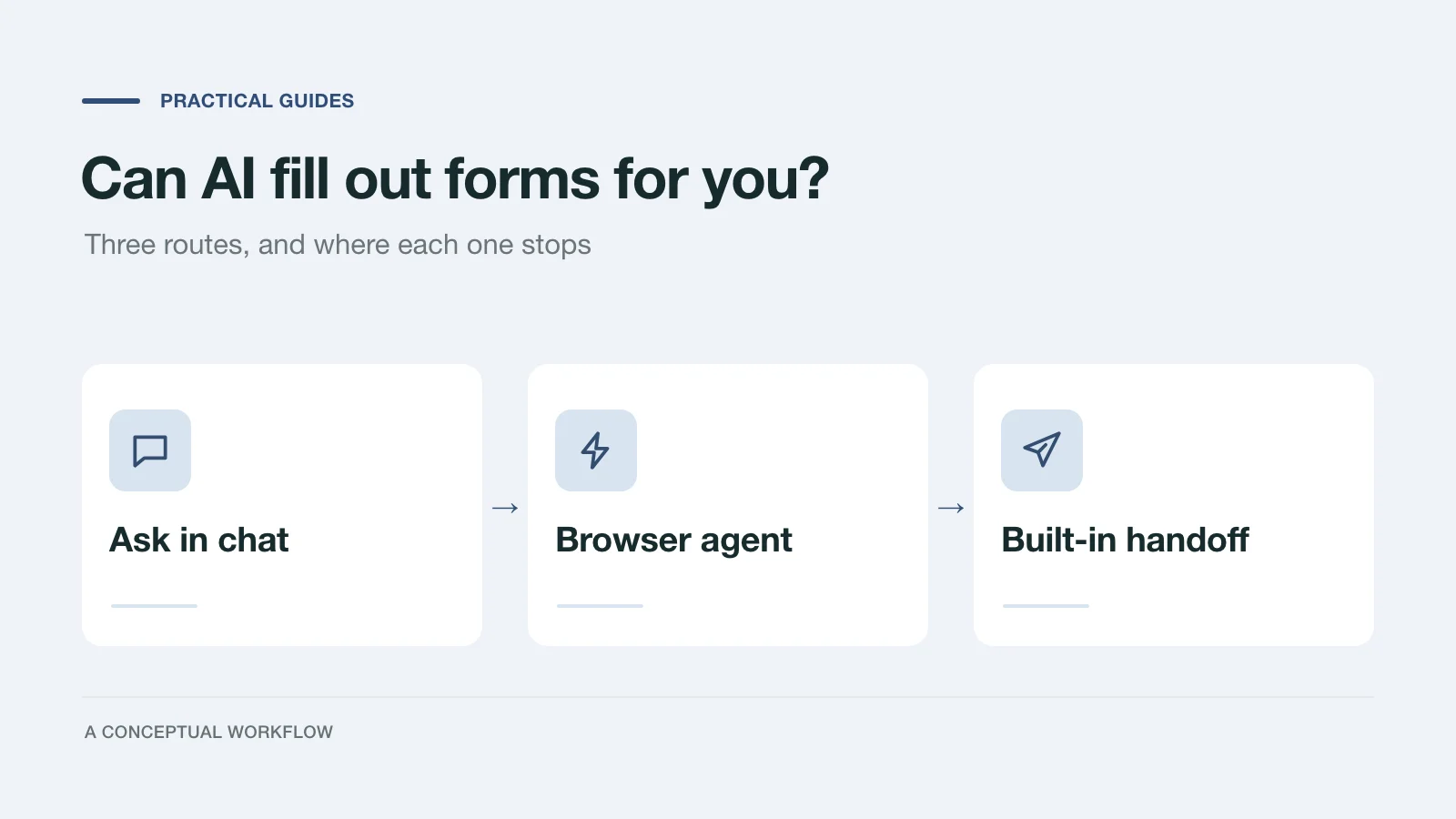
Yes, in three different ways: answers you paste in, a browser agent that clicks for you, or a form built for assistants. What each one handles and where it stops.
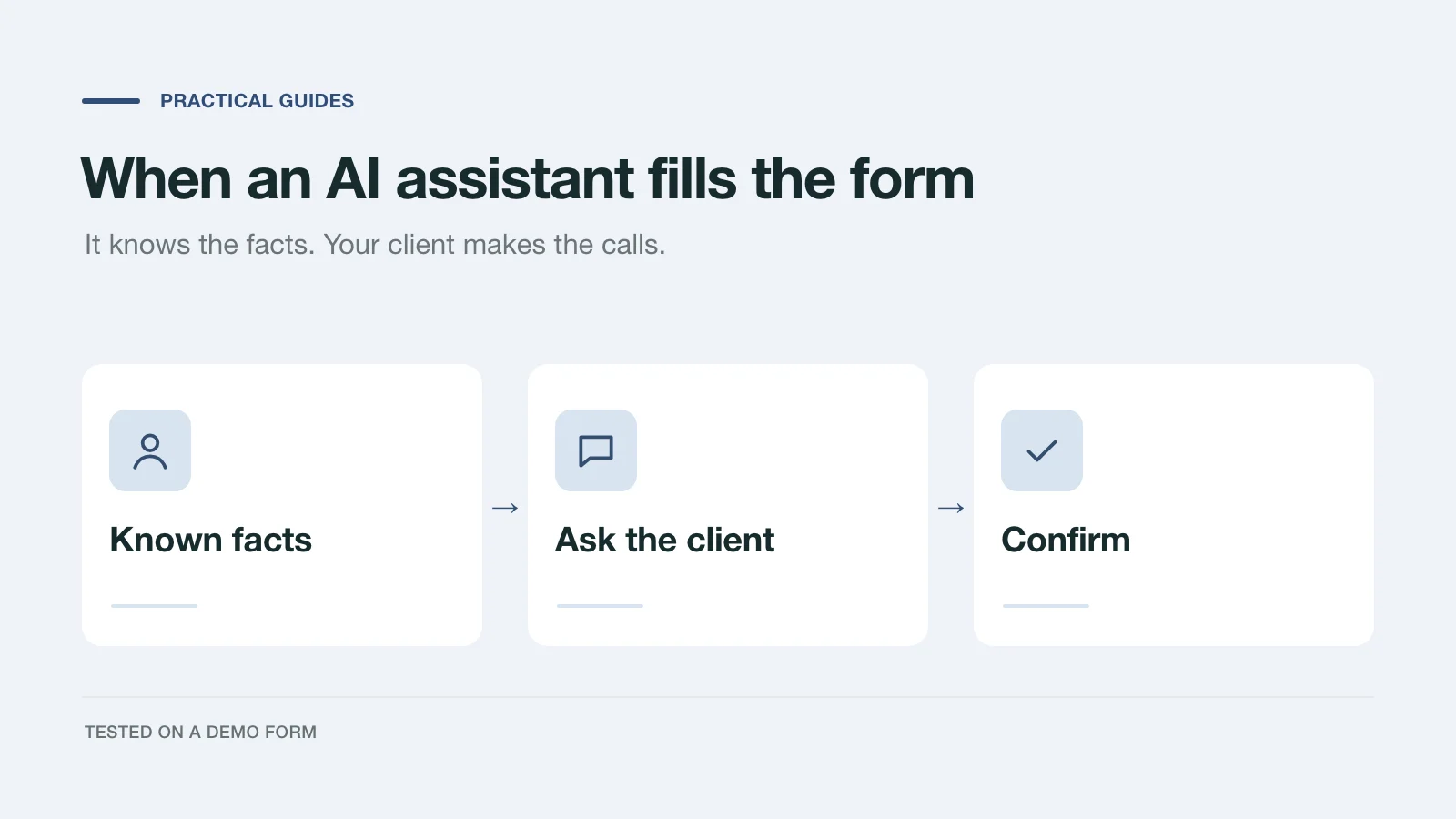
We had an AI assistant complete a demo project inquiry two ways: by clicking through the page and through a handoff prompt. What it knew, what it asked, and what to change.
Try the world's first AI-native form and turn every response into action instantly.