This course registration form opens with a welcome screen inviting students to provide the information needed to enroll in their chosen programs. It collects personal details first — full name, date of birth, and email address — followed by a four-part mailing address covering street, city, state or province, and postal or zip code, giving the institution everything it needs to identify and reach each registrant. The "Which course would you like to register for?" question then captures the specific program, and an optional "Do you have any comments or questions regarding the registration process?" question gives applicants a chance to flag concerns before they finish. After submitting, respondents see a confirmation screen letting them know their registration has been received and will be processed shortly.
Try the conversation below to see how this template works
Trusted by over 10,000 customers and growing
Conversations Started
Questions Answered
Forms Created
The "Which course would you like to register for?" question combined with the full address fields gives admissions teams everything they need to process and file each enrollment without follow-up.
The "What is your date of birth?" question helps training providers confirm eligibility requirements for age-restricted or certification-level courses before processing a registration.
The optional "Do you have any comments or questions regarding the registration process?" question is especially useful for community programs where first-time learners often need a little extra guidance before they commit.

AI builds and refines your form through natural conversation no templates, no complex logic, no coding. From a simple text prompt or URL, Dashform generates intelligent flows that adapt automatically.
Dashform turns traditional form-filling into a two-way dialogue. The AI understands intent, remembers context, and asks relevant follow-up questions just like a real human conversation.
Every response is transformed into structured, meaningful, and ready-to-use data. Integrate with your favorite tools.
Everything you need to create amazing forms
Everything you need to know about this template
Don't see exactly what you need? Use our AI Form Generator to create a custom form in seconds. Just describe what you want, and AI will build it for you.
Explore more templates to find the perfect fit
 Order
Collect garment type, size, color, quantity, shipping address, and payment method in one clean order form.
 Customer Feedback
Collect honest post-visit ratings, cleanliness feedback, staff scores, and improvement ideas from club members and guests.
 Rsvp
A clean, six-question RSVP form for cocktail events — confirms attendance, collects guest counts, and captures dietary needs.
 Application
A straightforward college application covering personal details, course choice, education background, and a personal statement.
 Application
Apply for commercial building insurance by sharing your property details, construction type, claims history, and desired start date.
 Request
Submit a commission approval request with payee details, sales figures, rate, and supporting documentation.
Learn how to get the most out of your forms and templates

Plan an onboarding questionnaire with AI-assisted drafting, relevant follow-ups, explicit next steps, and a tested handoff to your team.
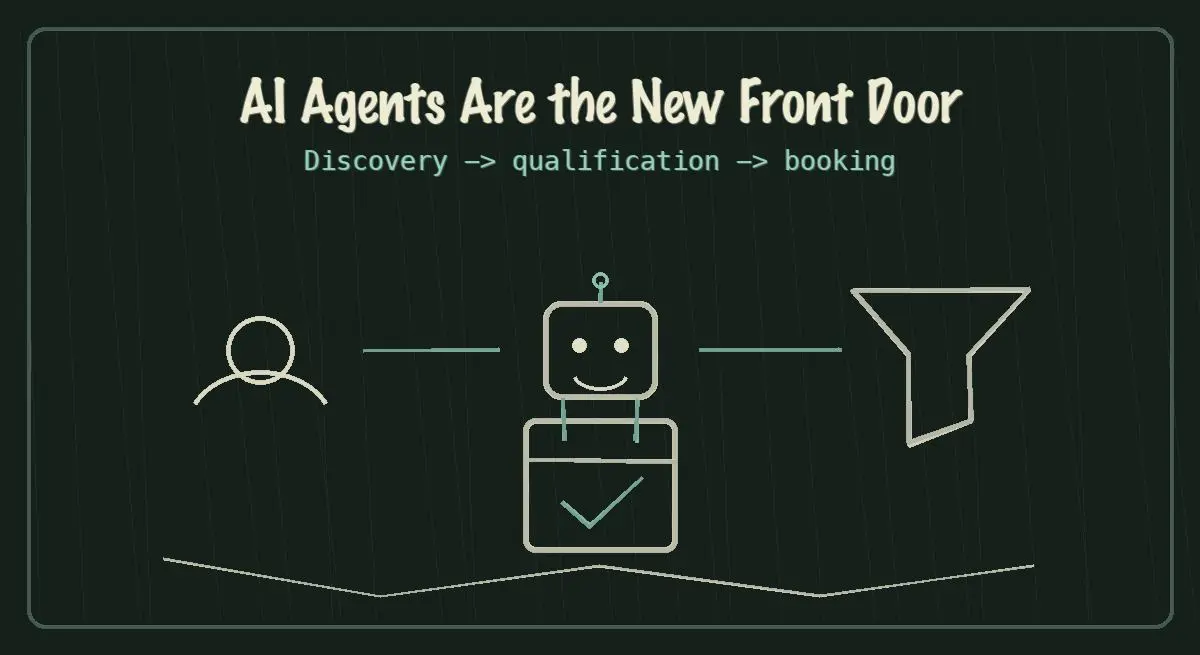
AI agents are becoming the new front door for local service discovery. Learn how to make your business discoverable, qualified, and bookable in 2026.
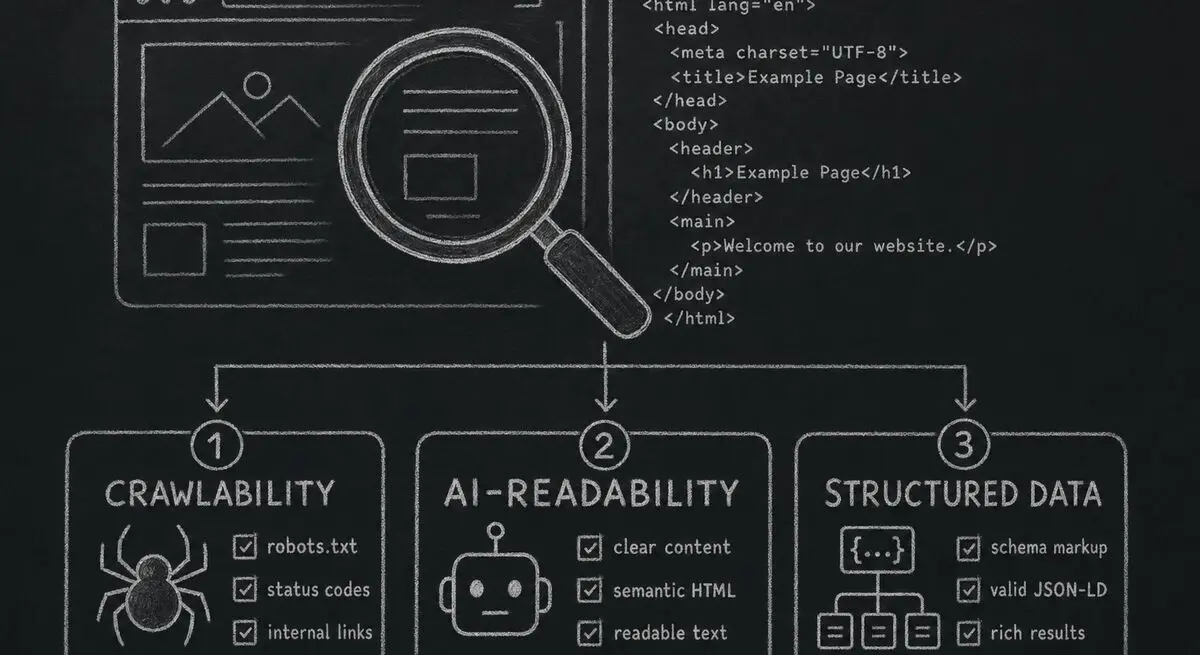
How Dashform computes technical agent readiness, groups its checks into Readiness Layers, and presents Findings without predicting traffic or revenue.
Try the world's first AI-native form and turn every response into action instantly.

