

The Commission Approval Form opens with a prompt to complete all details accurately for a swift review, then walks the submitter through eight questions in a logical sequence. The first five questions establish the core financial case: the name of the person earning the commission, the sales period covered, the qualifying sales total, the agreed rate, and the calculated commission amount. The next three questions add context and documentation: a description of the transactions or achievements behind the request, any supporting links or documents such as sales reports, contracts, or invoices, and a free-text field for special considerations. After submitting, the end screen confirms the request was received and that a review is underway.
Try the conversation below to see how this template works
Trusted by over 10,000 customers and growing
Conversations Started
Questions Answered
Forms Created
Relies on the sales period, qualifying sales value, and rate questions to build a complete, auditable record for each commission cycle.
Uses the calculated commission amount question alongside the supporting-documents field to cross-check figures before processing payment.
Depends on the payee name and transaction description questions to clearly establish who is owed what and why, without needing a separate submission process.

AI builds and refines your form through natural conversation no templates, no complex logic, no coding. From a simple text prompt or URL, Dashform generates intelligent flows that adapt automatically.
Dashform turns traditional form-filling into a two-way dialogue. The AI understands intent, remembers context, and asks relevant follow-up questions just like a real human conversation.
Every response is transformed into structured, meaningful, and ready-to-use data. Integrate with your favorite tools.
Everything you need to create amazing forms
Everything you need to know about this template
Don't see exactly what you need? Use our AI Form Generator to create a custom form in seconds. Just describe what you want, and AI will build it for you.
Explore more templates to find the perfect fit
 Travel
Collect passenger details, travel dates, route, and cabin preference so your team can find and confirm the best flight options.
 Donation
Collect donor names, contact details, pledge amounts, and payment frequency with a simple digital commitment form.
 Professions
Request a plumbing technician by describing your issue, setting your urgency level, and picking a preferred appointment slot.
 Waiver
Collect legally clear consent from podcast guests before publishing their audio, video, or written contributions.
 Incident Report
Outline incident facts, contact details, witnesses, and reported damage before contacting the appropriate authority separately.
 Agreement
Collect a legally binding policy acceptance declaration with electronic signature from insurance clients.
Learn how to get the most out of your forms and templates

Compare Dashform and Typeform for question drafting, qualification, results, and configured CRM or scheduling handoffs.

Eight Botox marketing ideas to evaluate: dedicated landing pages, consultation requests, seasonal promotions, local SEO, and configured follow-ups.
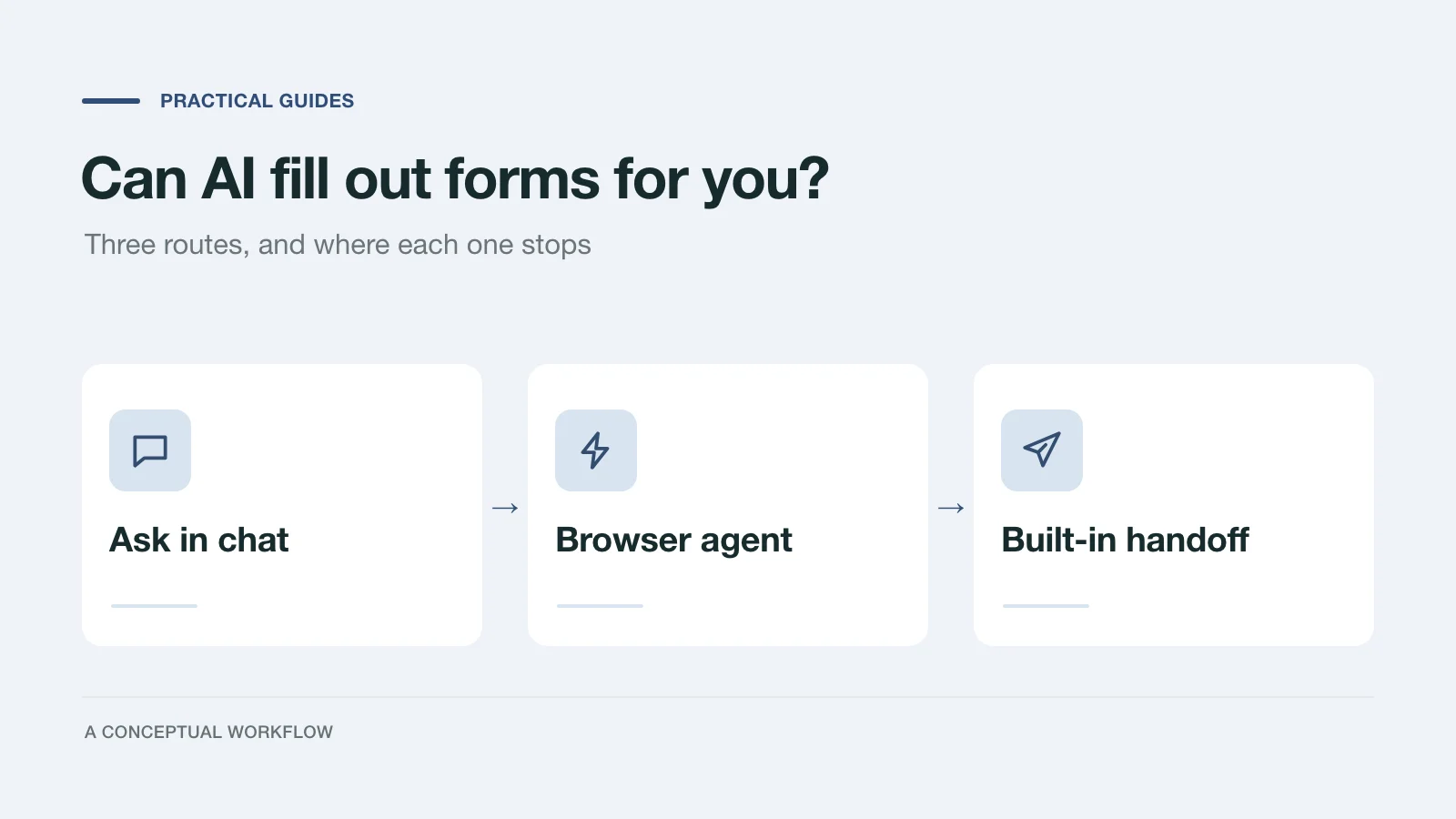
Yes, in three different ways: answers you paste in, a browser agent that clicks for you, or a form built for assistants. What each one handles and where it stops.
Try the world's first AI-native form and turn every response into action instantly.