The Copyright Registration Form opens with a welcome screen explaining its purpose, then walks through eight questions in a logical order: who you are, how to reach you, and then the details of your work. It begins with the "Please provide your full legal name." and "What is your primary contact email address?" questions to establish the applicant's identity, before moving into the work itself — its title, category, creation date, and a brief description. The "What type of work are you registering?" question covers eight categories so the right classification is captured upfront. The form closes with two declaration questions — whether the work has been published and whether the applicant is the sole author — which are essential for determining the scope of rights. After submitting, respondents see a confirmation screen letting them know their application is under review.
Try the conversation below to see how this template works
Trusted by over 10,000 customers and growing
Conversations Started
Questions Answered
Forms Created
Writers, musicians, and visual artists rely on the "What type of work are you registering?" question to correctly classify their work and the ownership declaration to confirm their sole-author status.
IP offices and legal teams use the creation date and publication status questions to establish a clear timeline of rights before a registration is processed.
Teams with shared authorship depend on the "Do you declare that you are the sole author and owner of this work?" question to flag joint ownership so reviewers can apply the correct registration rules.

AI builds and refines your form through natural conversation no templates, no complex logic, no coding. From a simple text prompt or URL, Dashform generates intelligent flows that adapt automatically.
Dashform turns traditional form-filling into a two-way dialogue. The AI understands intent, remembers context, and asks relevant follow-up questions just like a real human conversation.
Every response is transformed into structured, meaningful, and ready-to-use data. Integrate with your favorite tools.
Everything you need to create amazing forms
Everything you need to know about this template
Don't see exactly what you need? Use our AI Form Generator to create a custom form in seconds. Just describe what you want, and AI will build it for you.
Explore more templates to find the perfect fit
 Event Registration
Collect student contact details, mailing address, and course choice in one straightforward registration form.
 Self Assessment
A daily COVID-19 health screening that checks symptoms, recent exposure, and travel before staff or visitors enter a facility.
 Waiver
A five-step electronic waiver collecting COVID-19 symptom self-certification, contact history, risk acknowledgement, and a typed signature.
 Client Intake
Transfers COVID-19 patient records between acute and post-acute care facilities, capturing identity, status, and physician details.
 Application
Apply for financial relief scholarship support by describing your COVID-19 academic and financial impact.
 Tracking Log
A post-discharge health check for patients to report symptoms, well-being, and follow-up needs after leaving hospital with a COVID-19 vaccination.
Learn how to get the most out of your forms and templates
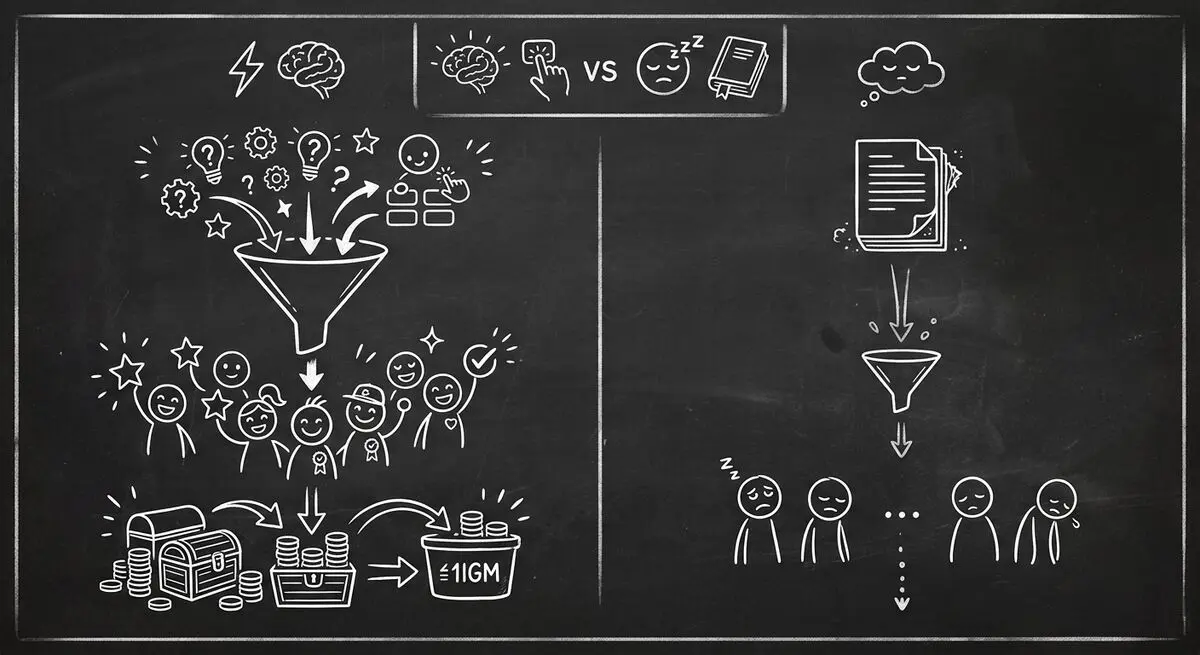
Compare quiz funnels and downloadable resources, interpret platform-specific conversion data, and design a test using your own audience.
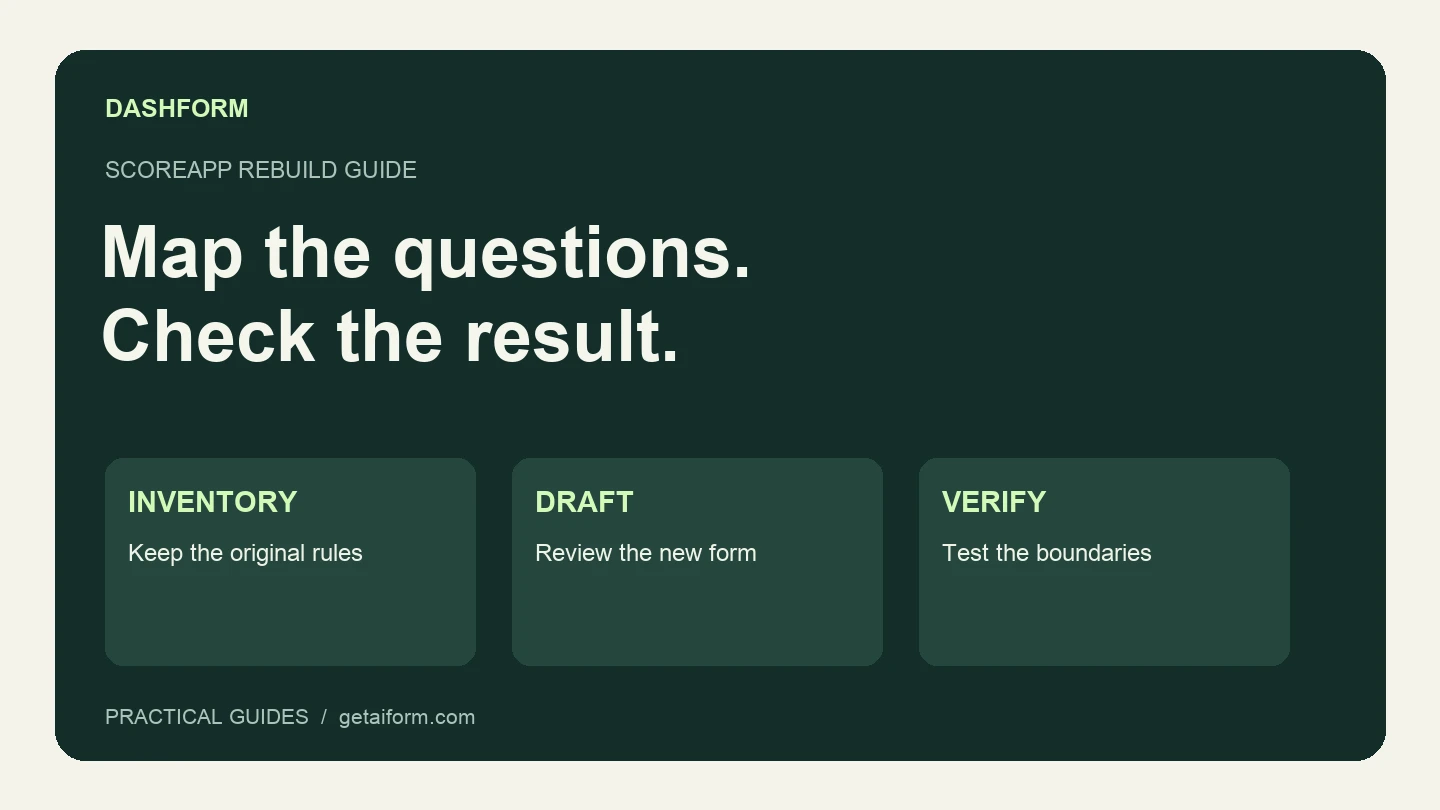
Map an existing ScoreApp assessment into a Dashform intake workflow, with a copyable brief, scoring worksheet, test cases, and clear migration limits.
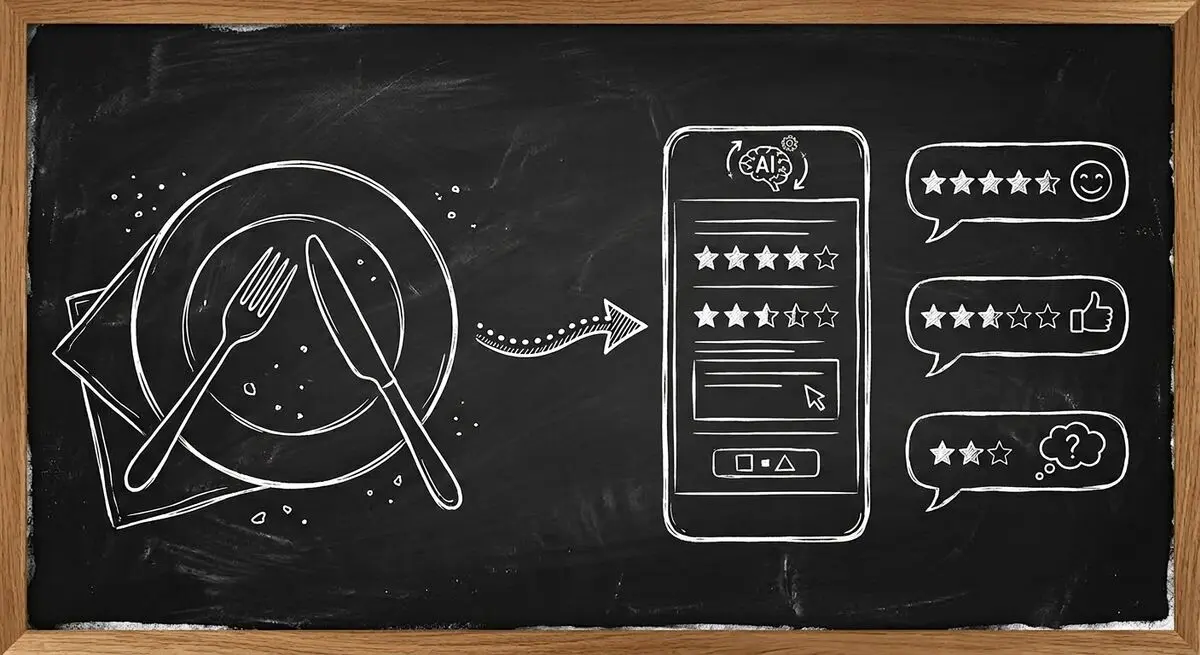
How restaurants use AI feedback forms and QR codes to read guest sentiment live, fix problems before they become public reviews, and win guests back.
Try the world's first AI-native form and turn every response into action instantly.

