

This seven-question form opens by asking for the respondent's full name and today's date to create a timestamped record tied to a specific person. It then checks for fever and a broad list of new or worsening symptoms — including cough, fatigue, sore throat, and new loss of taste or smell — before asking about close contact with a confirmed COVID-19 case in the last 14 days and recent travel to a high-transmission area. A final confirmation question asks respondents to attest that everything they've entered is accurate. After submitting, respondents see a thank-you screen acknowledging their contribution to a safe environment for all.
Try the conversation below to see how this template works
Trusted by over 10,000 customers and growing
Conversations Started
Questions Answered
Forms Created
They rely on the "In the last 14 days, have you been in close contact with anyone confirmed to have COVID-19?" question to catch potential on-site exposure before it spreads among staff.
They use the symptom checklist question to screen students and staff each morning, creating a dated record that supports attendance and health reporting.
They depend on the "Have you traveled internationally or to an area with high COVID-19 transmission in the last 14 days?" question to flag attendees who may have been exposed through recent travel.

AI builds and refines your form through natural conversation no templates, no complex logic, no coding. From a simple text prompt or URL, Dashform generates intelligent flows that adapt automatically.
Dashform turns traditional form-filling into a two-way dialogue. The AI understands intent, remembers context, and asks relevant follow-up questions just like a real human conversation.
Every response is transformed into structured, meaningful, and ready-to-use data. Integrate with your favorite tools.
Everything you need to create amazing forms
Everything you need to know about this template
Don't see exactly what you need? Use our AI Form Generator to create a custom form in seconds. Just describe what you want, and AI will build it for you.
Explore more templates to find the perfect fit
 General Survey
Collect contact details, experience, salary expectations, and motivation from job applicants in one structured form.
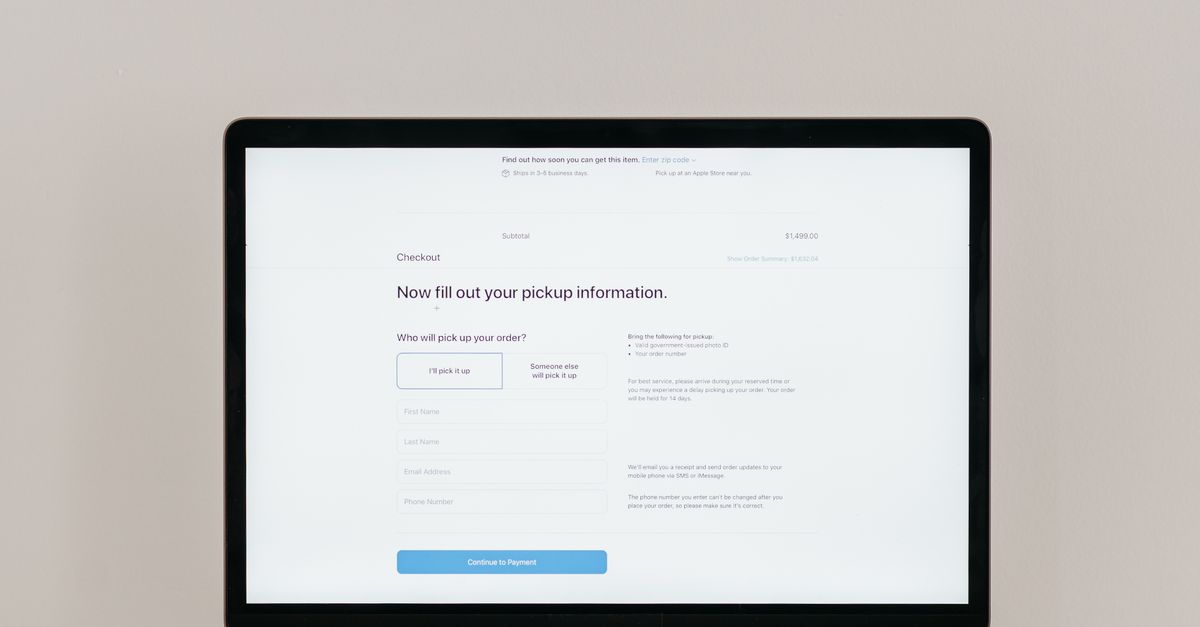 Payment
Collect payment request details and a preferred payment method for follow-up by the billing team.
 Survey
A five-question survey capturing brand perception, product priorities, and social issue awareness to map public sentiment.
 Registration
A five-question registration form that collects contact details, registration type, referral source, and any special requests.
 Food Order
A digital order pad for restaurant staff to capture table number, covers, courses, drinks, and special requests in one quick form.
 Registration
Collect email subscribers with topic preferences, frequency settings, and explicit consent in one tidy form.
Learn how to get the most out of your forms and templates
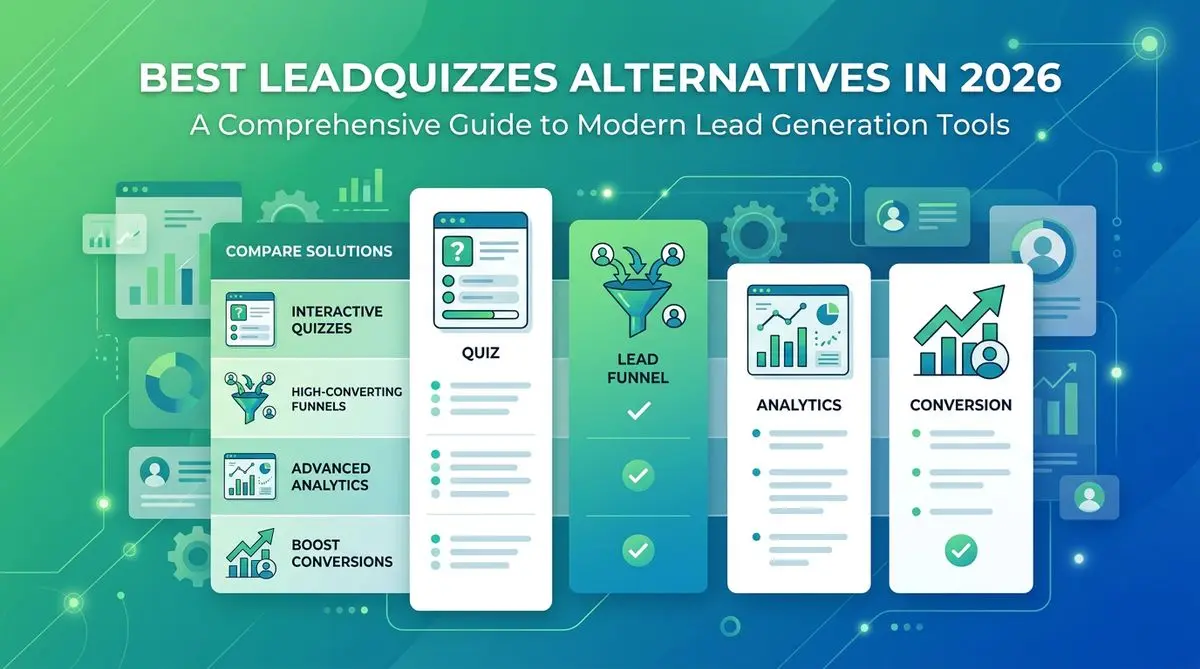
LeadQuizzes' interface is dated and its plans cap responses. 7 alternatives with AI quiz generation, automatic lead scoring, and modern UX, compared.

Med spa website examples with clear service pages, strong calls to action, mobile-friendly layouts, and lead capture that works.
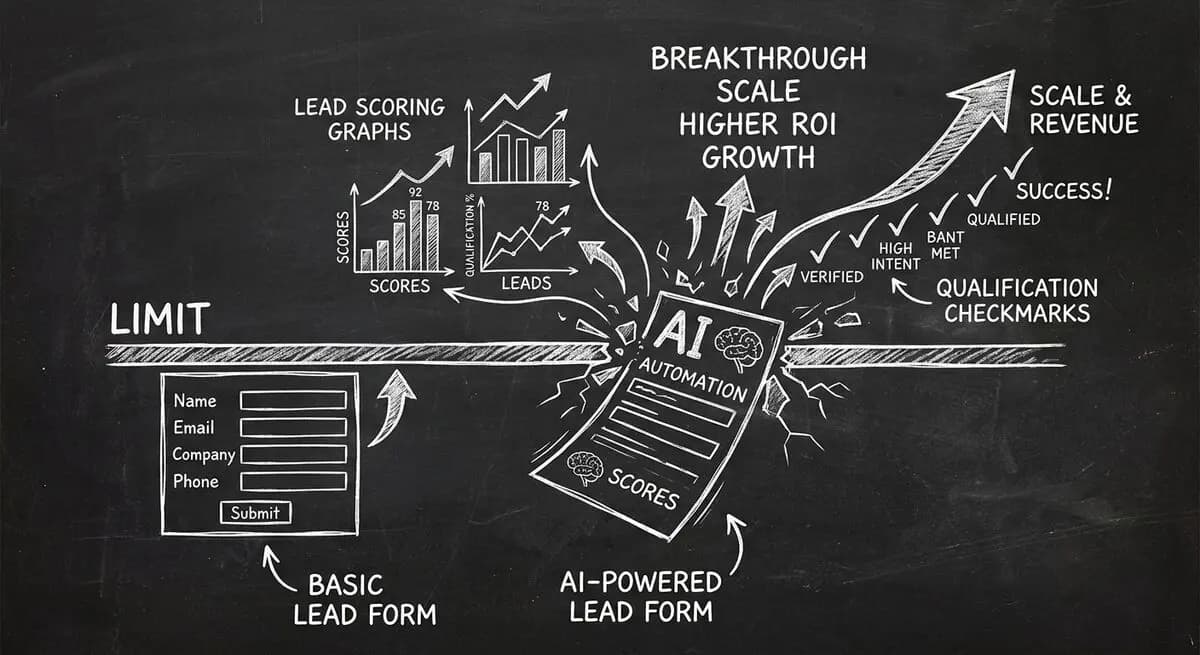
Compare Dashform and Tally for AI drafting, form logic, lead review, and integrations, with a practical checklist for evaluating a switch.
Try the world's first AI-native form and turn every response into action instantly.