

The Festival Volunteer Registration Form opens with a welcoming message, then collects contact details through the "Please provide your full legal name." and "What is your preferred email address for communications?" questions, followed by an optional phone number. The "Please describe your general availability (e.g., specific days, time blocks, or dates you are available to volunteer)." question sits early so organizers can start building shift schedules right away. The "Which areas are you most interested in contributing to?" question offers eight roles — from Artist Liaison to Crowd Management — letting coordinators match volunteers to where they're genuinely needed. Optional questions about special skills, prior event experience, and personal motivation round out the picture before the end screen thanks registrants and lets them know that assignment details are on their way.
Try the conversation below to see how this template works
Trusted by over 10,000 customers and growing
Conversations Started
Questions Answered
Forms Created
Relies on the "Which areas are you most interested in contributing to?" question to sort applicants across specialized roles like Artist Liaison and Technical Support before the event.
Uses the availability question to slot volunteers into specific days or time blocks, making it easier to fill shifts without back-and-forth emails.
Depends on the optional skills and prior experience questions to identify certified first-aiders, multilingual helpers, or stage-experienced volunteers from the applicant pool.

AI builds and refines your form through natural conversation no templates, no complex logic, no coding. From a simple text prompt or URL, Dashform generates intelligent flows that adapt automatically.
Dashform turns traditional form-filling into a two-way dialogue. The AI understands intent, remembers context, and asks relevant follow-up questions just like a real human conversation.
Every response is transformed into structured, meaningful, and ready-to-use data. Integrate with your favorite tools.
Everything you need to create amazing forms
Everything you need to know about this template
Don't see exactly what you need? Use our AI Form Generator to create a custom form in seconds. Just describe what you want, and AI will build it for you.
Explore more templates to find the perfect fit
 Preorder
Collect customer details, item selections, and shipping info to secure pre-orders for the February 2022 collection.
 Client Intake
Gather contact details, dispute background, goals, and readiness from clients before their mediation session.
 Medical
Collect patient consent for medical treatment, covering identity, procedure details, risk acknowledgment, and electronic signature.
 Client Intake
Collect patient identity, medical history, allergies, medications, blood type, and emergency contact details in one place.
 Assessment
Document a seafarer's medical examination results, vision, cardiovascular health, and fitness-for-duty determination in one structured form.
 Event Registration
Collect a patient's full medical background — medications, allergies, past diagnoses, and family history — before an appointment.
Learn how to get the most out of your forms and templates

Looking for a smarter alternative to Specific.app? Dashform AI Survey offers adaptive logic, AI-generated follow-ups, and flexible workflows designed for teams that need deeper insights and better decision-making.
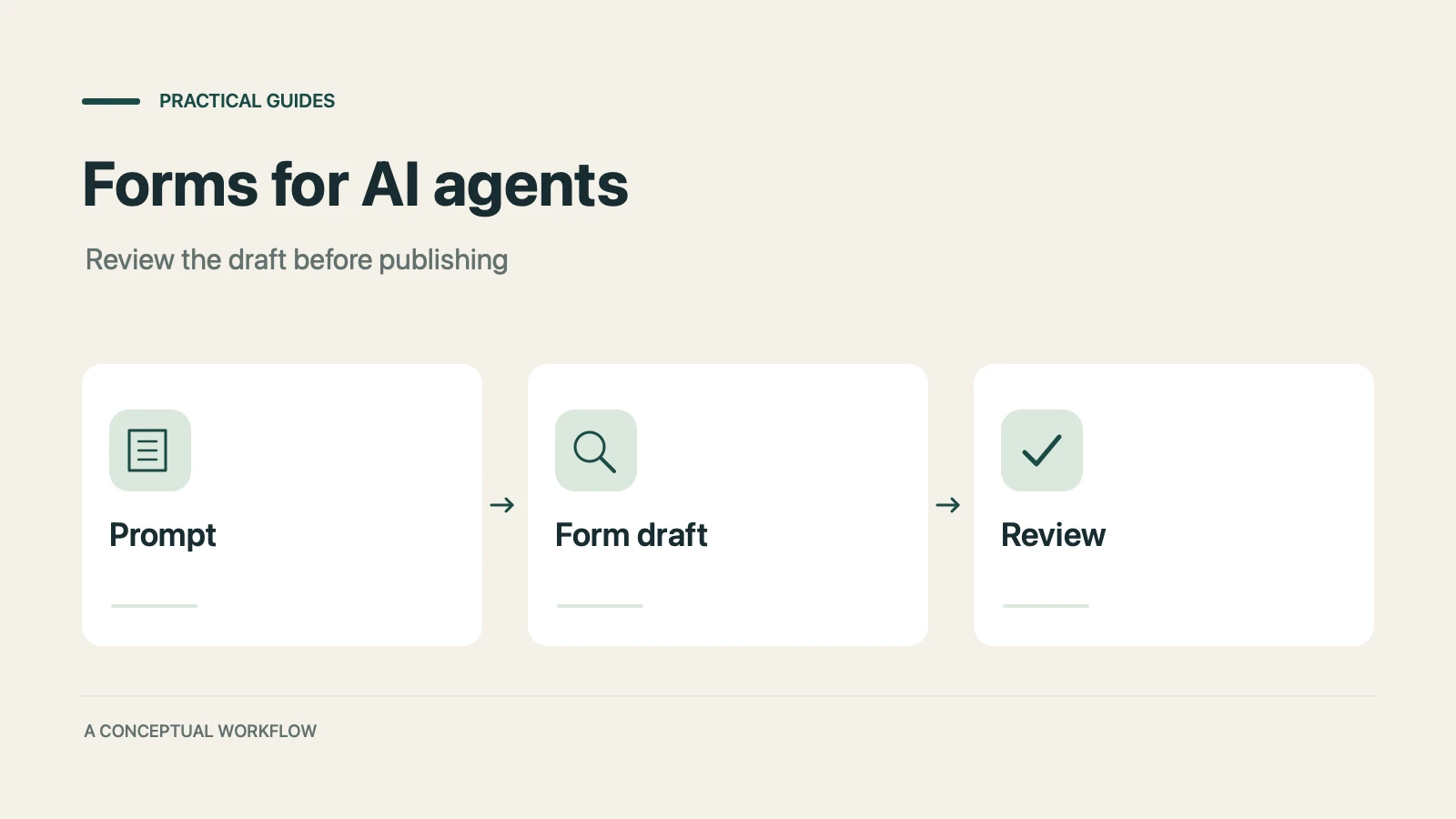
A practical guide to evaluating terminal-based Dashform workflows, checking current commands, reviewing drafts, and publishing with explicit authorization.
Use Dashform's MCP connection in a compatible AI client to draft and edit forms, review the saved result, and publish when ready.
Try the world's first AI-native form and turn every response into action instantly.