The File Attachment Form opens by asking for the respondent's full name and email address, establishing who is making the submission and where to follow up. It then asks "What is the primary purpose of this file submission?" — with options for Website, Blog, Documentation, or Other — so the owner can route images to the right team or project. The "Please describe the images you are linking to. What do they show or represent?" question gives context for the linked images, and "Paste shareable links to your image files. Make sure the intended reviewer has permission to open them." collects shareable URLs rather than uploading files. An optional final question invites any extra instructions, and the Ending thanks respondents and explains that file access and publication decisions remain with the reviewers.
Try the conversation below to see how this template works
Trusted by over 10,000 customers and growing
Conversations Started
Questions Answered
Forms Created
The "What is the primary purpose of this file submission?" question lets teams instantly sort incoming images by destination — website, blog, or documentation — without back-and-forth messages.
The image-description question gives reviewers written context for each linked screenshot or diagram before they open it.
The "What is your email address?" question gives editors a direct contact for every file submission, making it simple to request revisions or confirm publication without hunting for details.

AI builds and refines your form through natural conversation no templates, no complex logic, no coding. From a simple text prompt or URL, Dashform generates intelligent flows that adapt automatically.
Dashform turns traditional form-filling into a two-way dialogue. The AI understands intent, remembers context, and asks relevant follow-up questions just like a real human conversation.
Every response is transformed into structured, meaningful, and ready-to-use data. Integrate with your favorite tools.
Everything you need to create amazing forms
Everything you need to know about this template
Don't see exactly what you need? Use our AI Form Generator to create a custom form in seconds. Just describe what you want, and AI will build it for you.
Explore more templates to find the perfect fit
 Survey
Understand your clients' skin types, concerns, routines, and goals with this seven-question skin care survey.
 Client Intake
Collect skin type, concerns, product history, and allergies before a client's first appointment.
 Agreement
Collect client details, health disclosures, and treatment consent before a skincare appointment.
 Survey
Six questions to capture skin type, concerns, routine habits, and product preferences for tailored skincare recommendations.
 Assessment
Nine questions that pinpoint which marketing levers are working and which gaps are slowing your small business's growth.
 Application
Apply for legal rights as an executor or personal representative for a small estate in eight straightforward steps.
Learn how to get the most out of your forms and templates
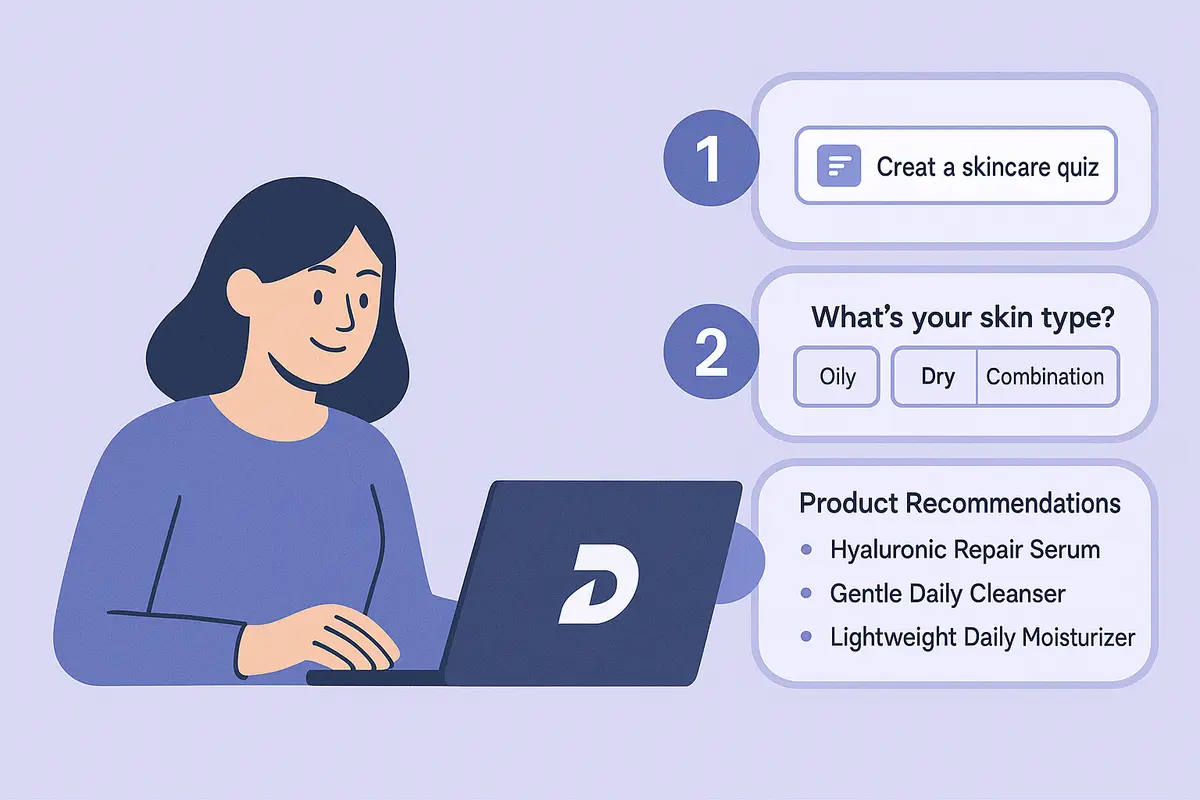
Build a high-converting AI product recommendation quiz in Dashform, with conditional logic, branding, and CRM integrations. A step-by-step guide, no code.
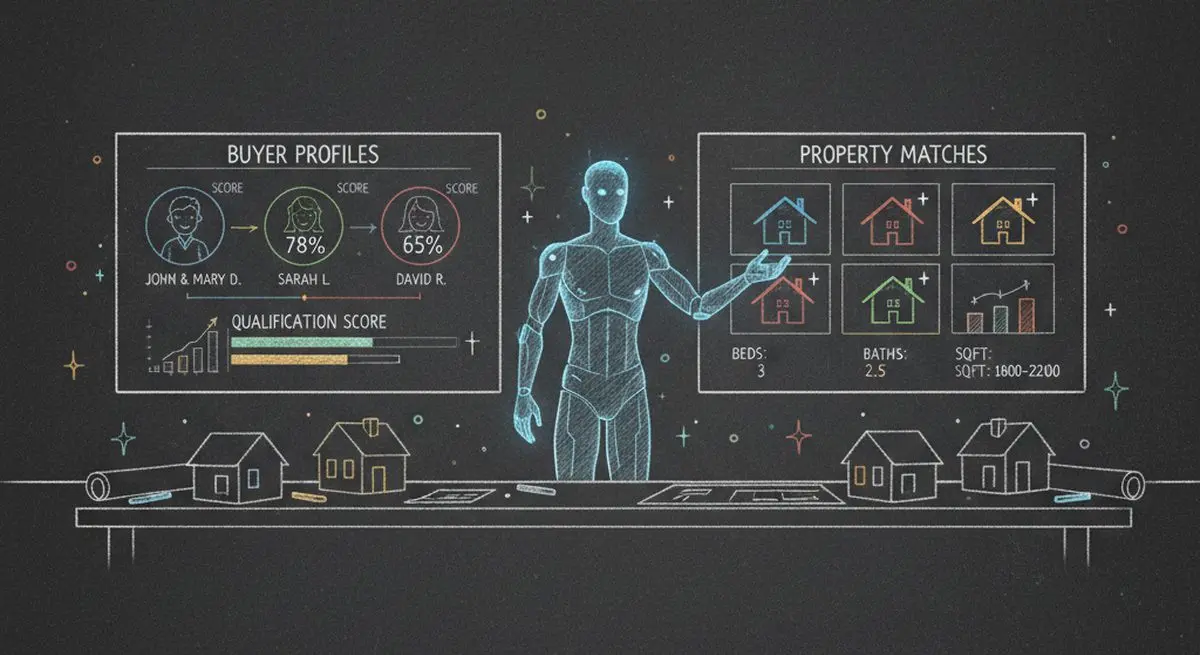
How realtors can use AI agent funnels to get pre-qualified buyer leads, with budget, timeline, and preferences already collected, and the setup it takes.
A proposed checklist for comparing form authoring, respondent experience, qualification, integrations, pricing, exports, and agent access.
Try the world's first AI-native form and turn every response into action instantly.

