This certificate of insurance form opens by asking for the policyholder's name and business address, establishing who the policy belongs to before moving into carrier and policy details. It then collects the insurance carrier name and policy number, followed by a multiple-choice question — "What types of coverage does your policy include? (Select all that apply)" — covering six common coverage types so the form owner knows exactly what protections are in place. After that, respondents enter their policy limits per coverage type and the policy effective dates, giving the owner the figures and timeframe needed to confirm adequate coverage. The optional "Are there any additional insured parties listed on this policy? If yes, please specify." question captures any third parties named on the policy, which is often a contract requirement. After submitting, respondents see a confirmation screen thanking them and letting them know the certificate will be reviewed and that someone will follow up if more details are needed.
Try the conversation below to see how this template works
Trusted by over 10,000 customers and growing
Conversations Started
Questions Answered
Forms Created
They rely on the "What types of coverage does your policy include? (Select all that apply)" question and the policy limits field to confirm tenants or contractors carry the minimum liability coverage required before signing a lease or contract.
They use the policy effective dates field and the "Are there any additional insured parties listed on this policy? If yes, please specify." question to verify subcontractors are covered for the duration of a project and that the right parties are named on the policy.
They depend on the "What is the name of your insurance carrier/company?" and "What is your insurance policy number?" questions to quickly look up and validate a vendor's coverage with the carrier before approving them for work.

AI builds and refines your form through natural conversation no templates, no complex logic, no coding. From a simple text prompt or URL, Dashform generates intelligent flows that adapt automatically.
Dashform turns traditional form-filling into a two-way dialogue. The AI understands intent, remembers context, and asks relevant follow-up questions just like a real human conversation.
Every response is transformed into structured, meaningful, and ready-to-use data. Integrate with your favorite tools.
Everything you need to create amazing forms
Everything you need to know about this template
Don't see exactly what you need? Use our AI Form Generator to create a custom form in seconds. Just describe what you want, and AI will build it for you.
Explore more templates to find the perfect fit
 Product Order
Formally request a modification to an existing contract, covering scope, schedule, price, and justification.
 Booking
Schedule a contract review session and give the legal team everything they need to prepare before you meet.
 File Upload
Collect a contract document link, agreement details, effective date, and sender authorization for review.
 Legal
Collect both parties' details, dates, and key terms to generate a ready-to-use contract document.
 Quote Request
Collect contact details, project type, description, timeline, and budget so contractors can prepare an accurate quote.
 Food Order
A simple seven-question form for placing a cookie order, from variety selection to delivery date.
Learn how to get the most out of your forms and templates
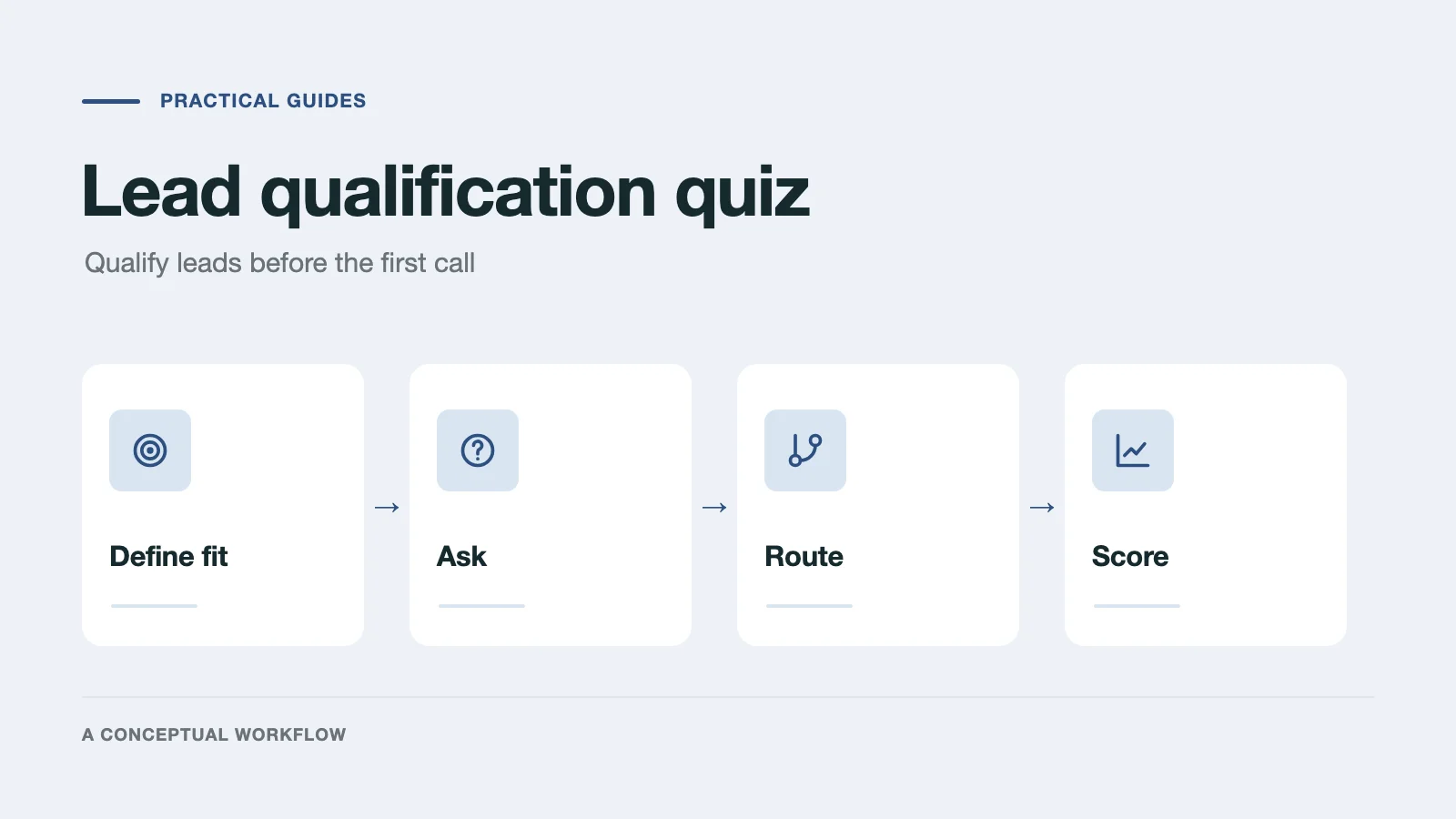
Build a lead qualification quiz: define who qualifies, ask questions that reveal fit, route each answer to a next step, and score every reply.
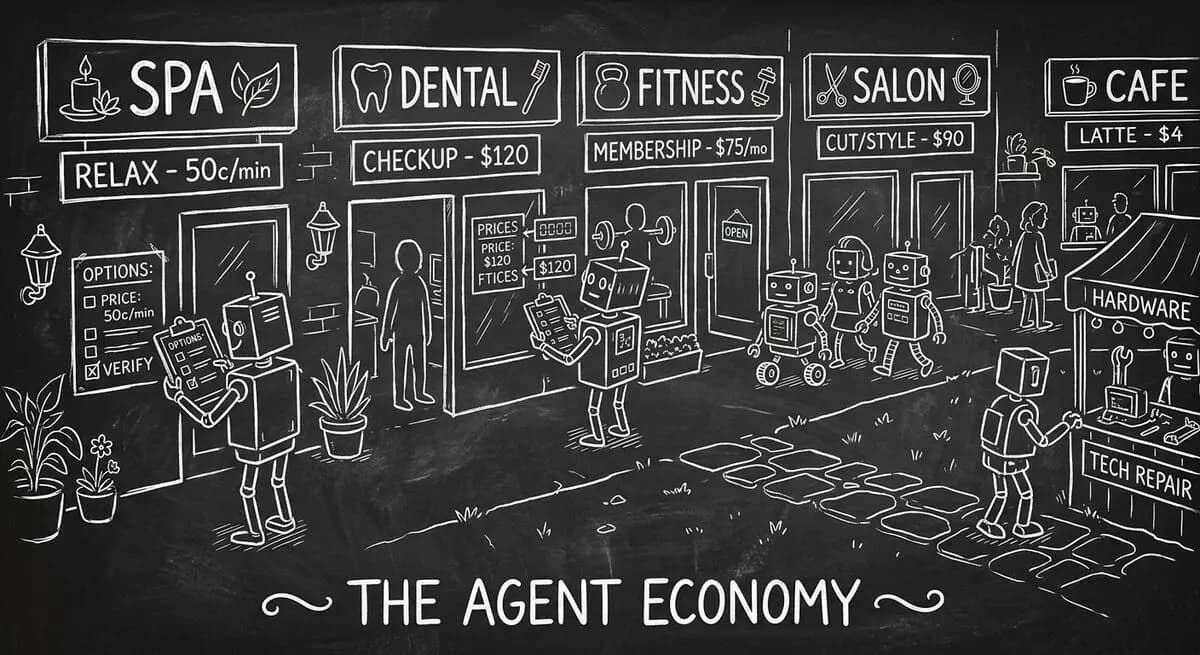
A practical guide to testing whether an authorized AI agent can find your service details and send an inquiry, with separate setup for confirmed bookings.

OpenAI's GPT-5.4 joined Claude Opus 4.6 and Gemini 3.1 Pro in early 2026. How their strengths differ for forms, quizzes, and lead qualification.
Try the world's first AI-native form and turn every response into action instantly.

