The Cookie Order Form opens with a welcome screen inviting customers to select their favorite cookies and provide their details, then walks through seven questions in a logical order: contact information first (name, email, and phone number), followed by a shipping address, cookie selection, quantity and special requests, and a preferred delivery date. The cookie selection question lets customers pick from five named varieties — Chocolate Chip, Oatmeal Raisin, Sugar, Peanut Butter, and Snickerdoodles — or choose a custom assortment, with the optional follow-up question letting them spell out exact quantities or any special instructions. After submitting, customers see a confirmation screen letting them know their order has been received and that a confirmation email is on its way.
Try the conversation below to see how this template works
Trusted by over 10,000 customers and growing
Conversations Started
Questions Answered
Forms Created
The cookie selection and optional quantity question let customers describe exactly what they want, so there's no back-and-forth before the baker starts.
The "Please enter your full shipping address (Street, City, State, Zip Code)." and preferred delivery date questions give bakeries everything they need to schedule and ship orders without a follow-up call.
The custom assortment option and special requests field let buyers order tailored cookie boxes for events or gifts, capturing all the details in one submission.

AI builds and refines your form through natural conversation no templates, no complex logic, no coding. From a simple text prompt or URL, Dashform generates intelligent flows that adapt automatically.
Dashform turns traditional form-filling into a two-way dialogue. The AI understands intent, remembers context, and asks relevant follow-up questions just like a real human conversation.
Every response is transformed into structured, meaningful, and ready-to-use data. Integrate with your favorite tools.
Everything you need to create amazing forms
Everything you need to know about this template
Don't see exactly what you need? Use our AI Form Generator to create a custom form in seconds. Just describe what you want, and AI will build it for you.
Explore more templates to find the perfect fit
 Issue Report
Report a Discord user for spam, harassment, inappropriate content, impersonation, or other rule violations.
 Consent
Collect diver consent, certification level, medical info, and emergency contact details before any diving activity.
 Survey
Collect age, gender, ethnicity, inclusion satisfaction, and open-ended suggestions to guide your diversity initiatives.
 Agreement
Outline an event, performance hours, equipment arrangements, fees, and cancellation terms for a separately prepared DJ agreement.
 Invoice
Record client details, event services, equipment, charges, and payment terms before preparing a DJ invoice.
 Appointment Booking
Request a doctor's appointment by providing patient details, a preferred date and time, and your reason for visiting.
Learn how to get the most out of your forms and templates
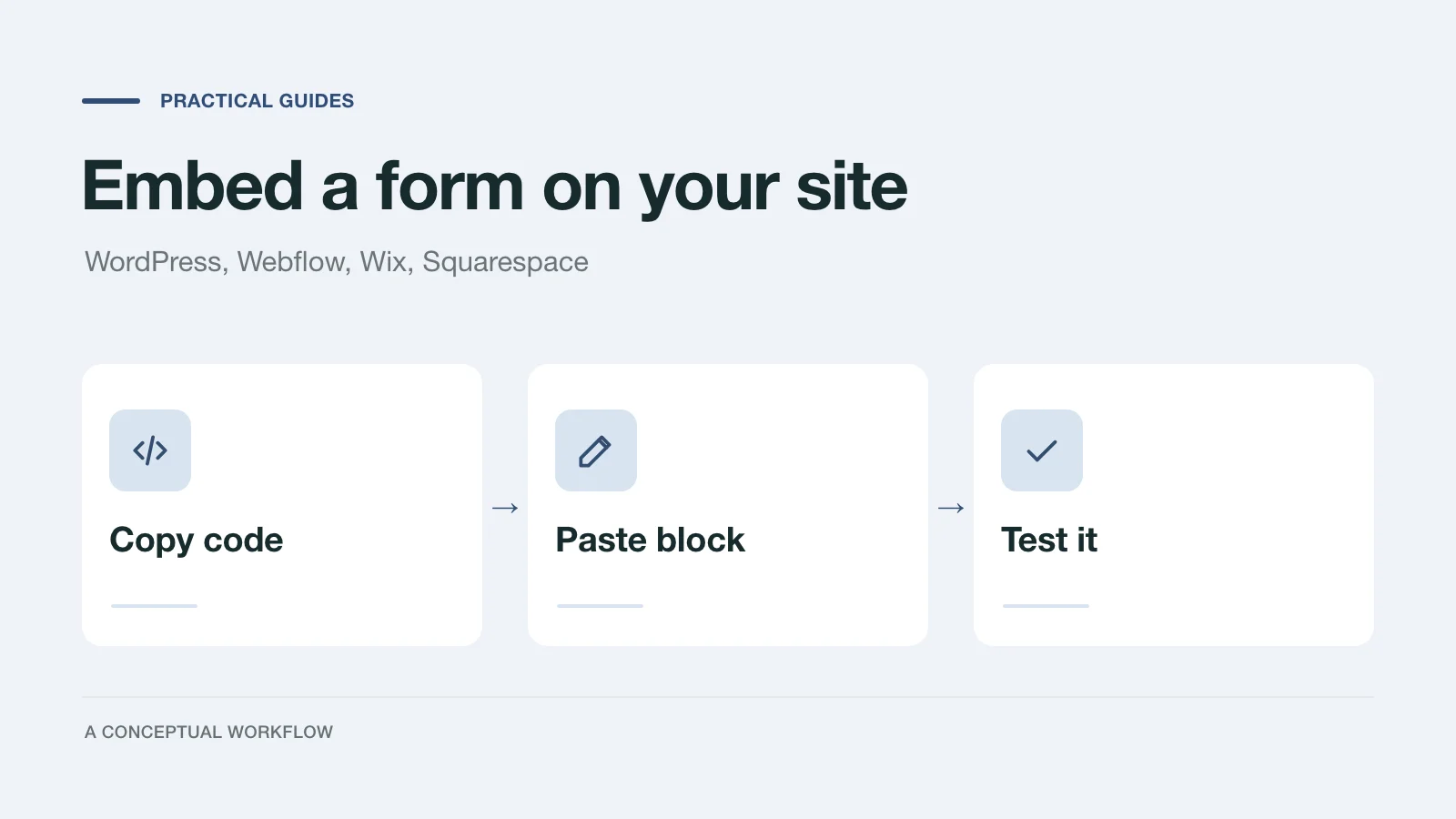
Exact steps to embed a form on WordPress, Webflow, Wix and Squarespace: which block to add, where to paste the code, plan limits, and a test checklist.

Stop spending hours on unqualified discovery calls. AI intake forms qualify fitness clients on goals, budget, and commitment before they book.
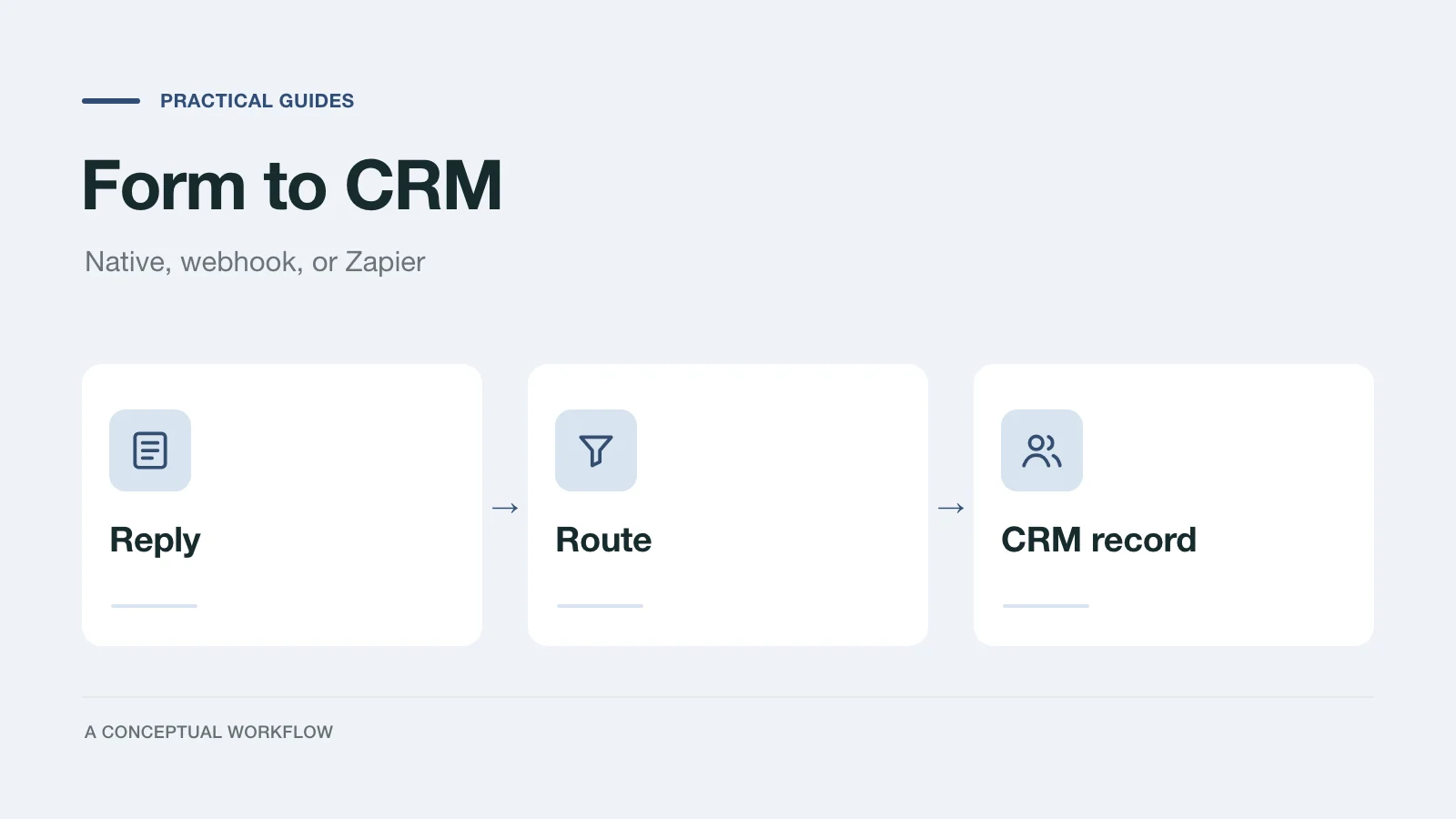
Compare three ways to send form submissions to your CRM (native, webhook, Zapier) by setup, failures, and duplicates, with two worked HubSpot builds.
Try the world's first AI-native form and turn every response into action instantly.

