

This contract intake form collects six details: the submitting client or entity, agreement type, optional context, effective date, a shareable document link, and an authorization acknowledgment. The contract-type choices distinguish service, nondisclosure, partnership, and lease agreements, with Other for additional cases. The required link gives the reviewer a way to reach the document, while the final acknowledgment records the sender’s stated authority. The closing message thanks the sender for the details and link. Files are hosted separately; this example has no file-upload control.
Try the conversation below to see how this template works
Trusted by over 10,000 customers and growing
Conversations Started
Questions Answered
Forms Created
They rely on the "What type of contract are you submitting?" question to instantly categorize incoming documents and assign them to the right reviewer without back-and-forth emails.
They use the "What is the effective date of the agreement?" question to track contract timelines and flag documents that need urgent attention before a start date arrives.
They depend on the confirmation question to protect themselves by capturing an explicit statement that the submitting party is authorized — before any work tied to the agreement begins.

AI builds and refines your form through natural conversation no templates, no complex logic, no coding. From a simple text prompt or URL, Dashform generates intelligent flows that adapt automatically.
Dashform turns traditional form-filling into a two-way dialogue. The AI understands intent, remembers context, and asks relevant follow-up questions just like a real human conversation.
Every response is transformed into structured, meaningful, and ready-to-use data. Integrate with your favorite tools.
Everything you need to create amazing forms
Everything you need to know about this template
Don't see exactly what you need? Use our AI Form Generator to create a custom form in seconds. Just describe what you want, and AI will build it for you.
Explore more templates to find the perfect fit
 Agreement
Outline buyer, seller, trailer identification, price, date, and condition terms before preparing a separate bill of sale.
 General Application
Collect applicant contact details, program interest, goals, experience, and funding needs in one straightforward form.
 Survey
Collect structured post-training feedback on content, instructor effectiveness, relevance, and suggested improvements.
 Hr
HrLog employee training completion, certification details, and instructor info for compliance and development records.
 Hr
HrA structured eight-question form for employees to submit business travel requests for manager or finance approval.
 Product Order
Place your Halloween treats and decorations order in minutes, with pickup or delivery options available.
Learn how to get the most out of your forms and templates

Learn how automated form workflows reduce manual work and improve data accuracy. Discover how Dashform uses AI to generate forms, map fields, and automate workflows across your business tools.
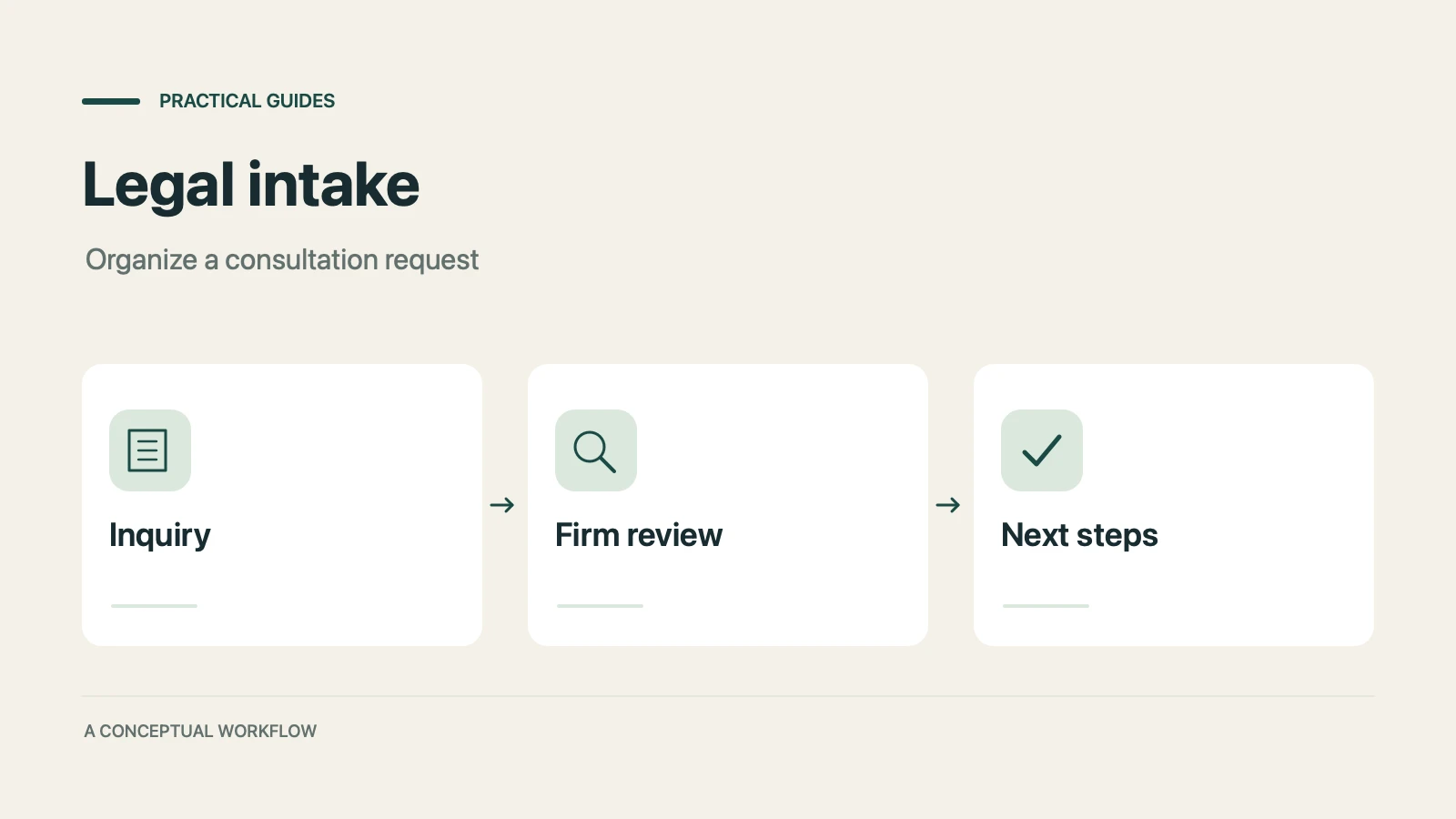
A proposed personal injury intake workflow for collecting inquiries, preparing attorney reviews, and gathering feedback, with clear boundaries for legal decisions, sensitive records, signatures, and external tools.
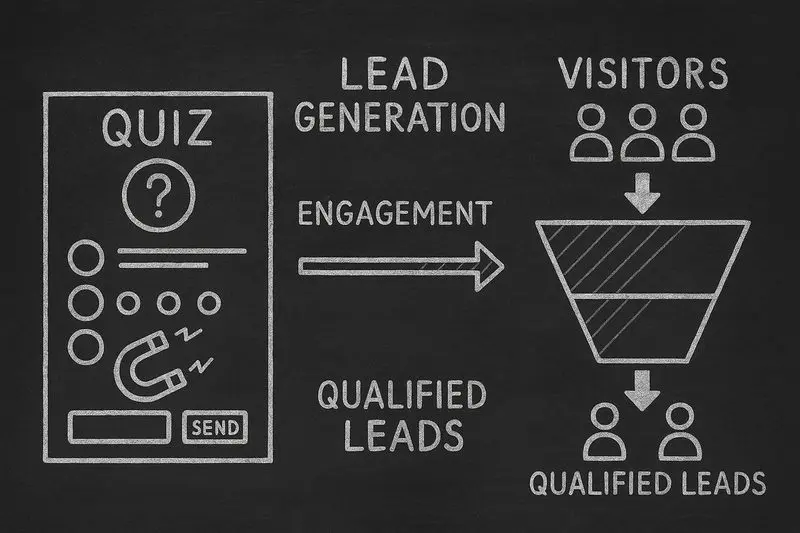
How lead generation quizzes work, the 5 quiz types that fit different goals, a design framework, and an email-capture playbook, with conversion data from Interact's quiz report.
Try the world's first AI-native form and turn every response into action instantly.