The Business Promotion Form opens by asking for the respondent's name and email address to establish contact, then offers optional fields for a phone number and mailing address so the business can reach customers through additional channels if they choose to share them. A single-choice question asks how the respondent heard about the business — with options including 'Social Media', 'Friend or Family', and 'In-store Advertisement' — revealing which marketing channels are working. The final question asks what products or categories the respondent is most interested in, giving the owner direct insight into what to highlight in promotions. After submitting, respondents see a thank-you screen letting them know their input will be used to tailor future promotions to their needs.
Try the conversation below to see how this template works
Trusted by over 10,000 customers and growing
Conversations Started
Questions Answered
Forms Created
Rely on the "What products or categories are you most interested in shopping for today?" question to understand in-store demand and plan promotions around what customers actually want.
Use the "How did you hear about our business/store?" question to measure which local marketing efforts — from in-store ads to word-of-mouth — are bringing in new customers.
Depend on the required email field and optional mailing address to build a contact list for targeted digital and direct-mail promotions.

AI builds and refines your form through natural conversation no templates, no complex logic, no coding. From a simple text prompt or URL, Dashform generates intelligent flows that adapt automatically.
Dashform turns traditional form-filling into a two-way dialogue. The AI understands intent, remembers context, and asks relevant follow-up questions just like a real human conversation.
Every response is transformed into structured, meaningful, and ready-to-use data. Integrate with your favorite tools.
Everything you need to create amazing forms
Everything you need to know about this template
Don't see exactly what you need? Use our AI Form Generator to create a custom form in seconds. Just describe what you want, and AI will build it for you.
Explore more templates to find the perfect fit
 Assessment
A five-question clinical intake form assessing urinary leakage frequency, volume, triggers, and impact on daily life.
 General Request
Collect, categorize, and assess new ideas with structured questions on the problem, solution, benefits, and difficulty.
 Survey
Gather employee preferences on in-person meeting frequency, format, and timing to shape a fair and practical meetings policy.
 Incident
Record workplace incidents, injuries, and safety concerns with all the detail needed for investigation and follow-up.
 Issue Report
Report a broken, incomplete, or underperforming work item with issue type, severity, and a detailed description.
 Waiver
Collect legally sound participant consent with identity details, risk acknowledgement, and a clear liability release sign-off.
Learn how to get the most out of your forms and templates
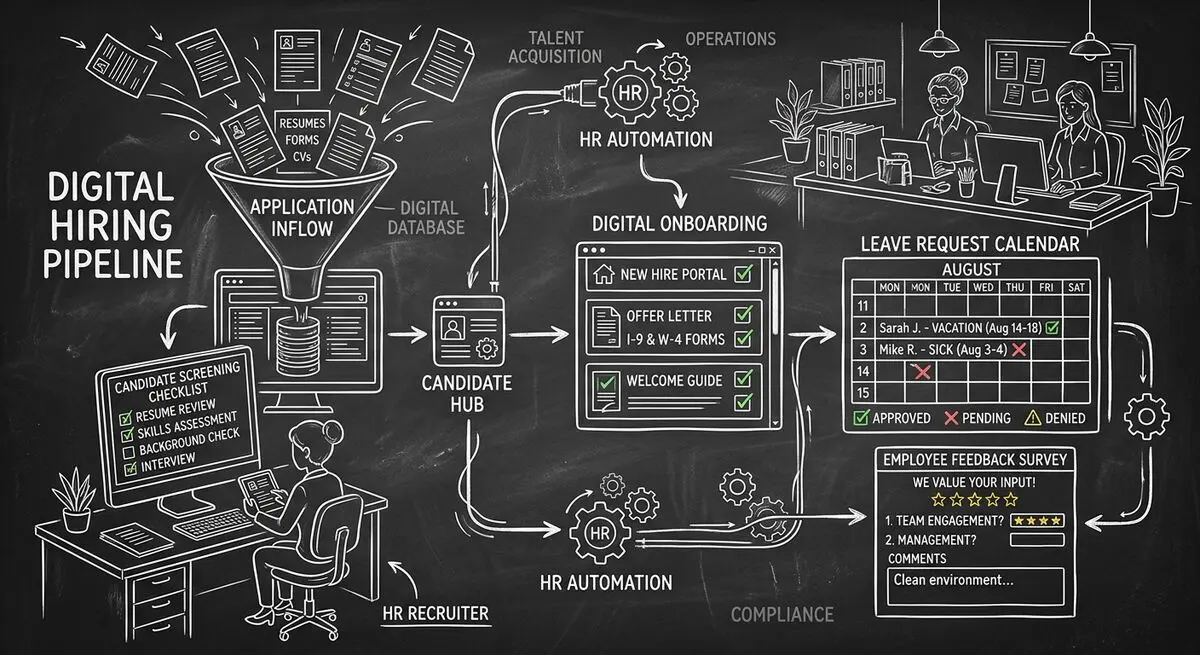
Six Dashform generator starting points for applications, onboarding forms, leave requests, surveys, and feedback, with human review and integration setup.
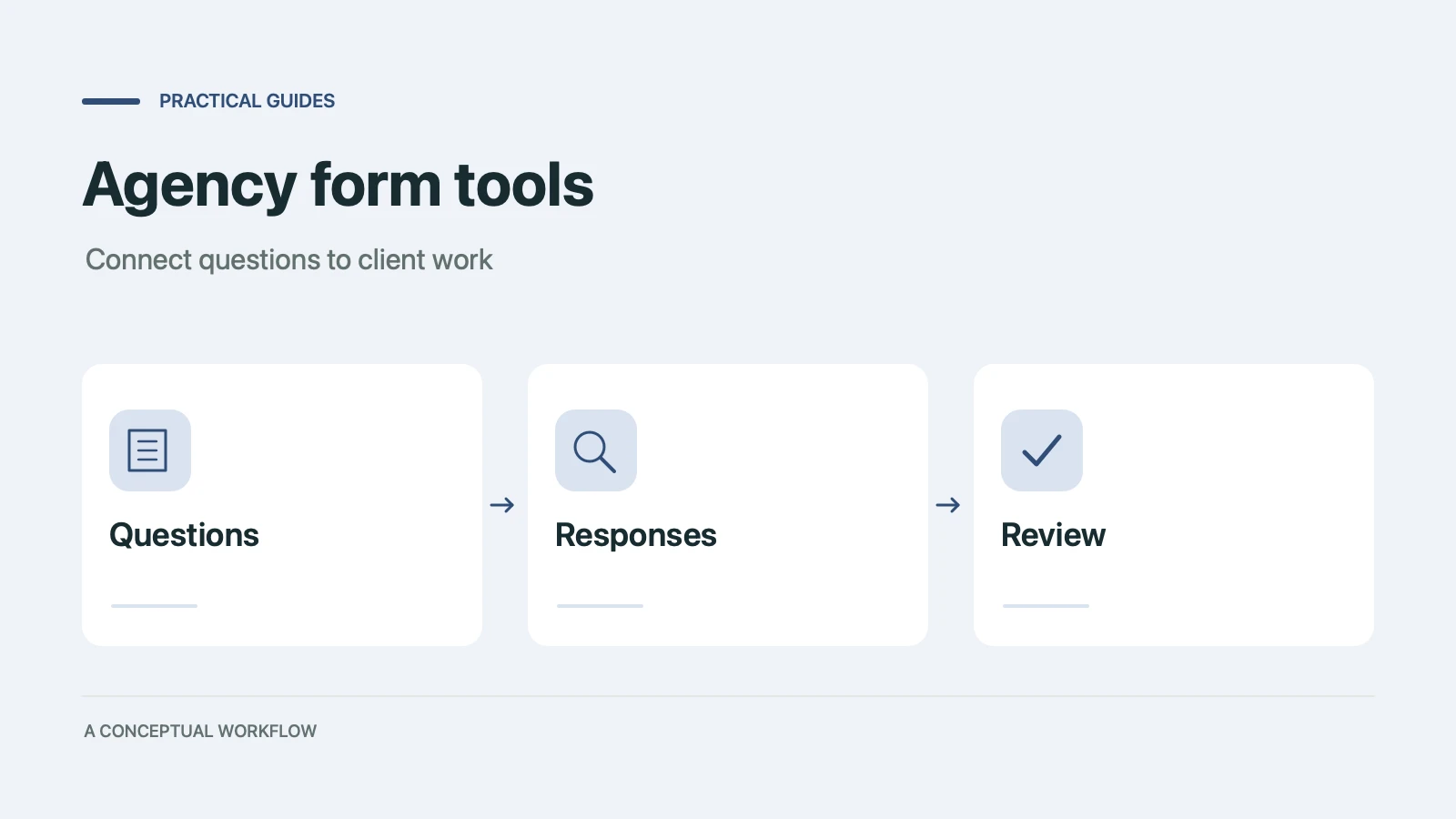
Use six Dashform generator entry points to draft client quizzes, surveys, intake forms, and feedback forms, then review and test the workflow.
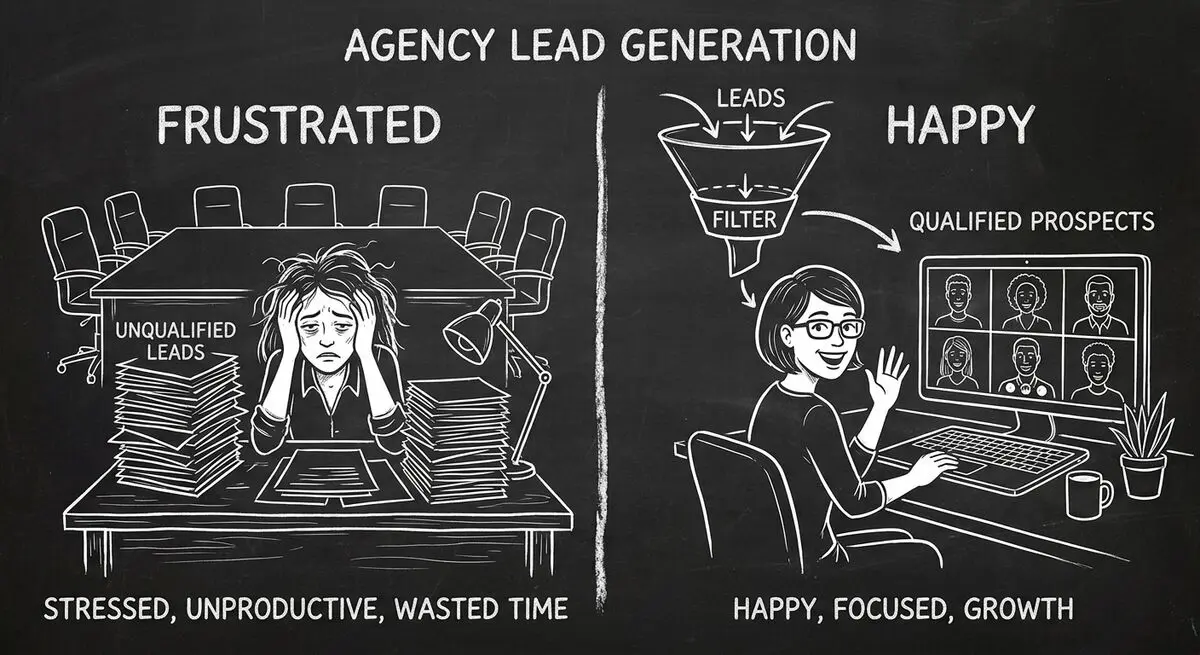
An illustrative playbook for a B2B content agency swapping its contact form for an AI quiz funnel: the questions, scoring, routing, and 60-day metrics.
Try the world's first AI-native form and turn every response into action instantly.

